

With the Calendar feature, you can view and track your competitors’ email and ad campaigns in one place.
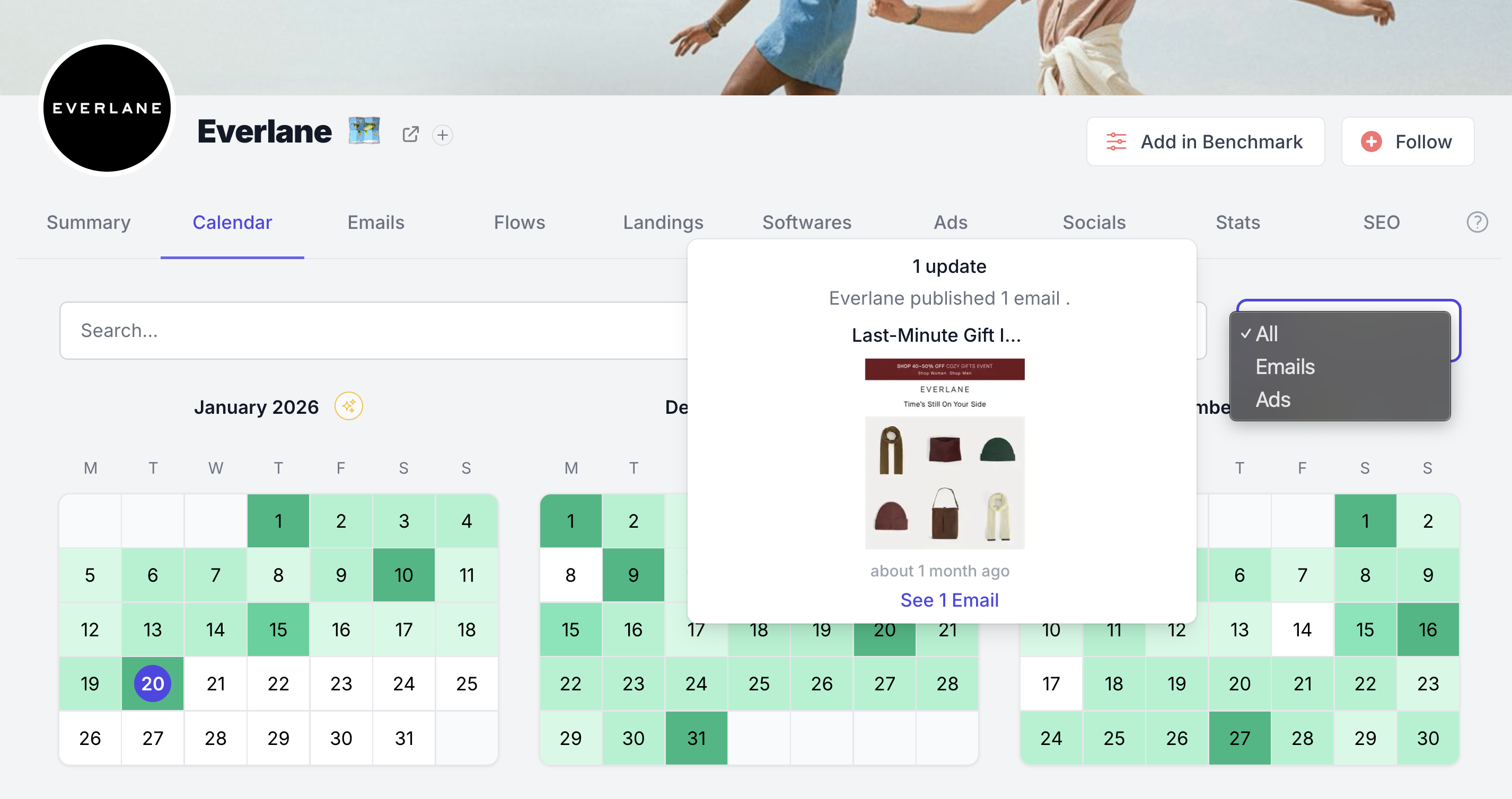
The calendar lets you:
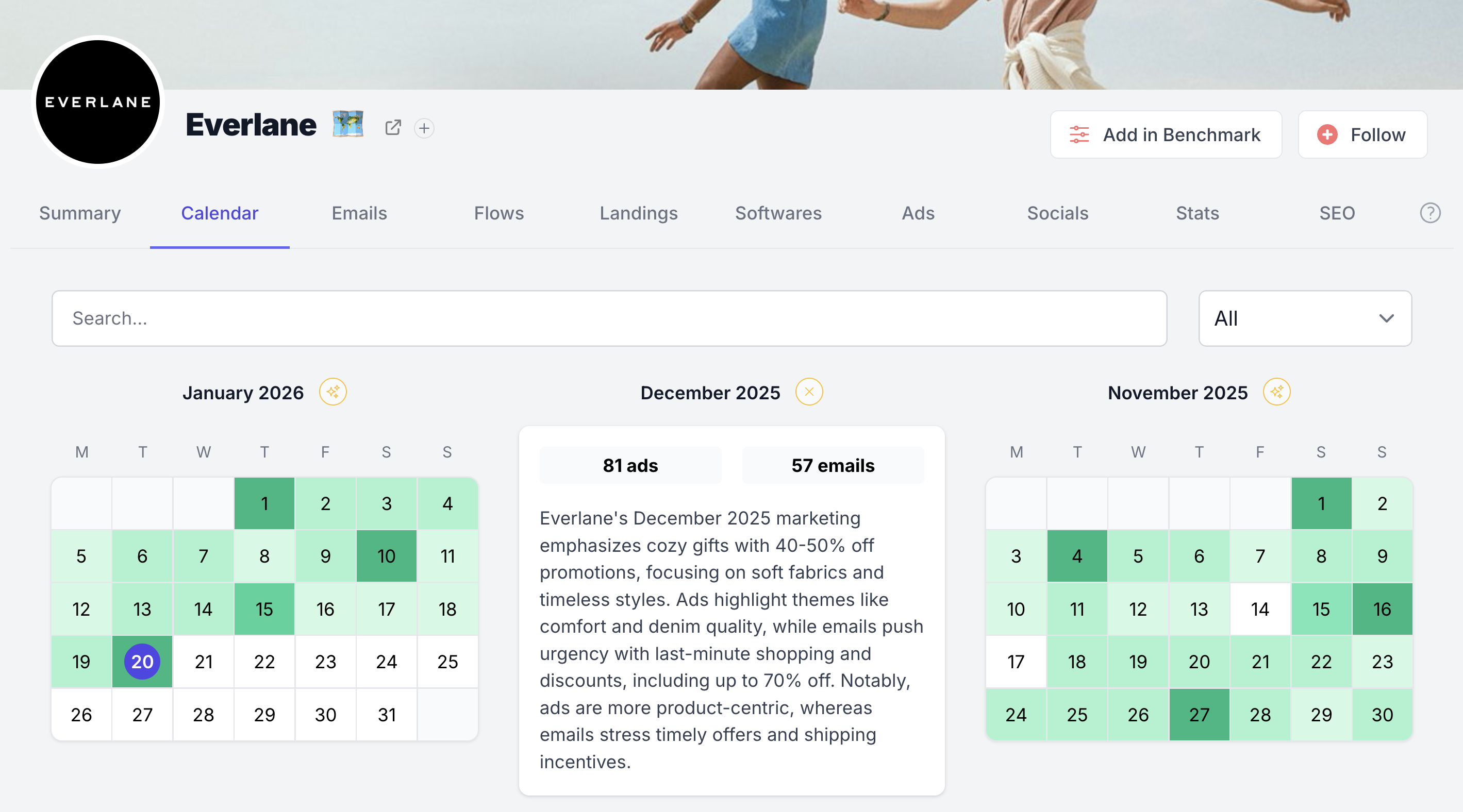
The different colors help you quickly spot days with fewer or more updates.
A white date means there are no updates on that day.
Darker green means more updates. Lighter green means fewer updates.
When you hover over a date, you can see how many emails and/or ads were received that day.
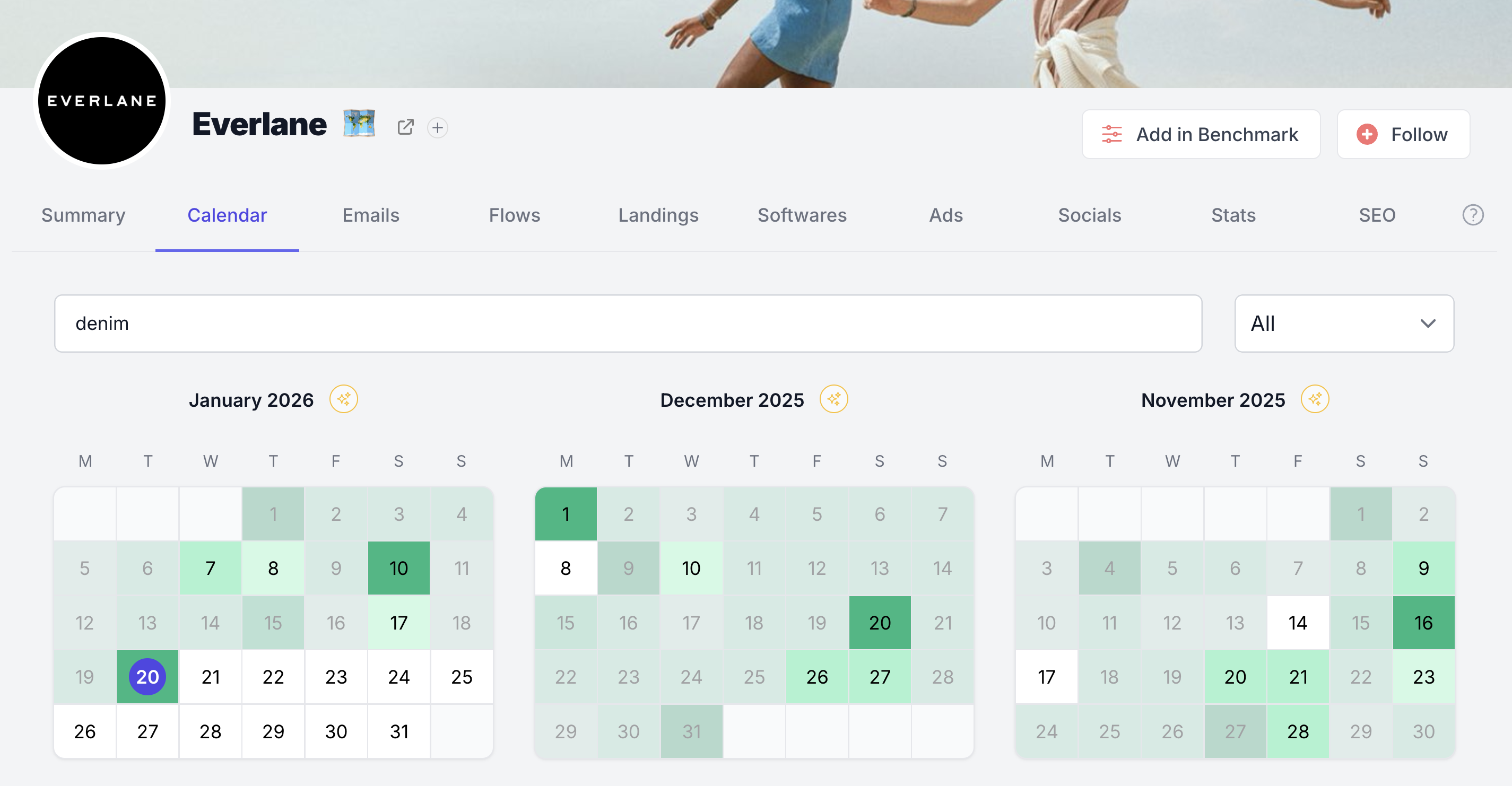
You can also search for a keyword - then the calendar will immediately highlight the days on which competitors have mentioned this keyword. Here’s what I see when I search for “denim”:


1-minute signup, no credit card required
with our experts


