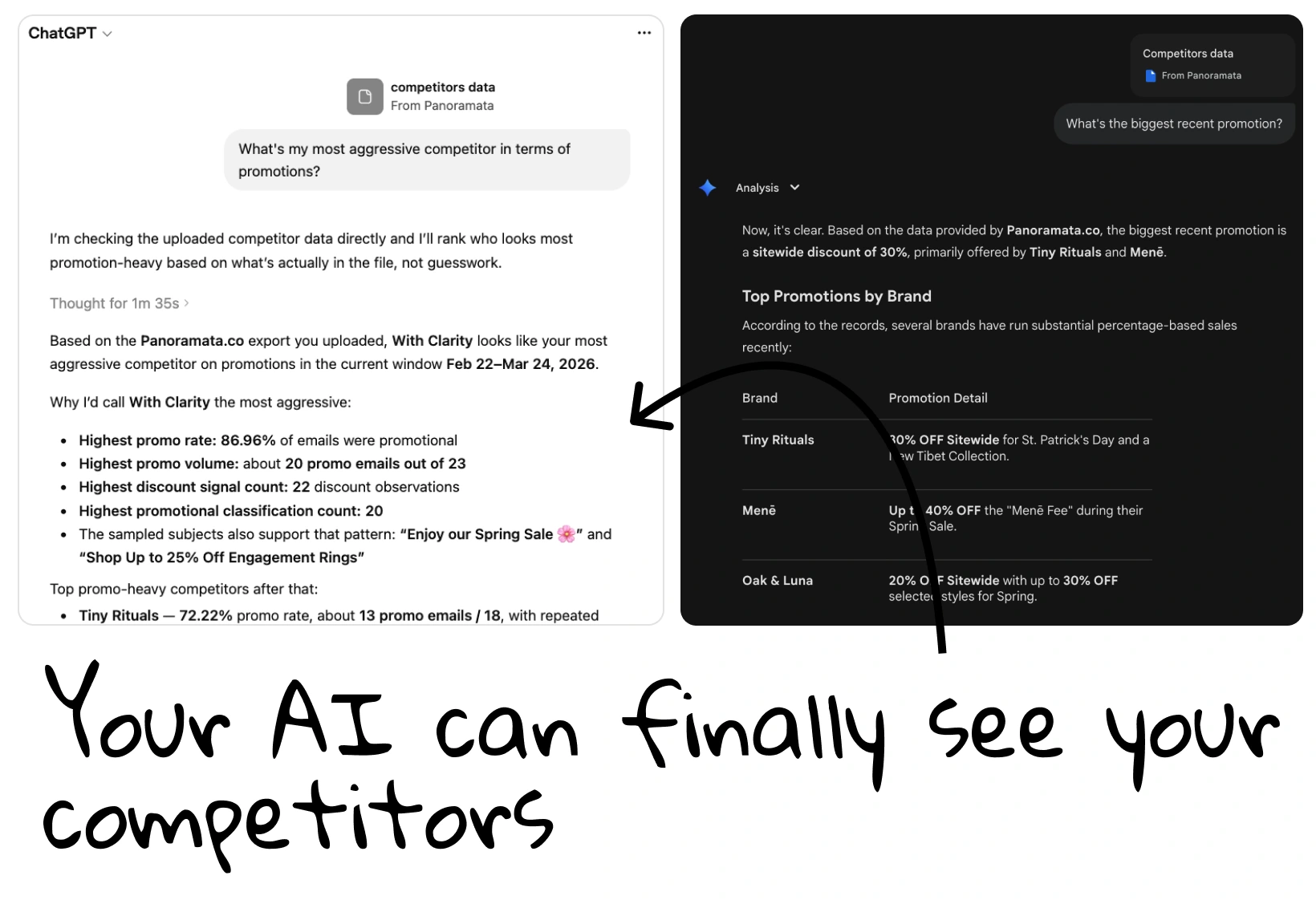
Already using an AI in your worklow? You're right to do so. Make it better by giving it the competitor research too. Connect Panoramata so your AI can look up tracked emails, ads, and brand activity when you ask. Find out what competitors are promoting, then use those examples to work on your own campaign.


1-minute signup, no credit card required

with our experts
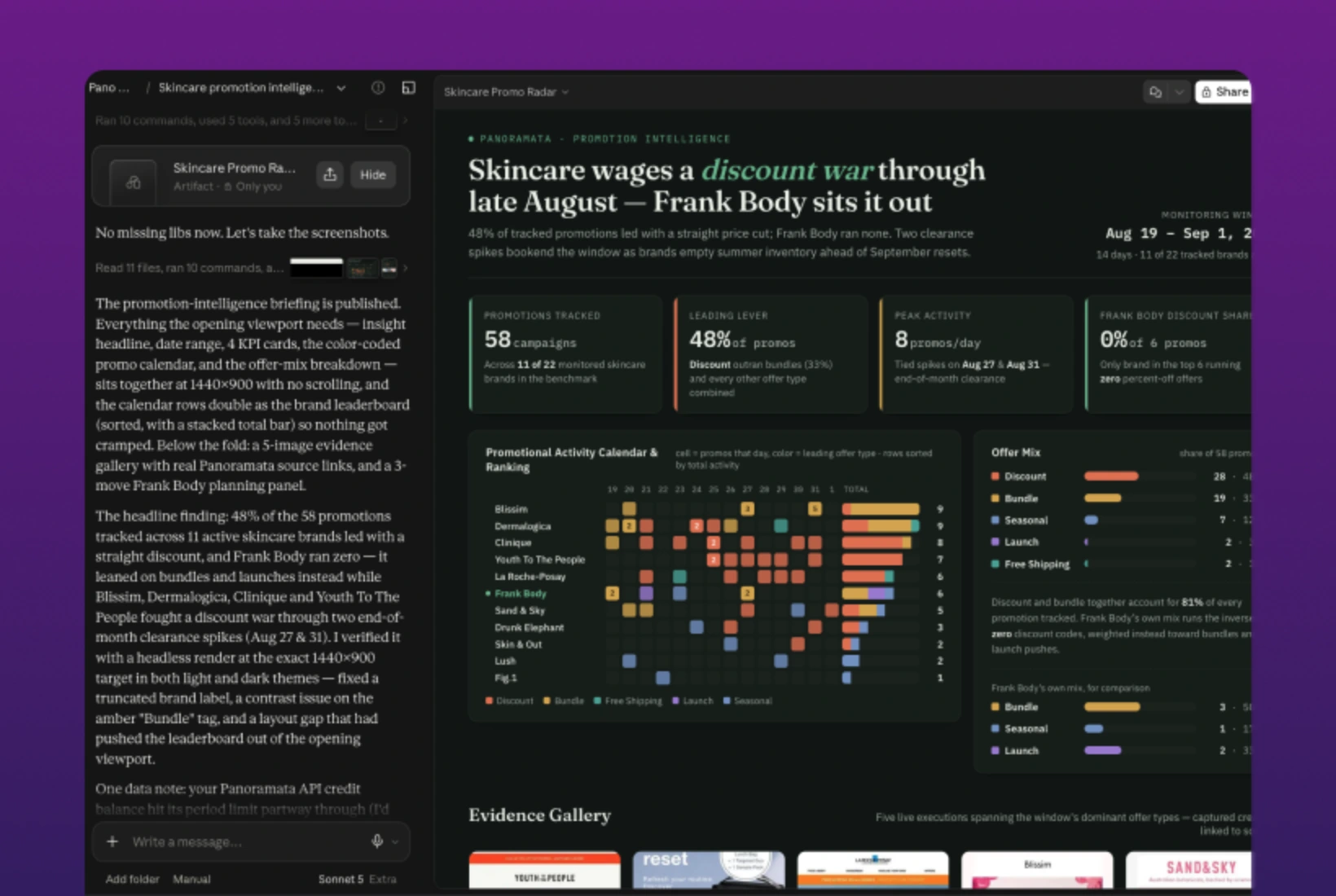
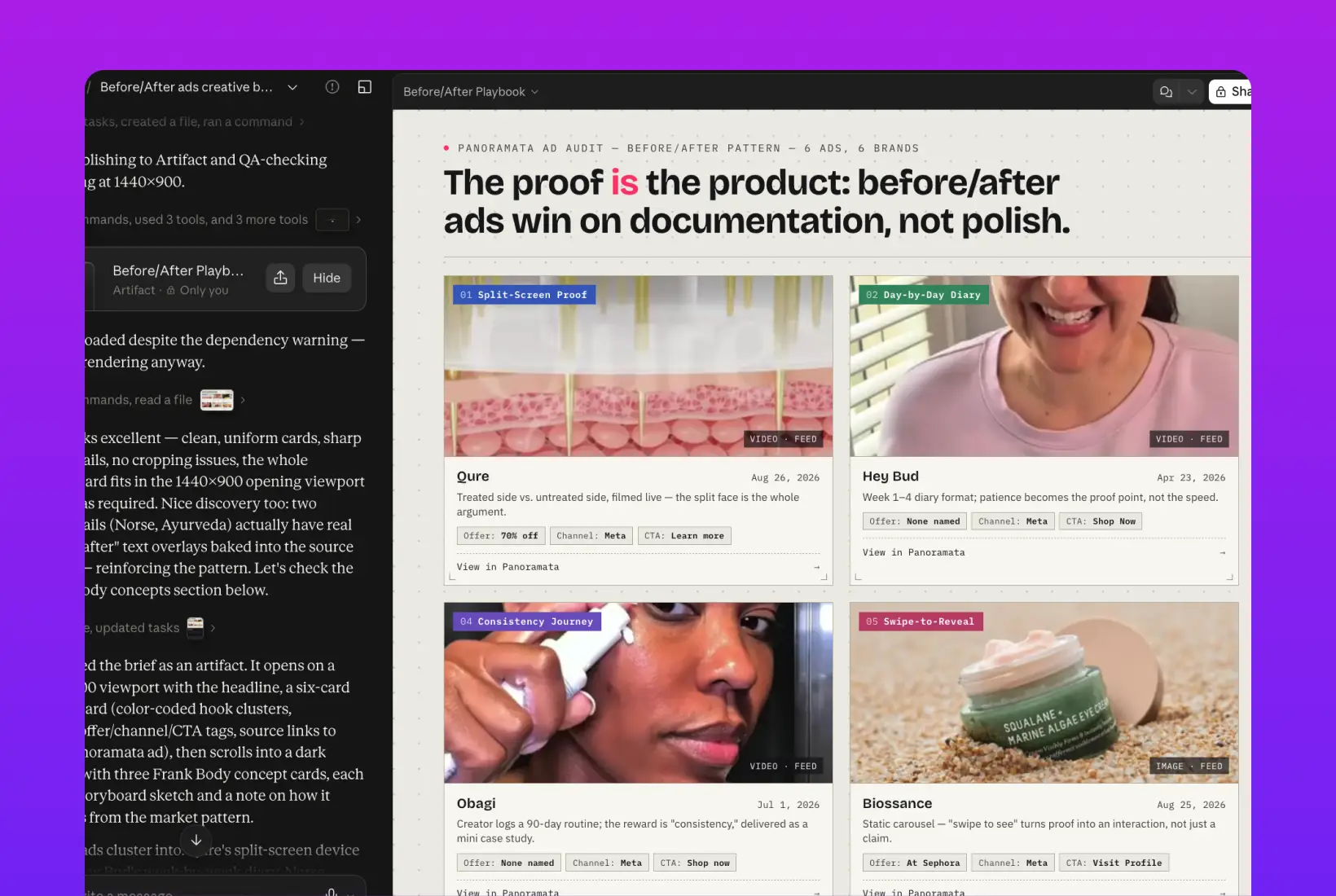
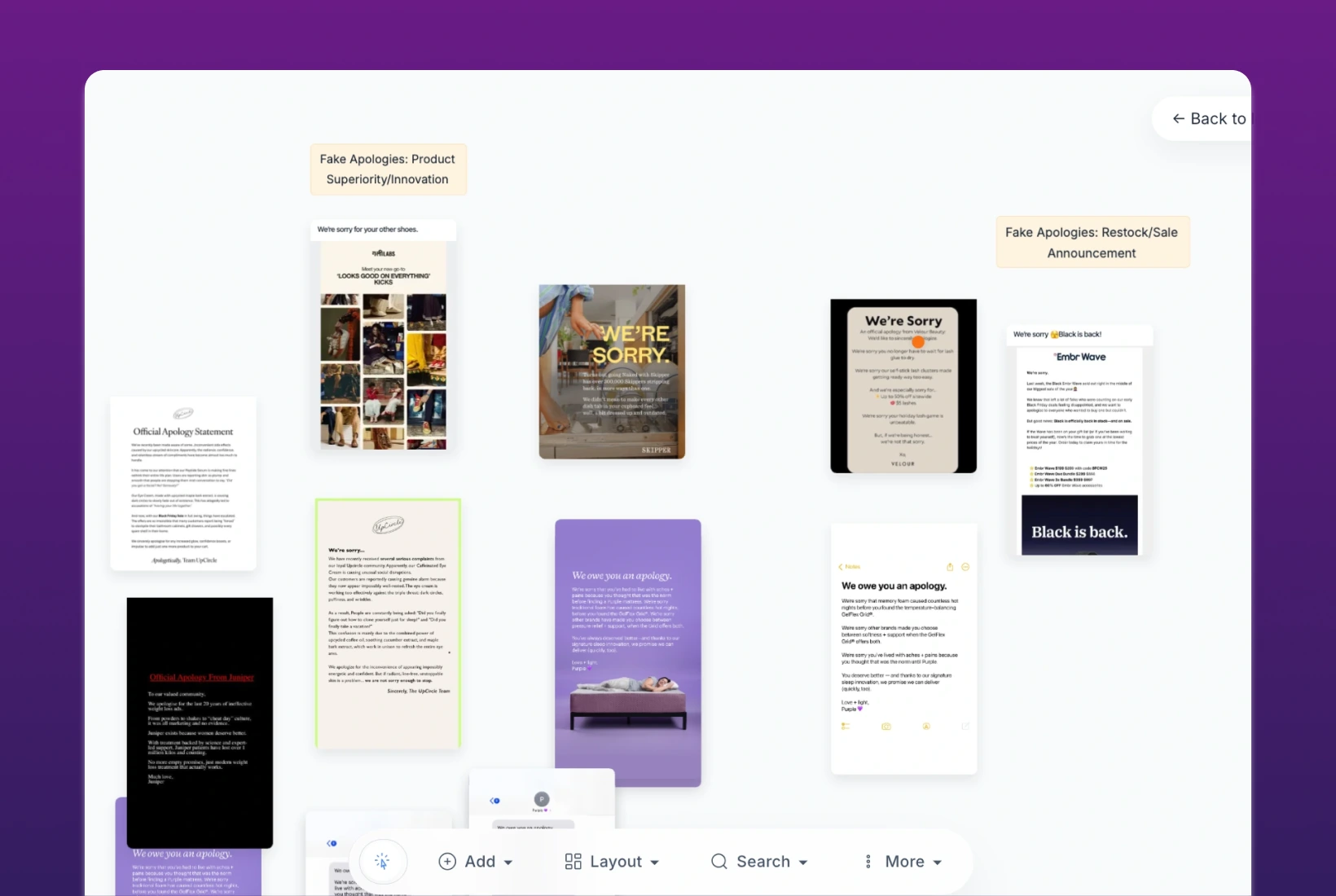
1-minute signup, no credit card required
with our experts

You'll receive a customized presentation and insights about your competitors, sent straight to your inbox.
A connection lets a supported AI tool request Panoramata data while you ask questions. LLM Export gives you a downloaded snapshot of benchmark metrics and selected campaign text. Choose a connection for ongoing lookups, or export when you want to work with a file your AI tool supports.
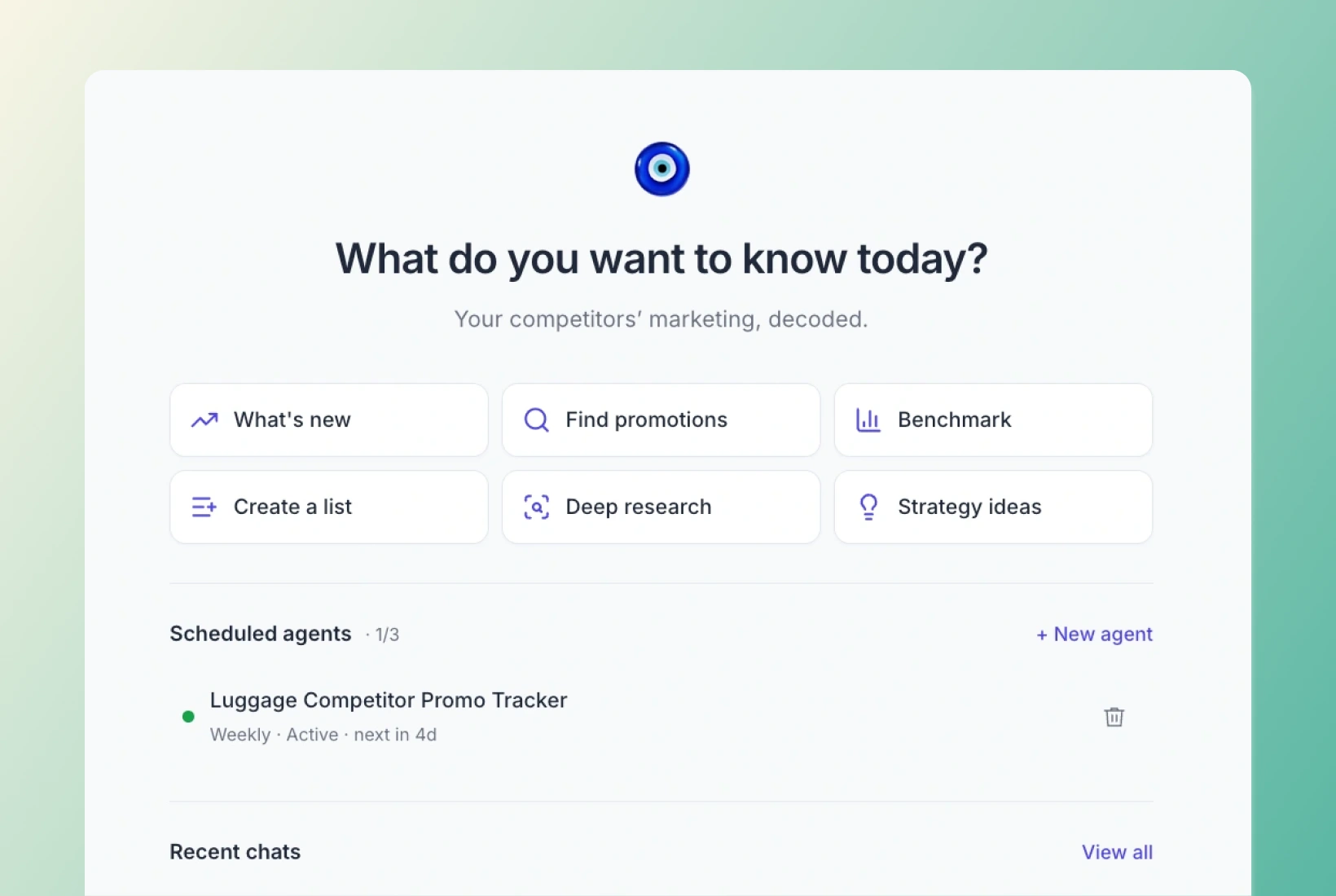
Use Pano AI to ask questions inside Panoramata. If you already plan and write in ChatGPT or Claude, connect Panoramata there instead. Both connections can help with comparisons and drafts, so choose the workspace you prefer for this research.
You'll need an active Panoramata subscription and a compatible AI account or workspace. Available tools also depend on account permissions and credits. Follow the current setup guide for your assistant, where you'll find the connection steps and any workspace requirements.
Remind yourself to come back later via email.