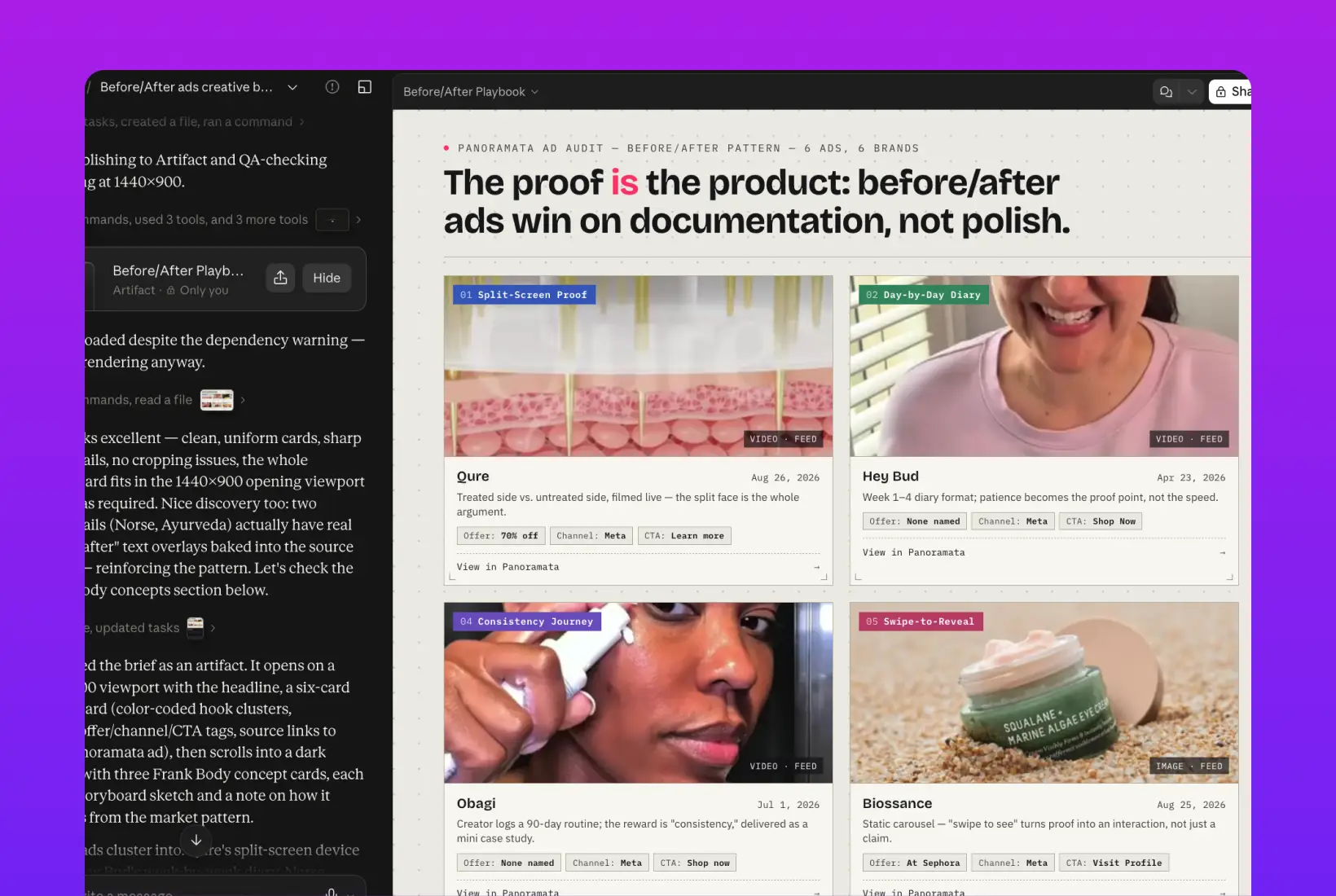
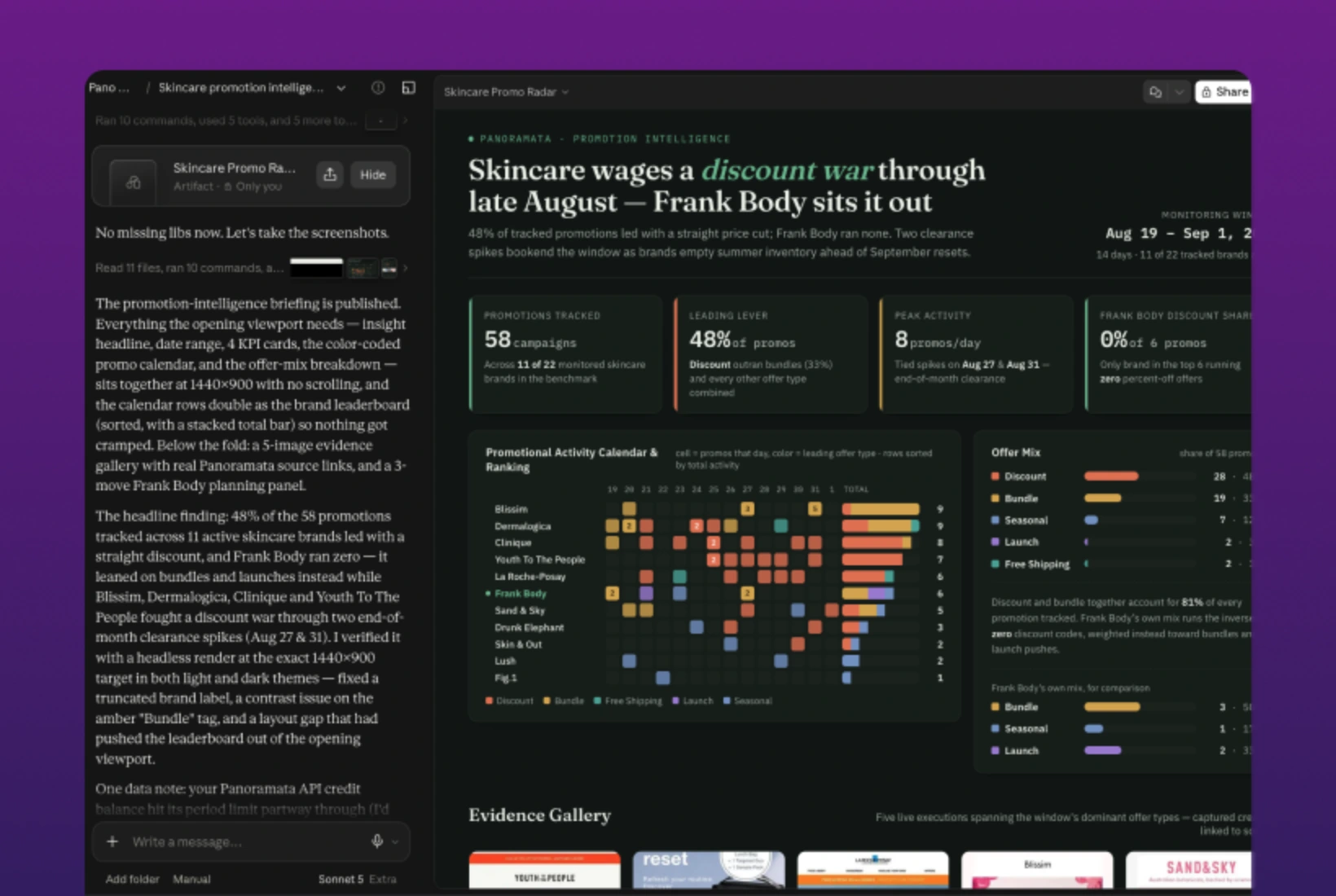
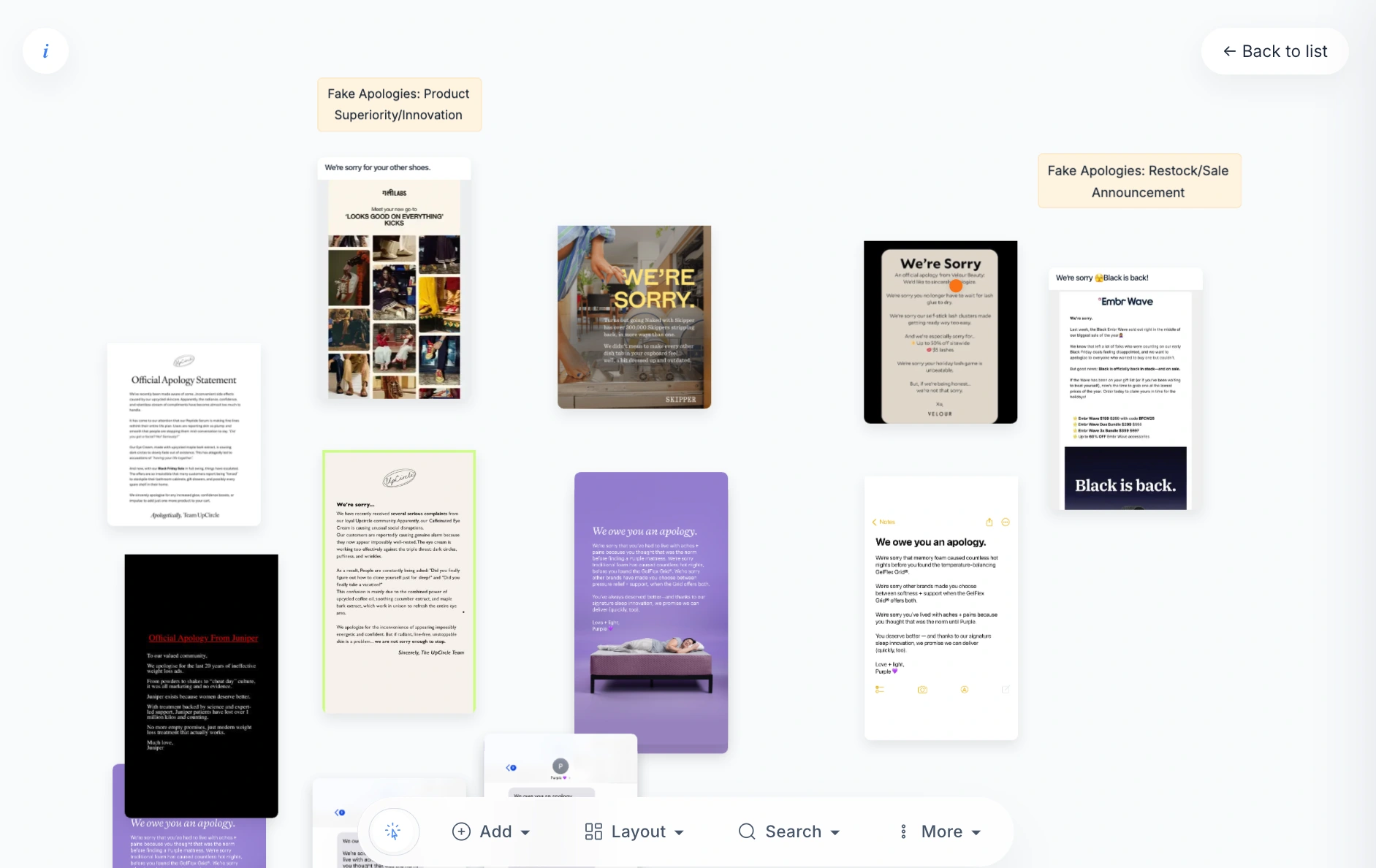
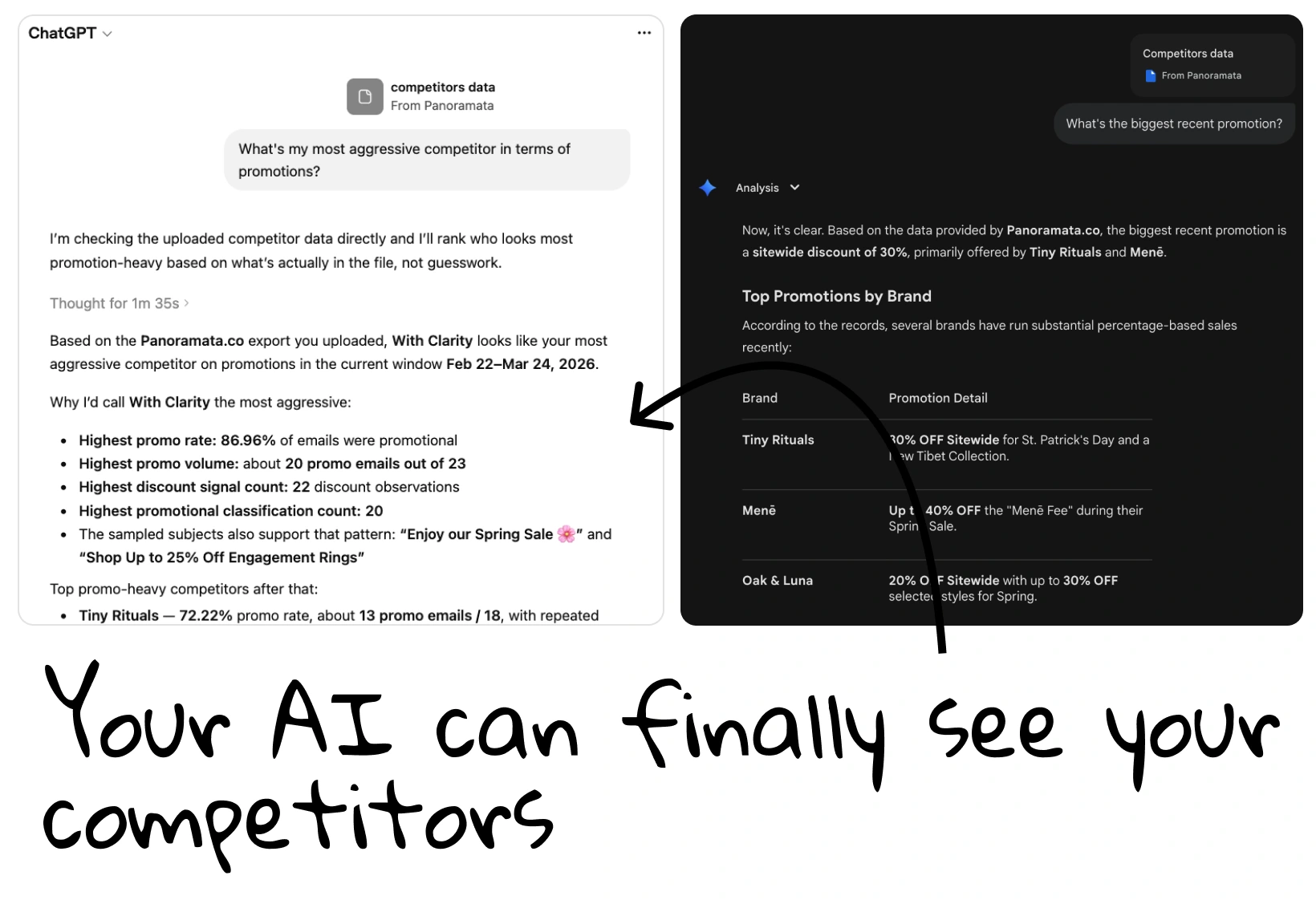
Writing a creative brief in Claude? Connect Panoramata and bring competitor emails and ads into the research. Ask Claude to compare how brands present their offers, then use the examples to develop your own brief or copy.


1-minute signup, no credit card required

with our experts

1-minute signup, no credit card required
with our experts


You'll receive a customized presentation and insights about your competitors, sent straight to your inbox.
Yes. Connect Panoramata, retrieve relevant email or ad examples, and give Claude your audience, offer, and campaign goal. Ask it to draft a brief from that research. Review and edit the draft in Claude before sharing it with your creative team.
Try the opening lines, product benefits, offers, or calls to action in the emails and ads you've retrieved. Ask Claude to group examples by their messages, then inspect the campaigns yourself. Those comparisons can help you explain the direction you want to explore.
Use Panoramata's setup guide for Claude to choose the connection route supported by your account. You'll need an active Panoramata subscription and a compatible Claude account or workspace. Connection options and workspace authorization can vary, so follow the current guide for your setup.
Remind yourself to come back later via email.