

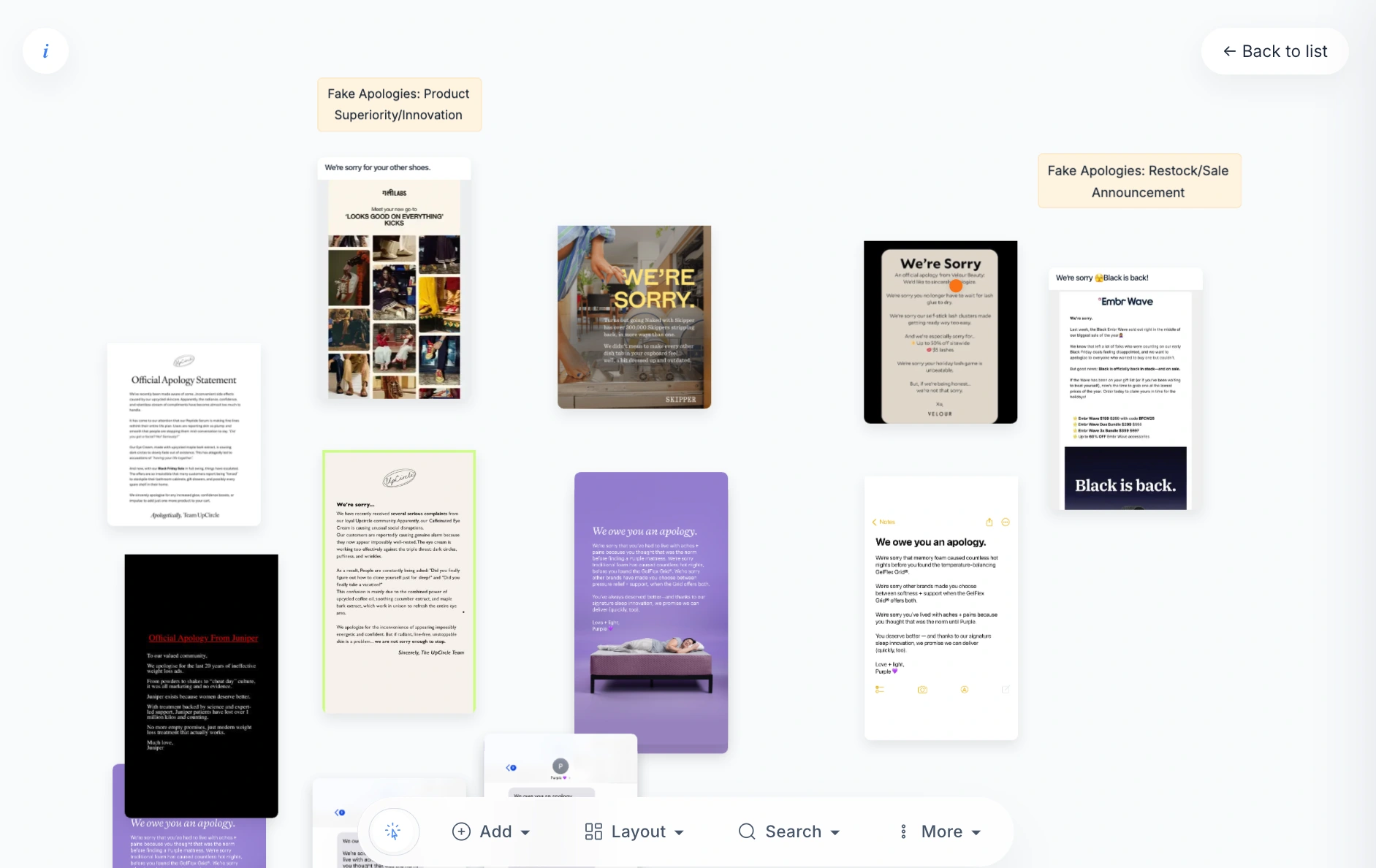
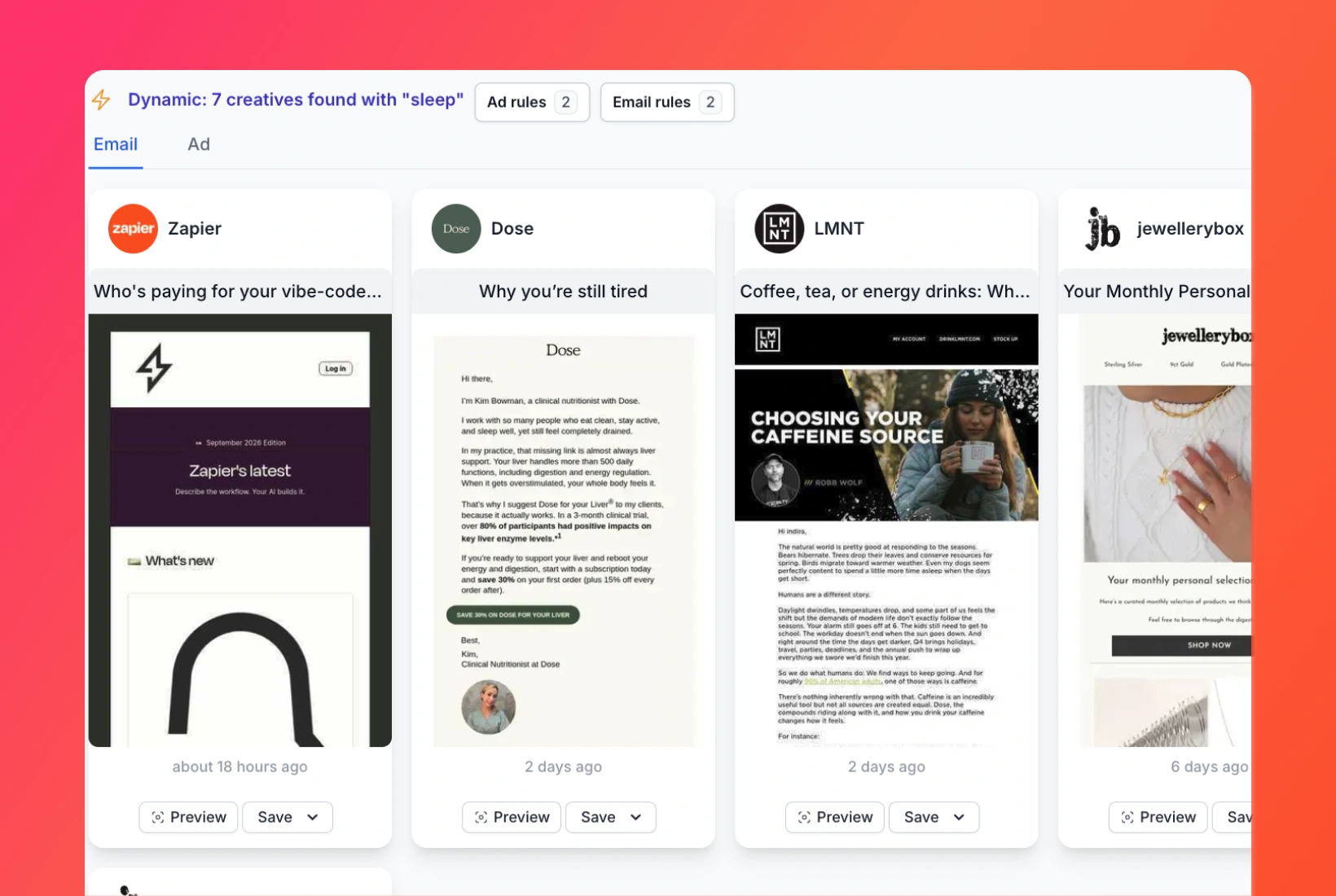
You like the opening line in one ad and the layout in another email. Put them on a Canvas Board, add notes, and show your team which parts you want to explore. The examples and your thinking stay together.


1-minute signup, no credit card required

with our experts
1-minute signup, no credit card required
with our experts
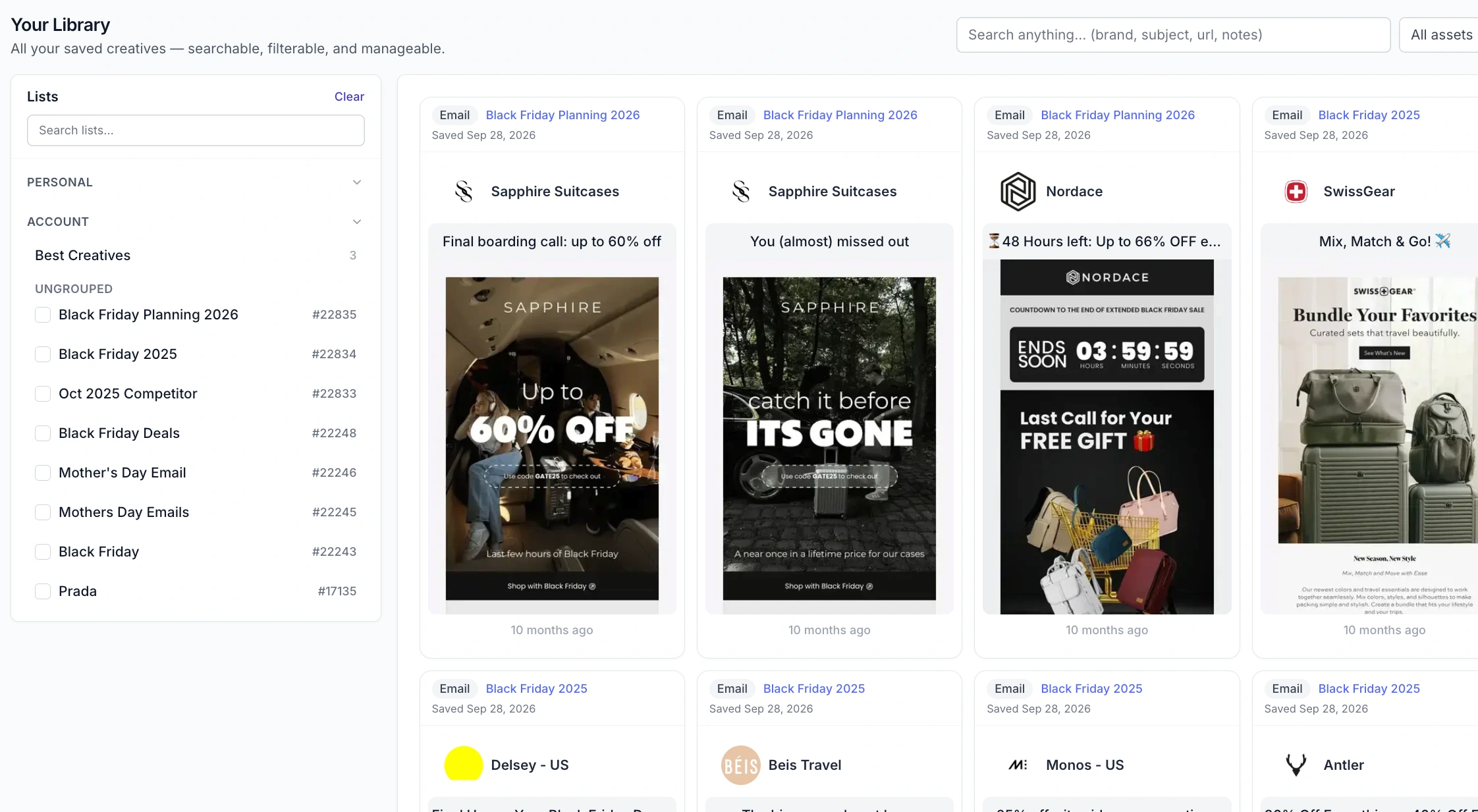
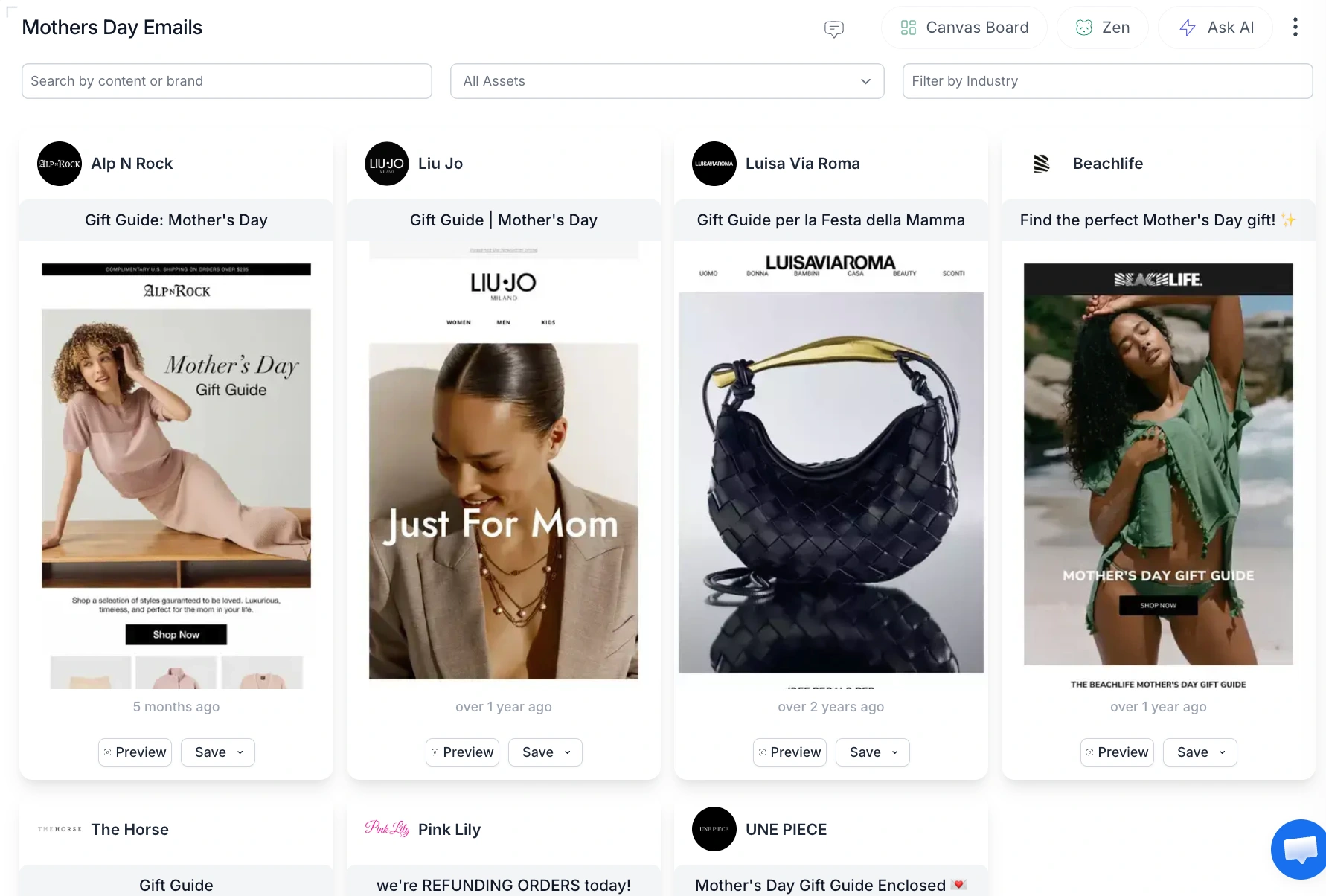
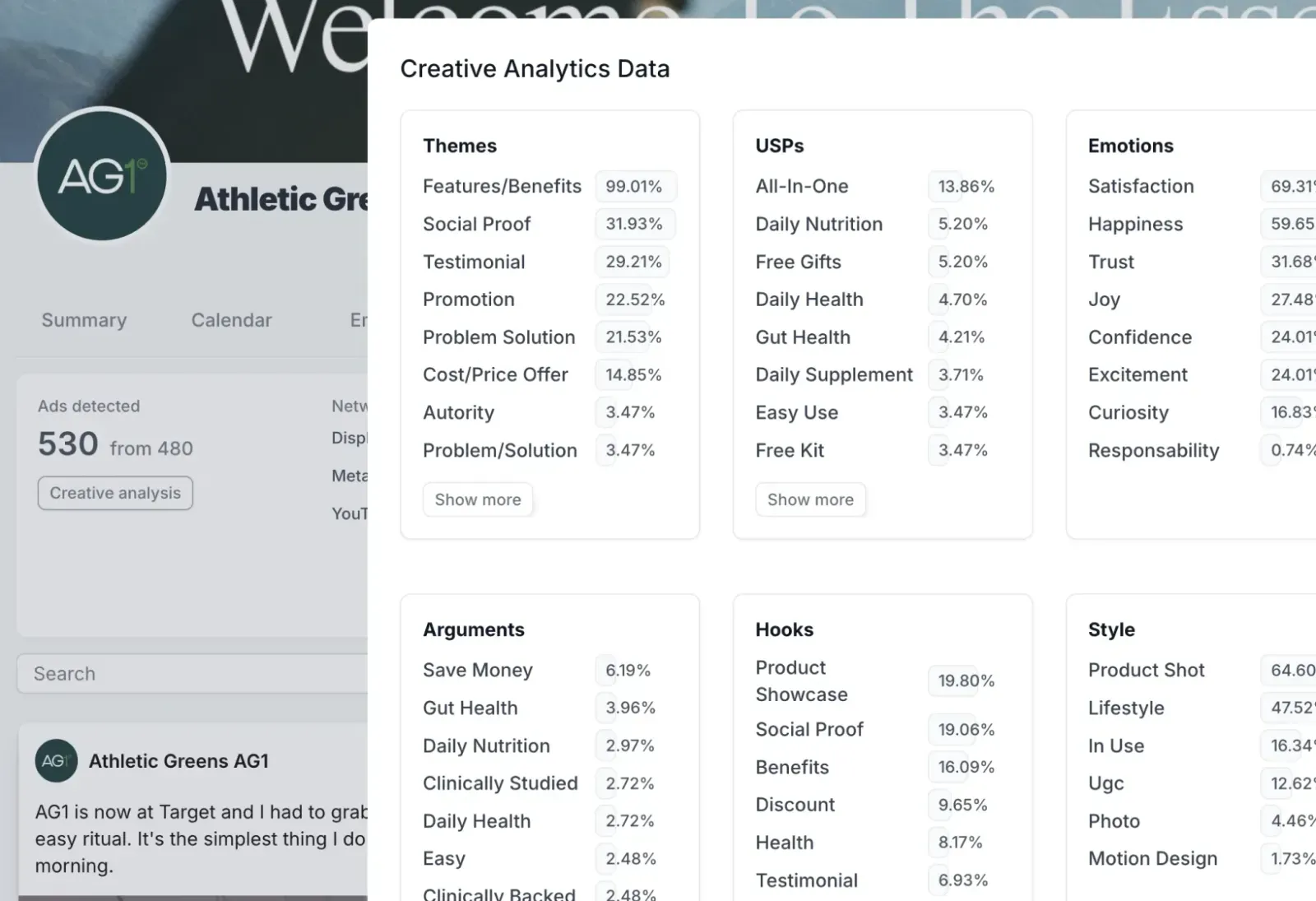
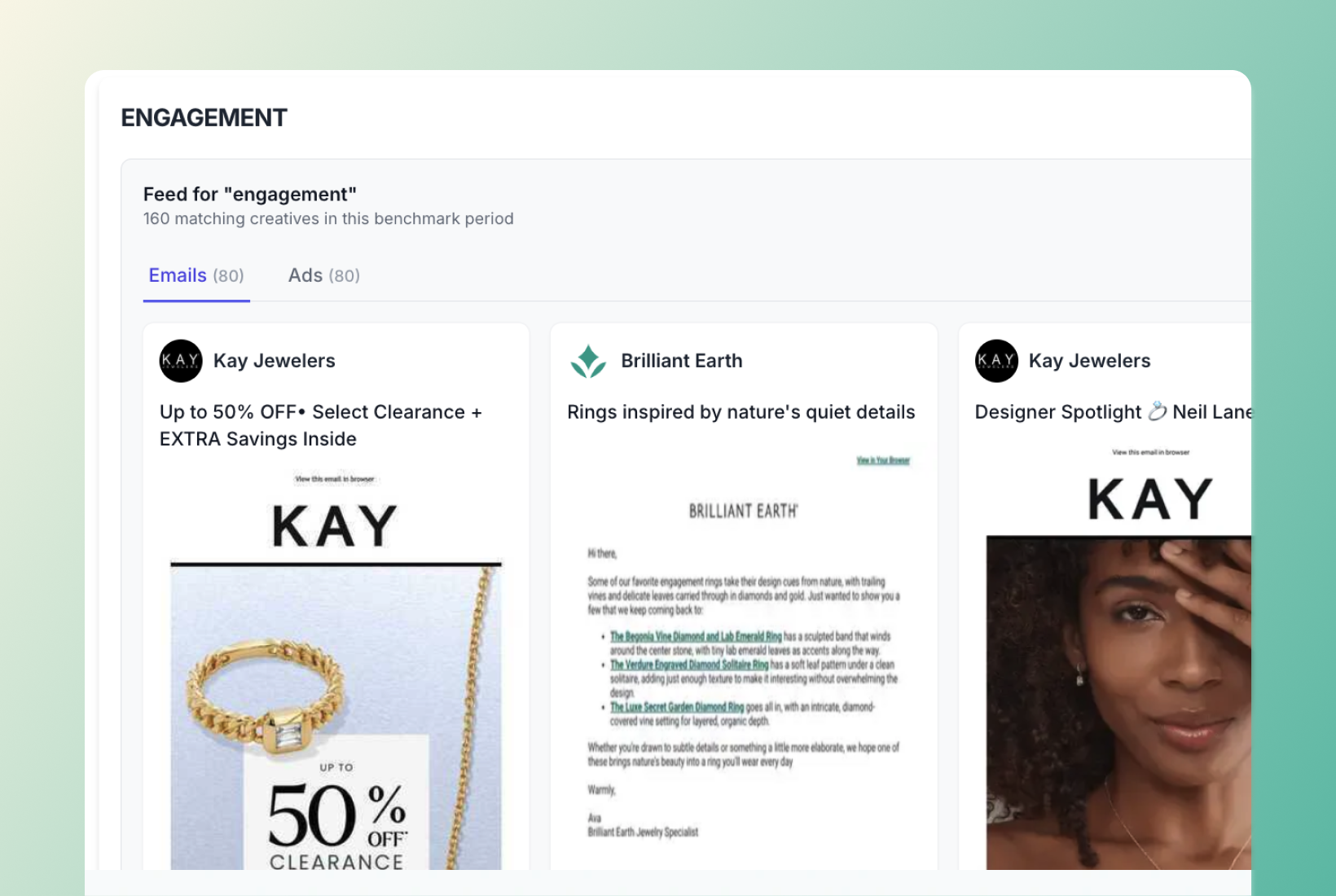
You'll receive a customized presentation and insights about your competitors, sent straight to your inbox.
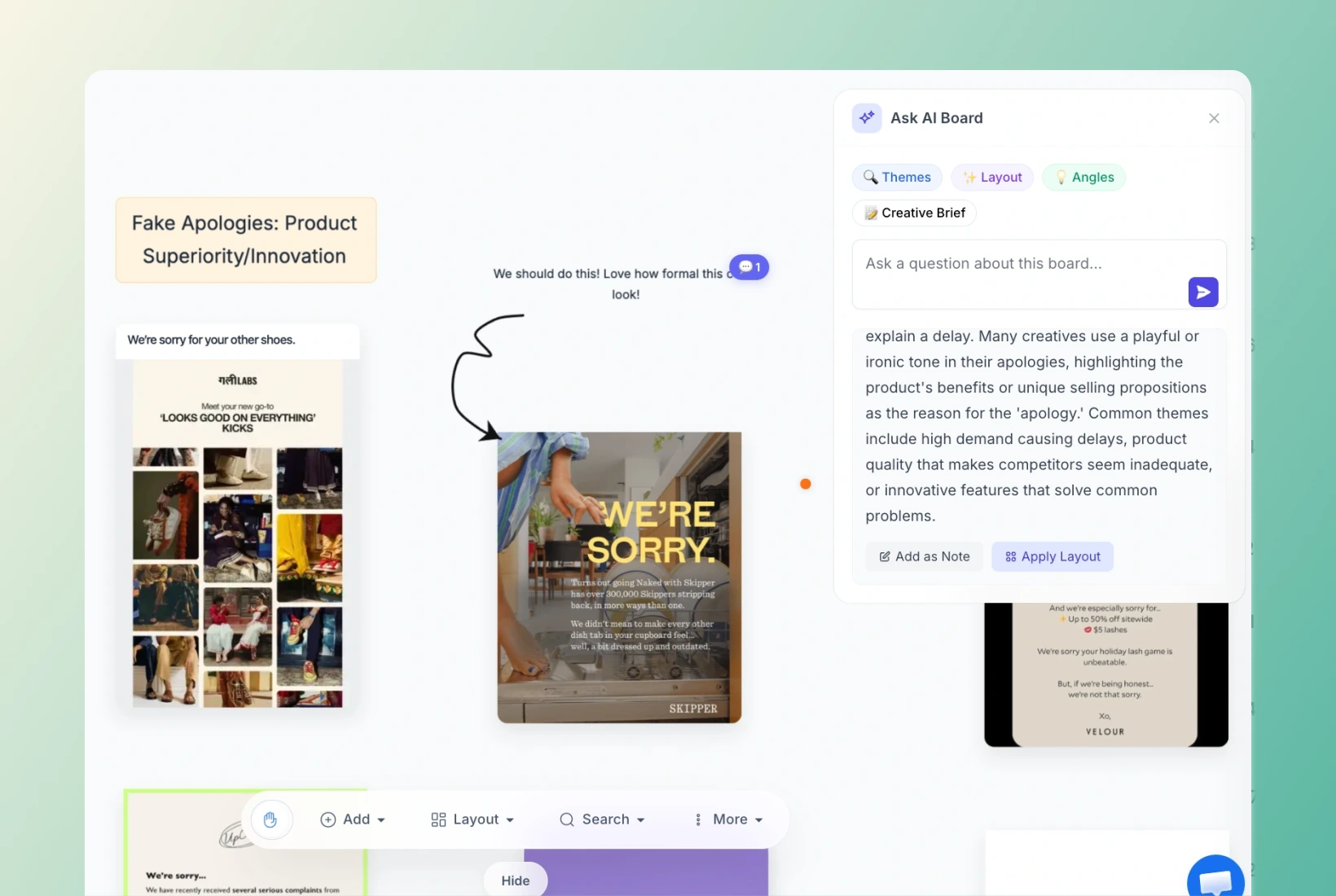
A Canvas Board lets you arrange saved campaign assets, add notes, shapes, and arrows, and upload supporting files. Put an email beside an ad, highlight the part you like, and keep your explanation with the references you're using for the brief.
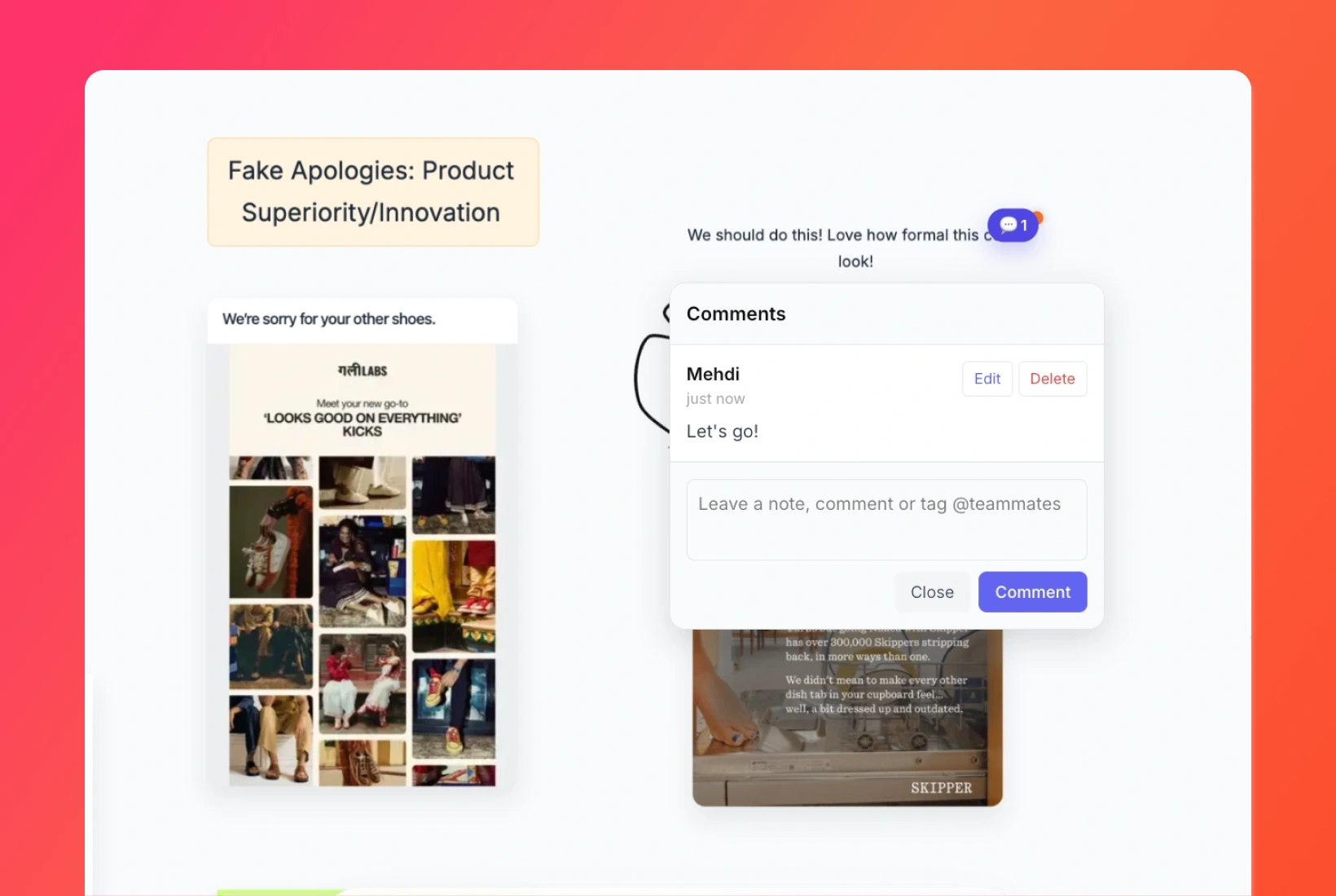
Yes. Share your Panoramata Canvas Board and use comments to discuss the assets. Add notes beside the examples to explain a hook, layout, or offer. Your team can look at the reference while reading what you want to try.
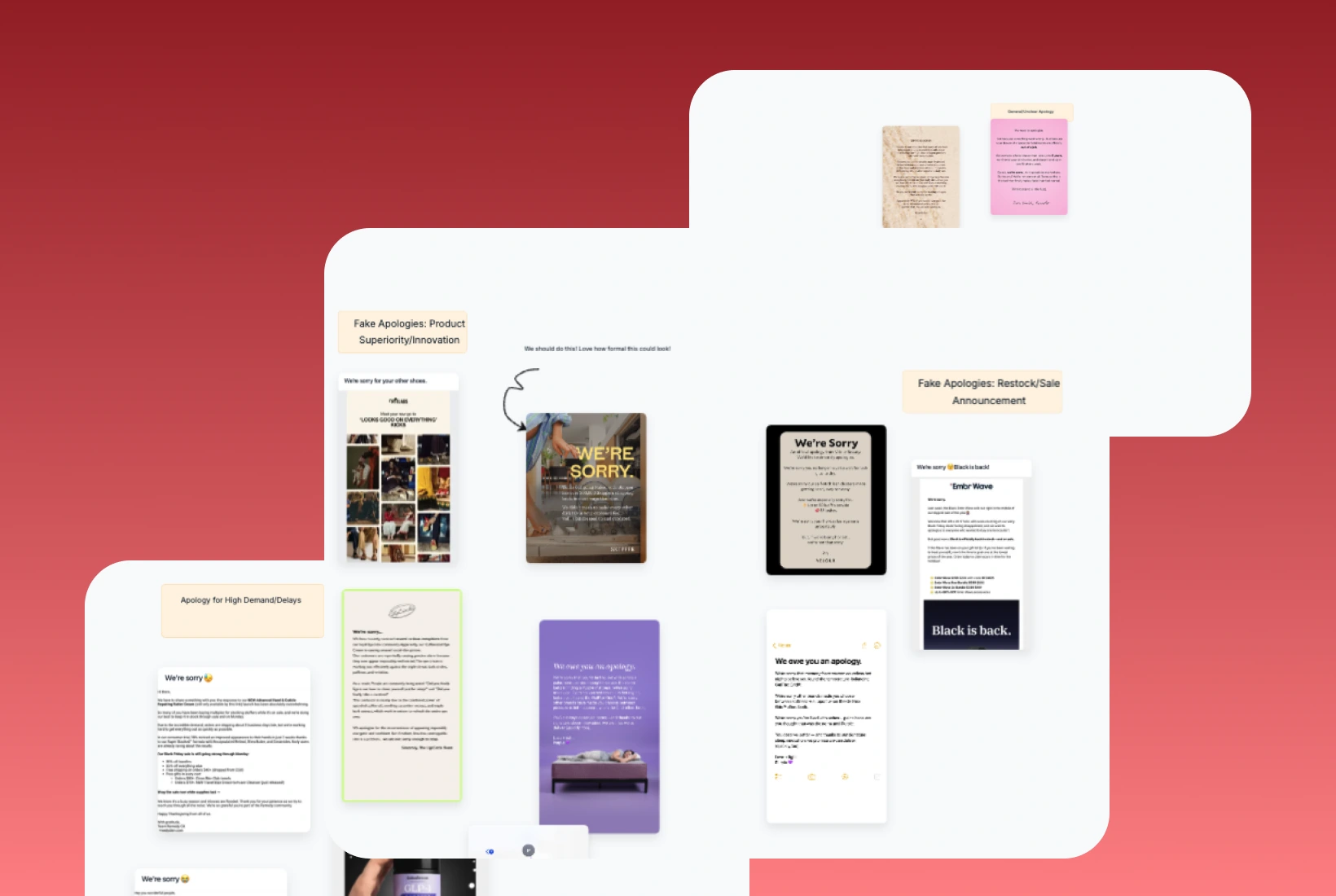
Use Automated Boards to add new matching competitor emails and ads to an existing Panoramata canvas. Choose the companies and keywords for the collection. Canvas Board gives you the visual space to work with those examples, while Automated Boards handles the new additions.
Remind yourself to come back later via email.


