

Exporting data from a benchmark report gives you greater control over how you analyze and use your data so you can turn it into actionable insights.
Exported files are also easier to share with your clients or team members who may not have direct access to Panoramata.
Exporting benchmark data only takes a few simple steps.
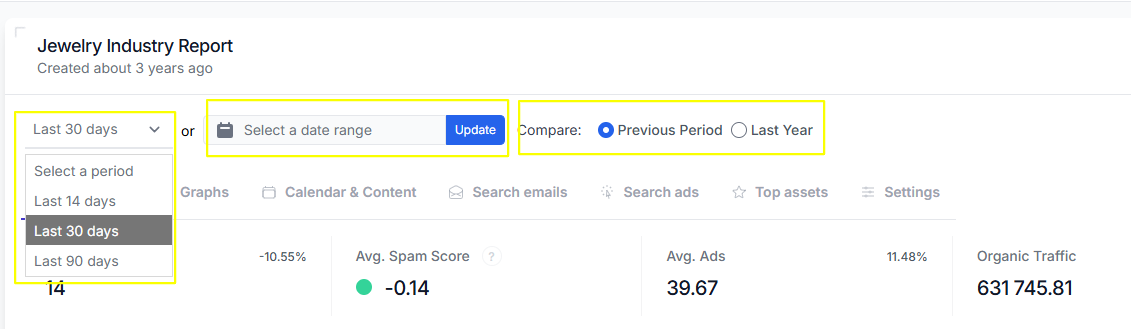
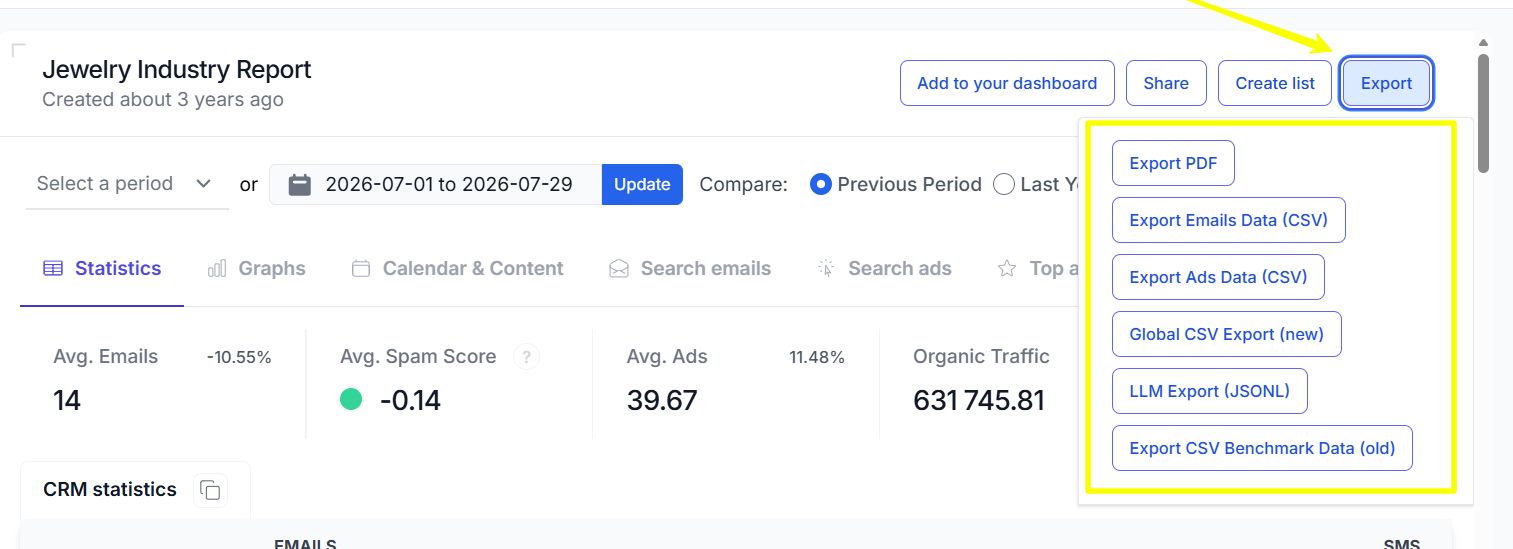
Choose the data you want to export (emails, ads, or both) and select your preferred file format (PDF, CSV, or JSON). Once you've made your selections, proceed with the export.


1-minute signup, no credit card required
with our experts


