Yes, you can use Panoramata to find email and ad inspiration for holidays such as Black Friday, Christmas, Valentine's Day, Mother's Day, Halloween, Back to School, or any other seasonal campaign!
You can do this in two main ways: search across an industry or group of brands, or focus on one specific brand.
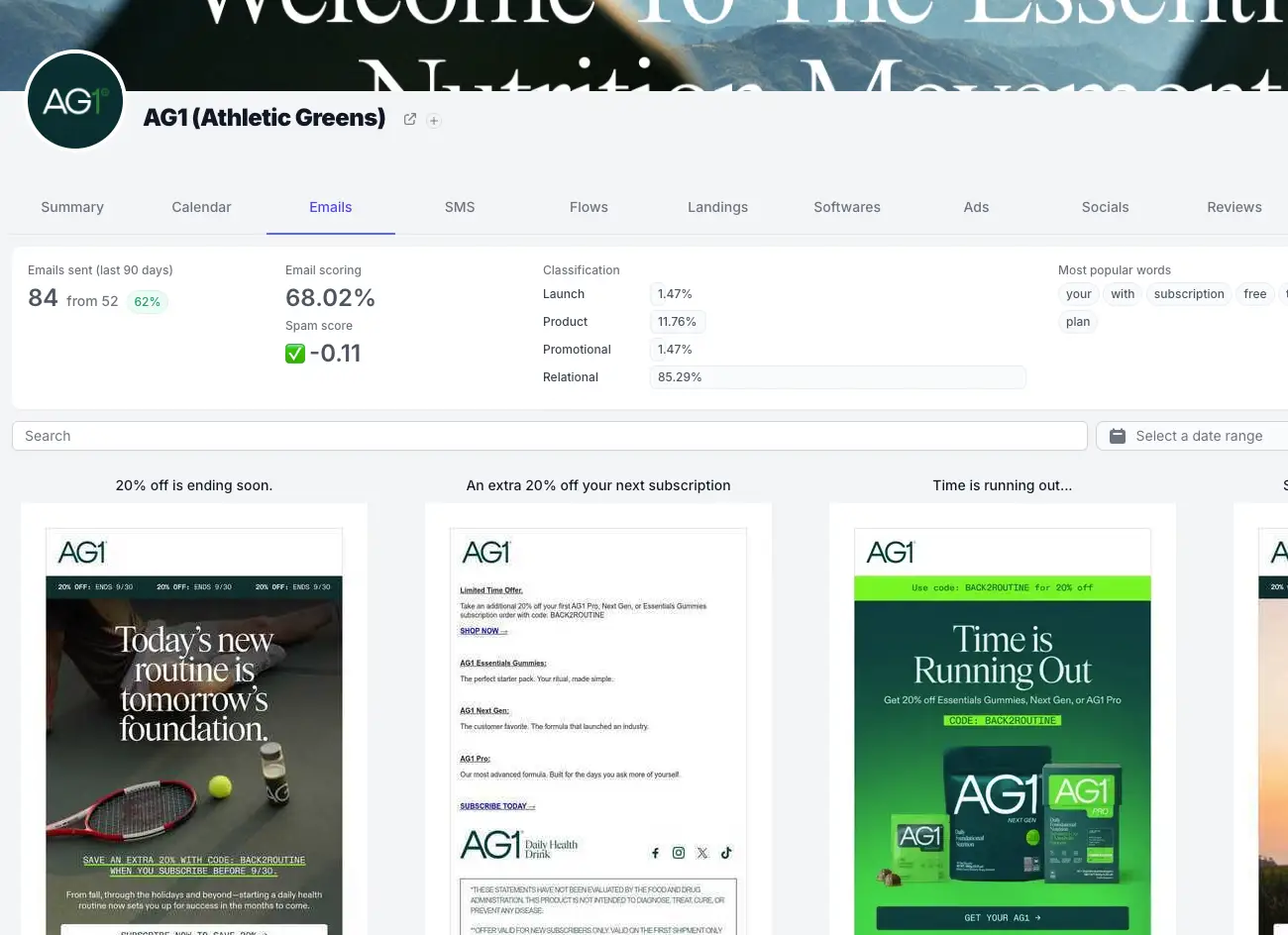
On a specific brand, it's easy: go on the brand page and use the search forms:
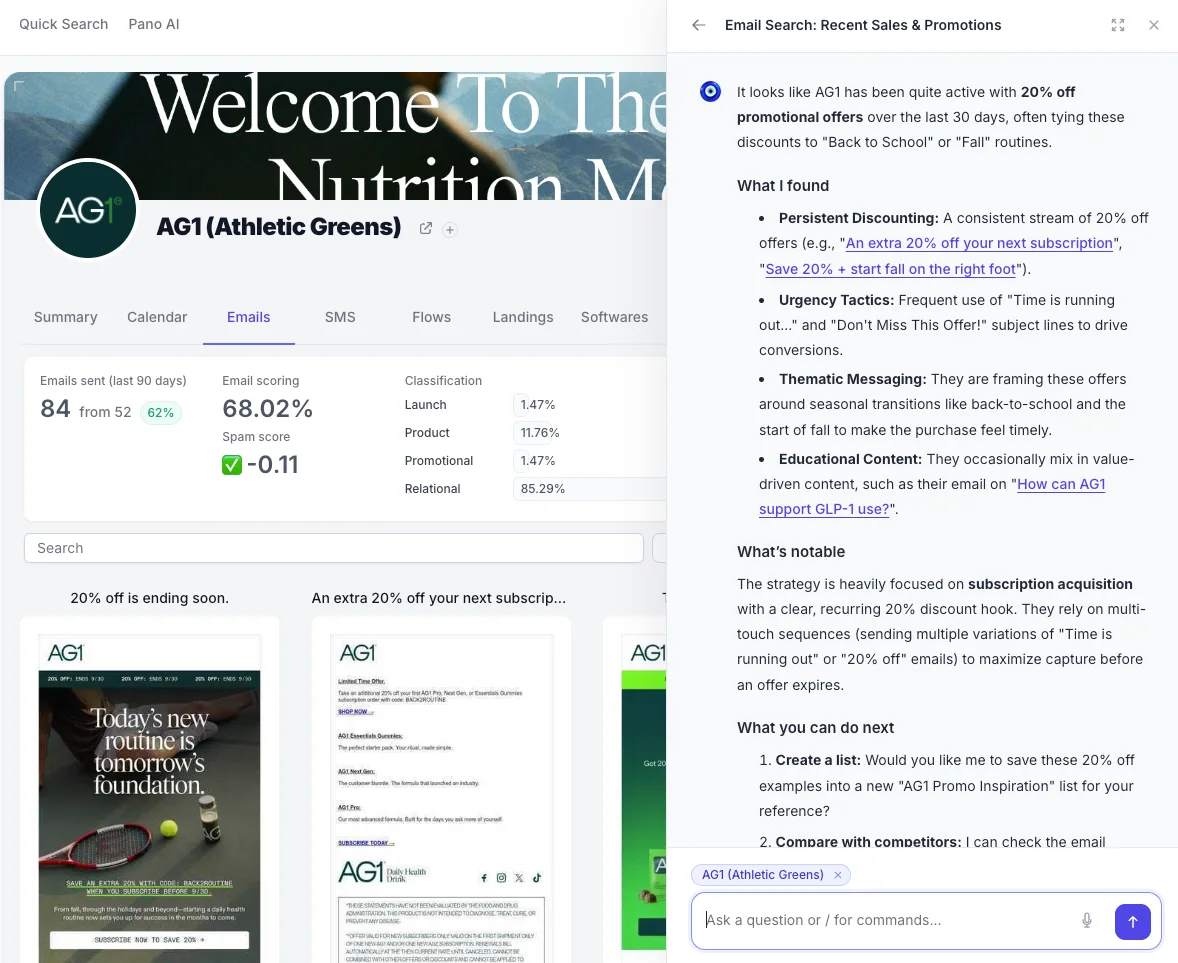
or ask Pano AI directly!
When it comes to several brands at the same time (or all your competitors at once), we make this easy too:
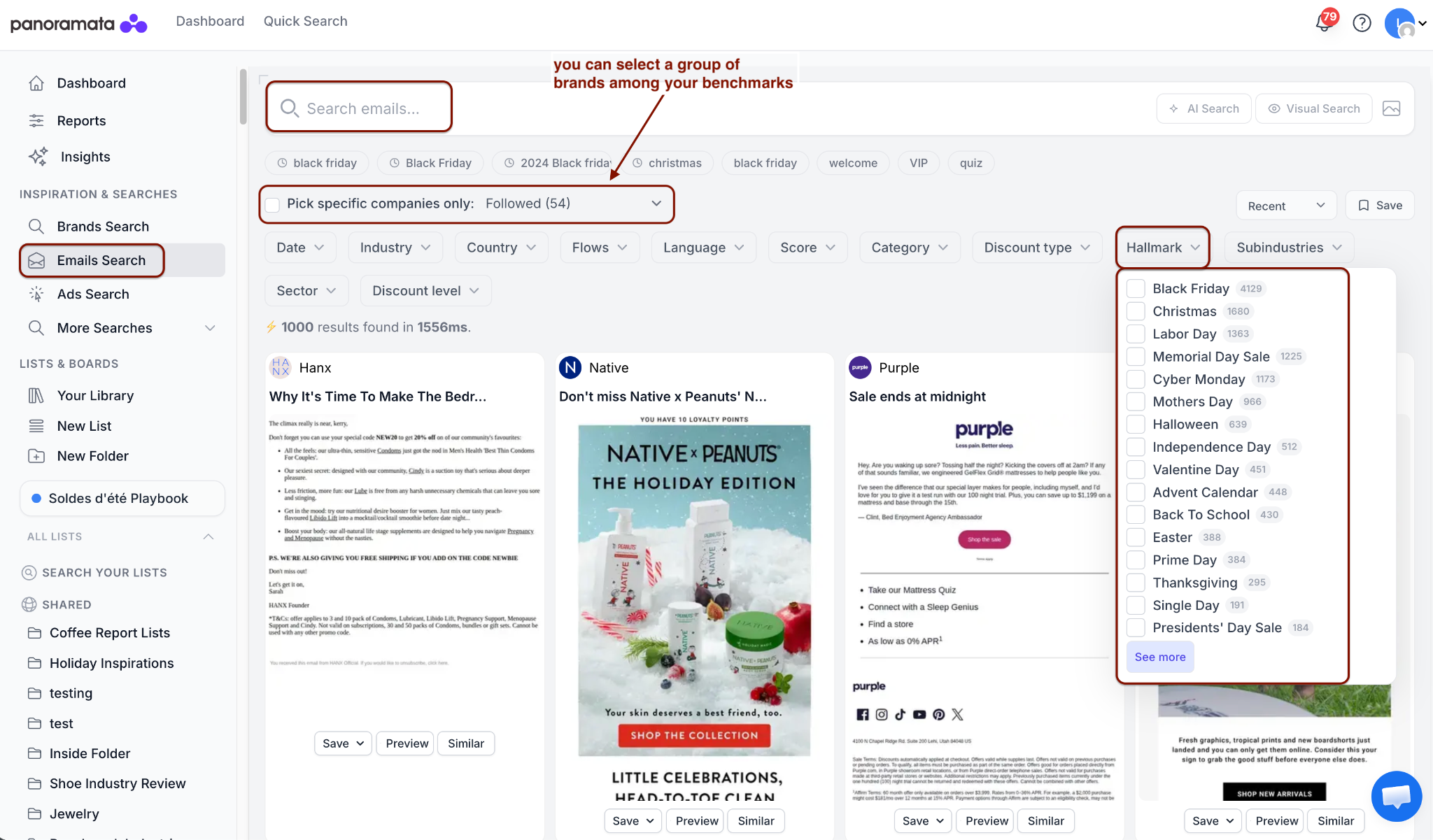
Use Emails Search or Ads Search when you want to compare holiday campaigns across many brands. You can search an entire industry, or limit the results to brands from an existing benchmark when you want a more focused view.
1. Open Emails Search.
2. Select a date range, industry, subindustry, or benchmark to define the group of brands you want to review.
3. Use the Hallmark filter to select a holiday from the list.
4. Add related keywords in the search field if you want to narrow the results further, or enter the holiday name if it is not available in the Hallmark filter.
1. Open Ads Search.
2. Search the holiday name or a related keyword.
3. Use filters such as industry, date range, country, language, media type, network, or brands from an existing benchmark to refine the results.

1-minute signup, no credit card required
with our experts