

Tracking your competitors' website pages helps you understand how they attract, engage, and convert customers.
Panoramata helps you monitor page changes over time so you can gain valuable insights into their marketing strategies.
Panoramata automatically tracks the following website pages for each company:
Each page is captured in both desktop and mobile views.
If you need to track a different type of page, you can do so directly from the platform. We’re also happy to handle custom tracking requests by message.
To view the pages tracked by Panoramata, simply go to the company's page and click the Landings tab.

Here, you'll find:
Here's an example of landing pages tracked for the brand Dose.

You can compare any page across different time periods, so you'll have more insight into what changes have been made.
To compare page versions:
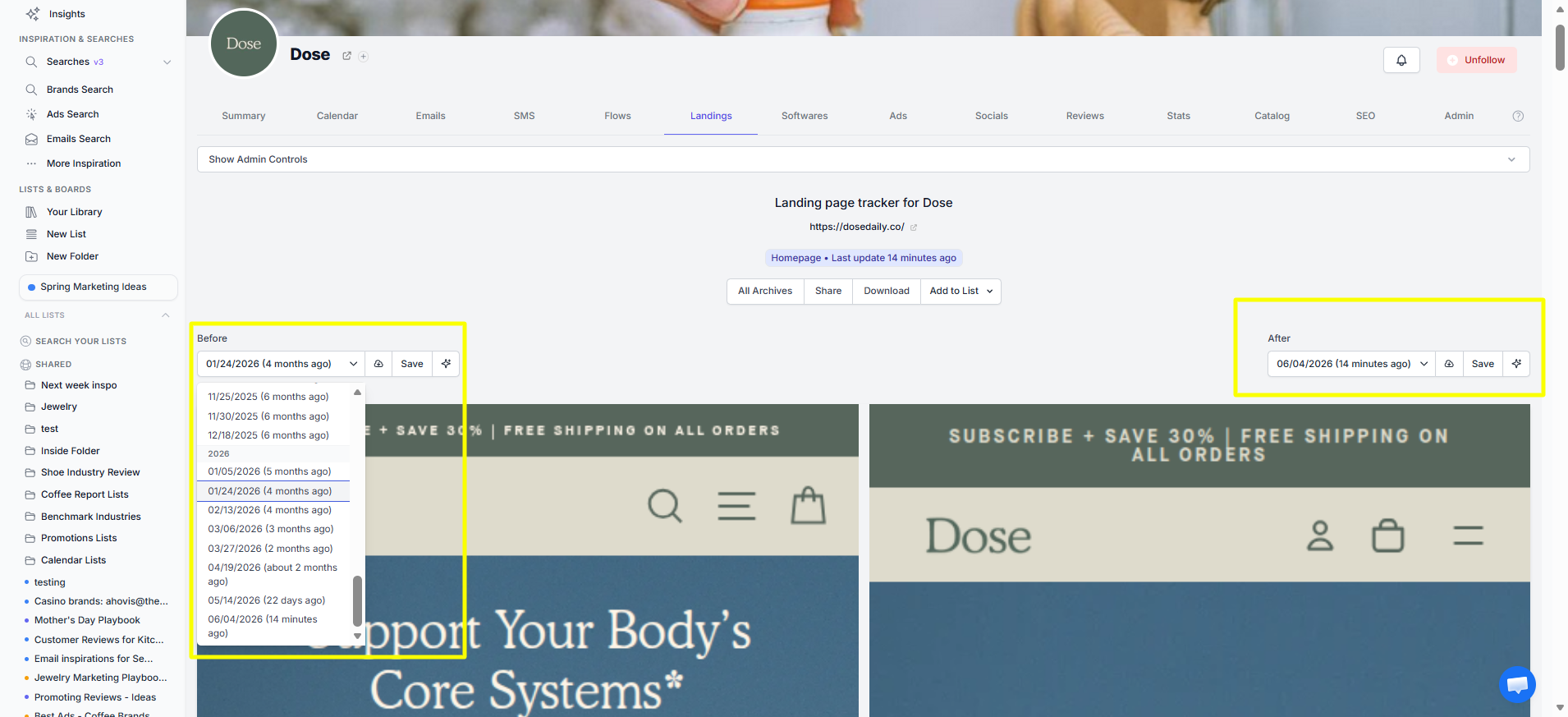
In the example below, we compare Dose's latest mobile homepage capture with one captured four months ago.

We keep an archive of all the pages tracked. This archive provides a complete historical record of page changes.
Simply click the All Archives button to browse the gallery of captured pages.

You can click any page thumbnail to expand and view the full content.

If the page you're tracking is used as a landing page, we'll also help you detect the whole funnel by associating the page with the ads that drive traffic to it over time.
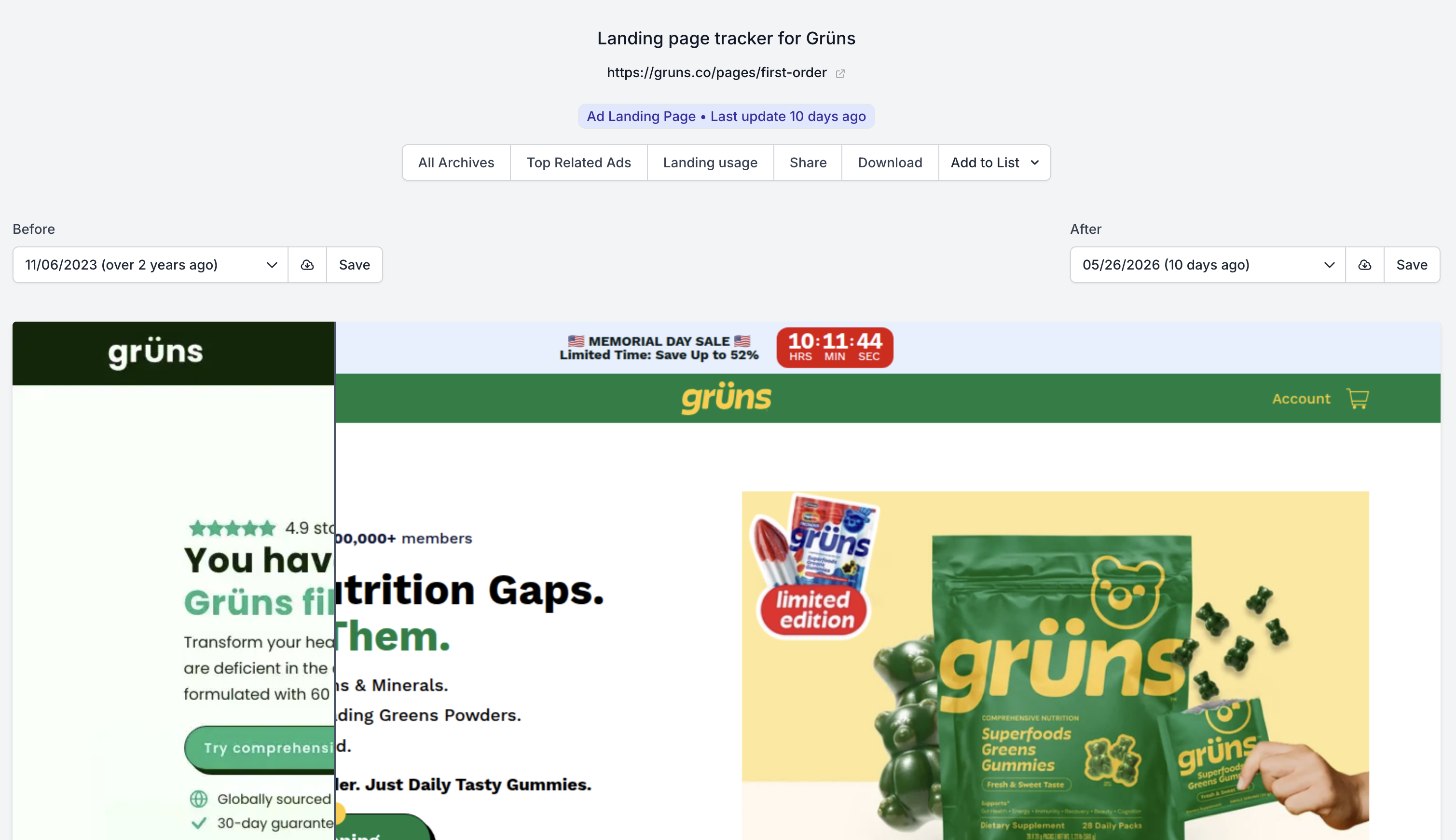
So you're able to see right away how often a landing page is used over time:
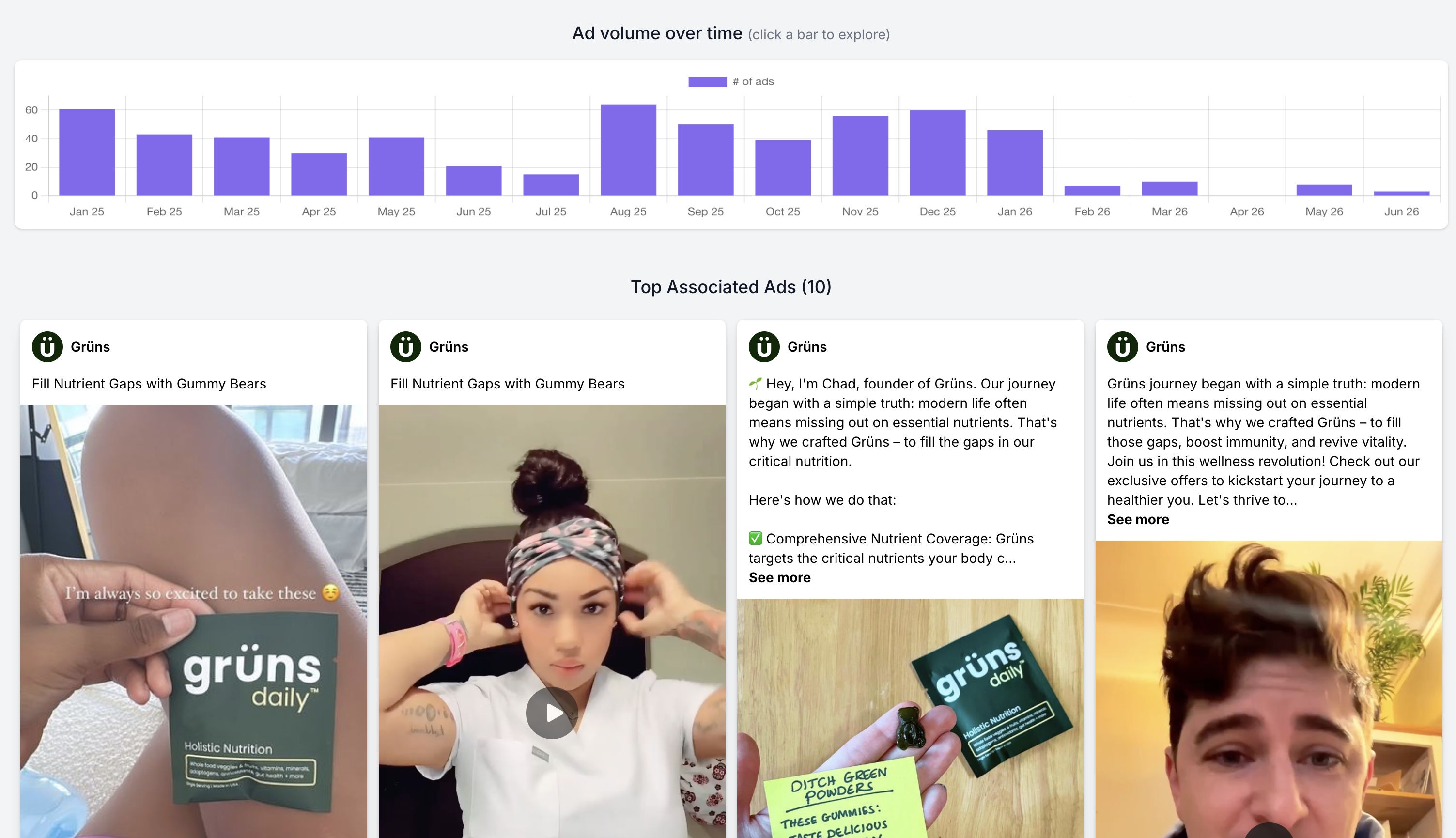
And you'll also able to see how much the ads changed too, to see the changes to both the landing page and the ads:


1-minute signup, no credit card required
with our experts


