

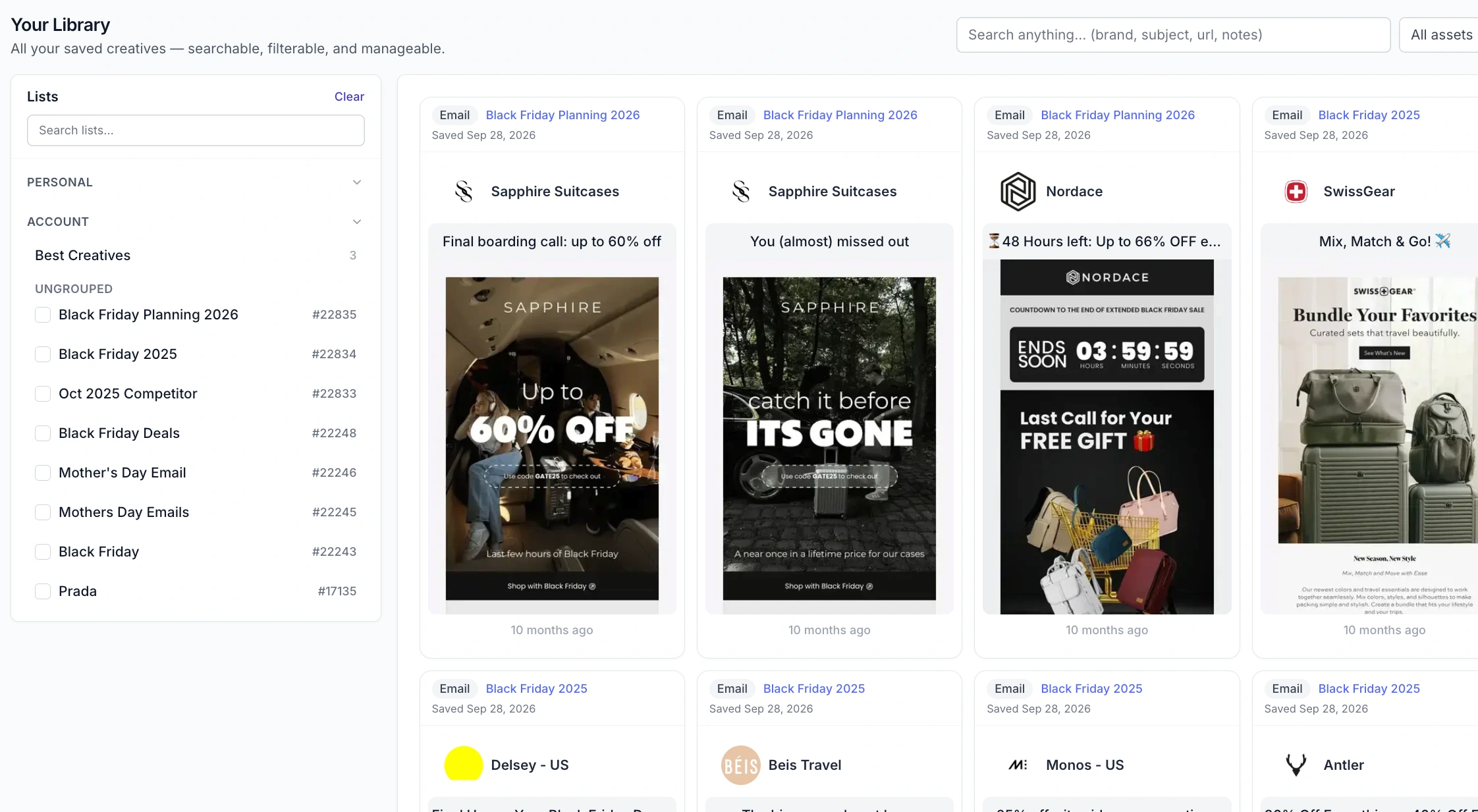
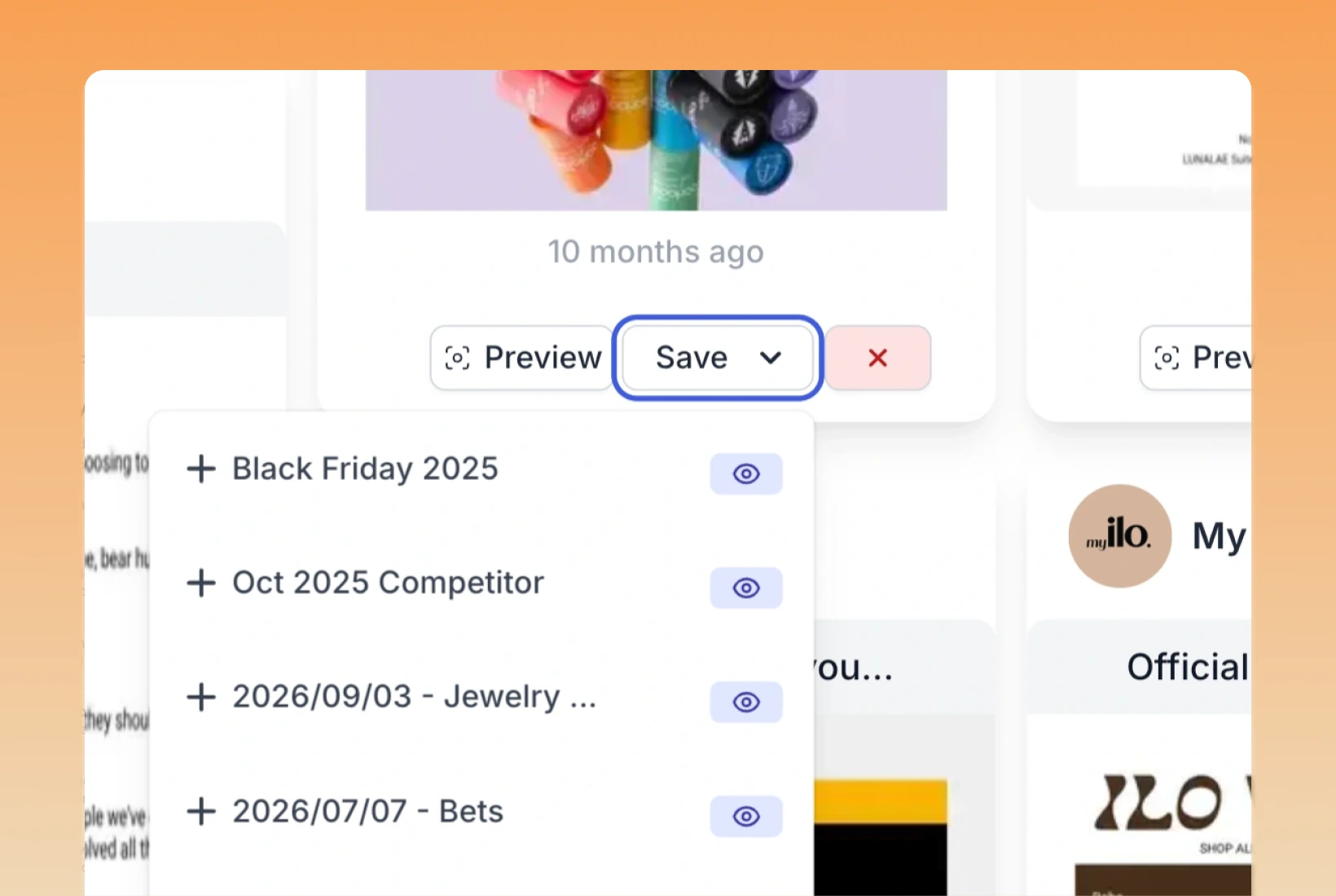
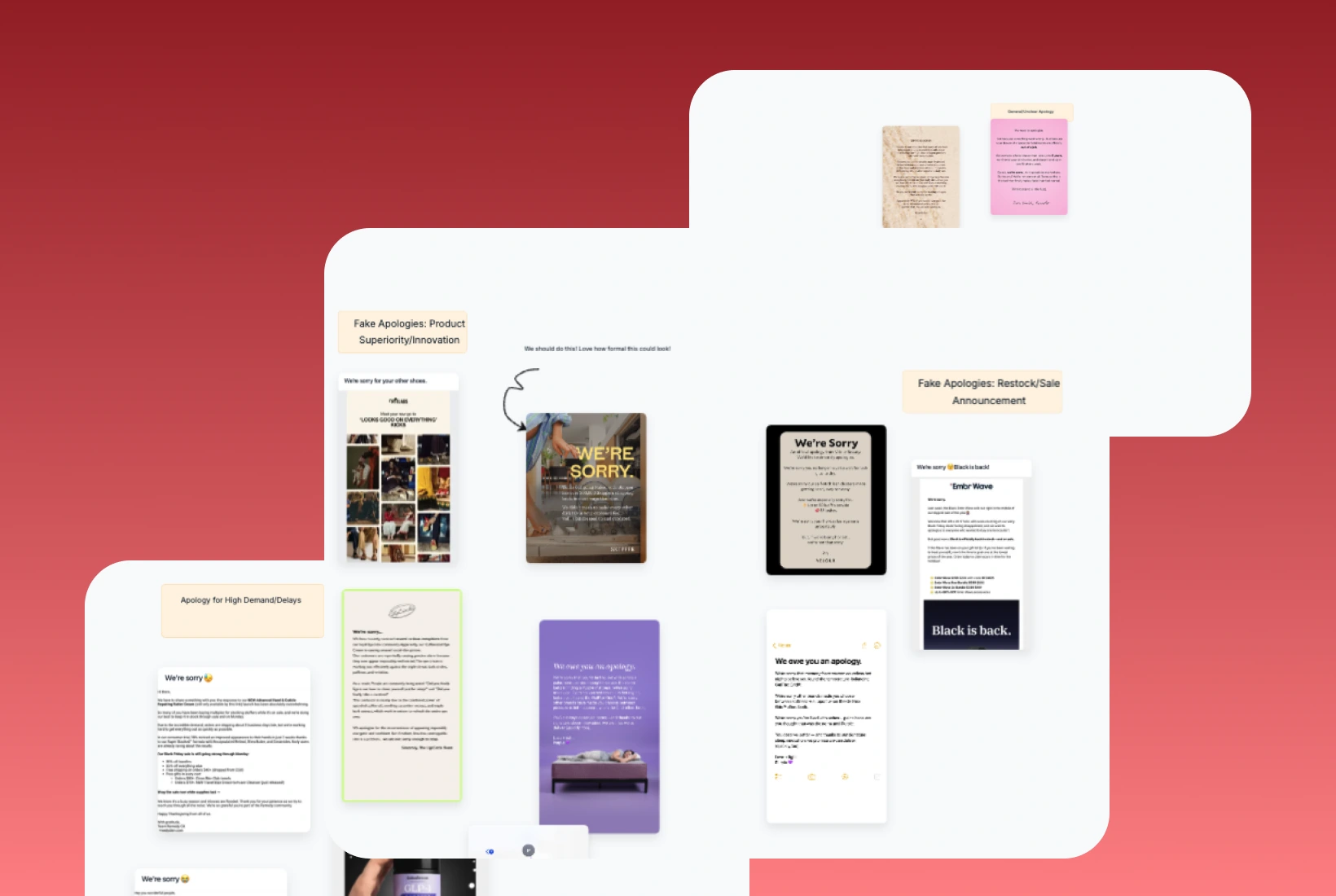
You know you saved that email somewhere. Your Asset Library brings the creative examples from your Panoramata lists into one place. Browse your saved emails, ads, and landing pages, search for a brand or subject, and pull up the example you had in mind.


1-minute signup, no credit card required

with our experts
1-minute signup, no credit card required
with our experts
You'll receive a customized presentation and insights about your competitors, sent straight to your inbox.
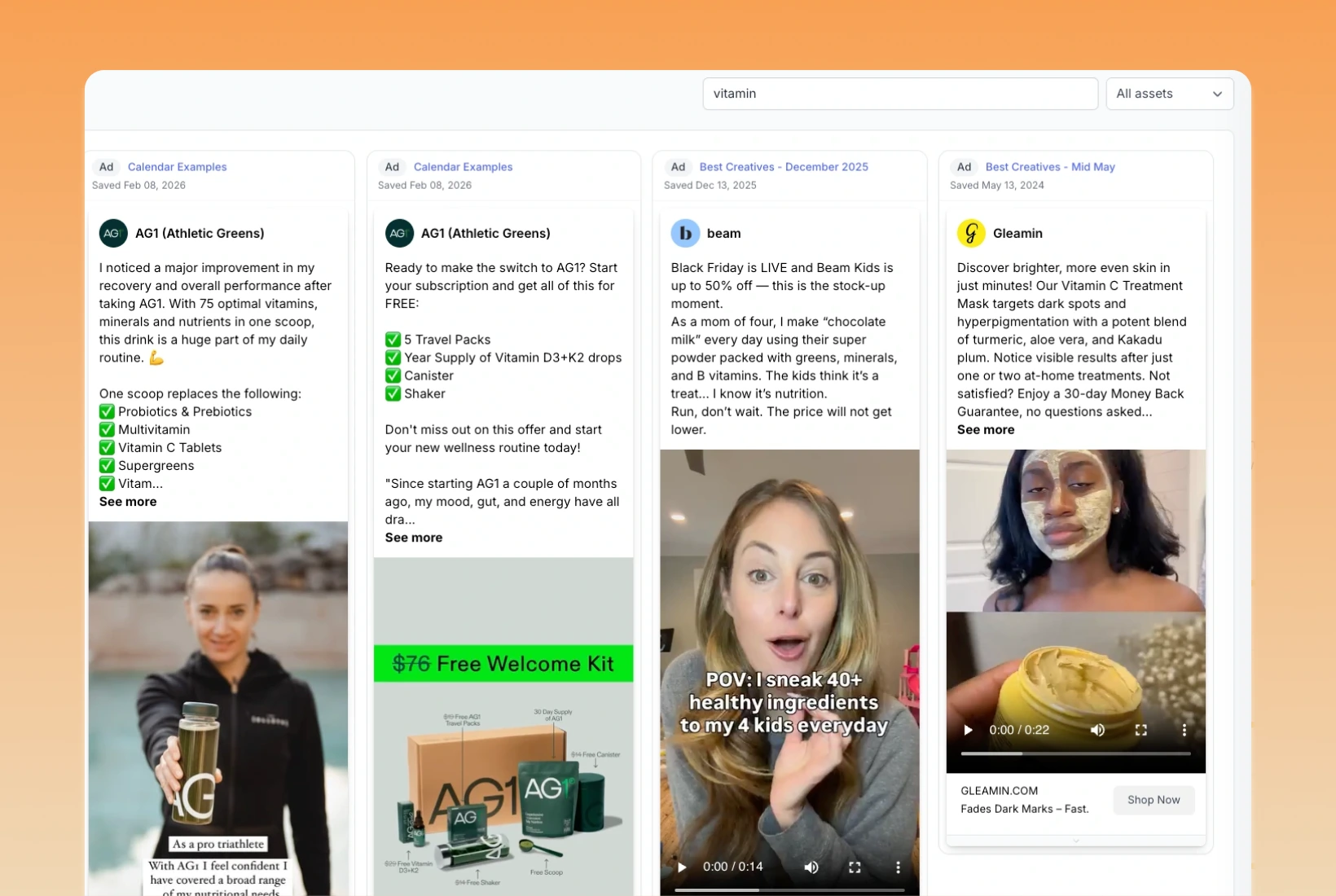
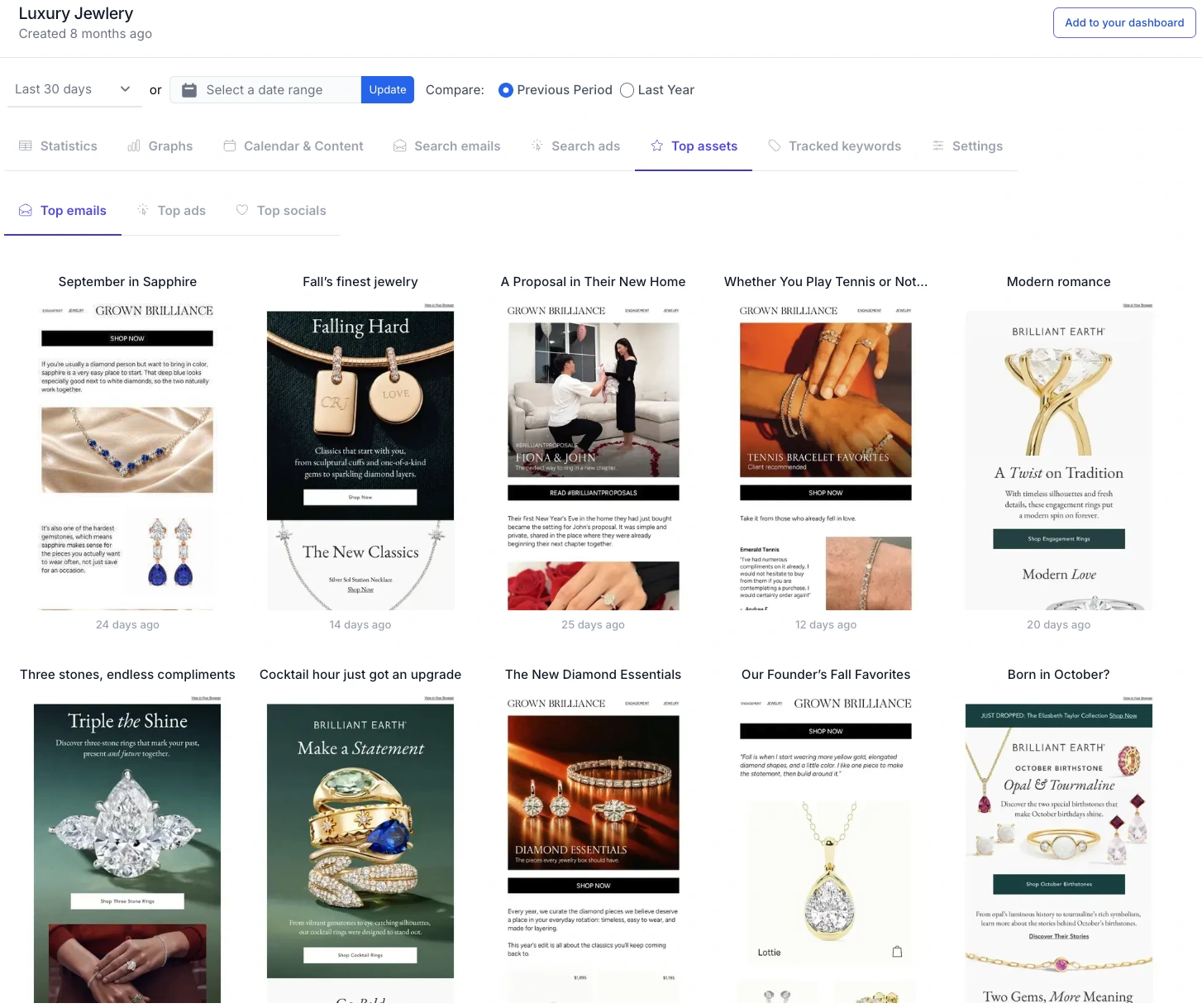
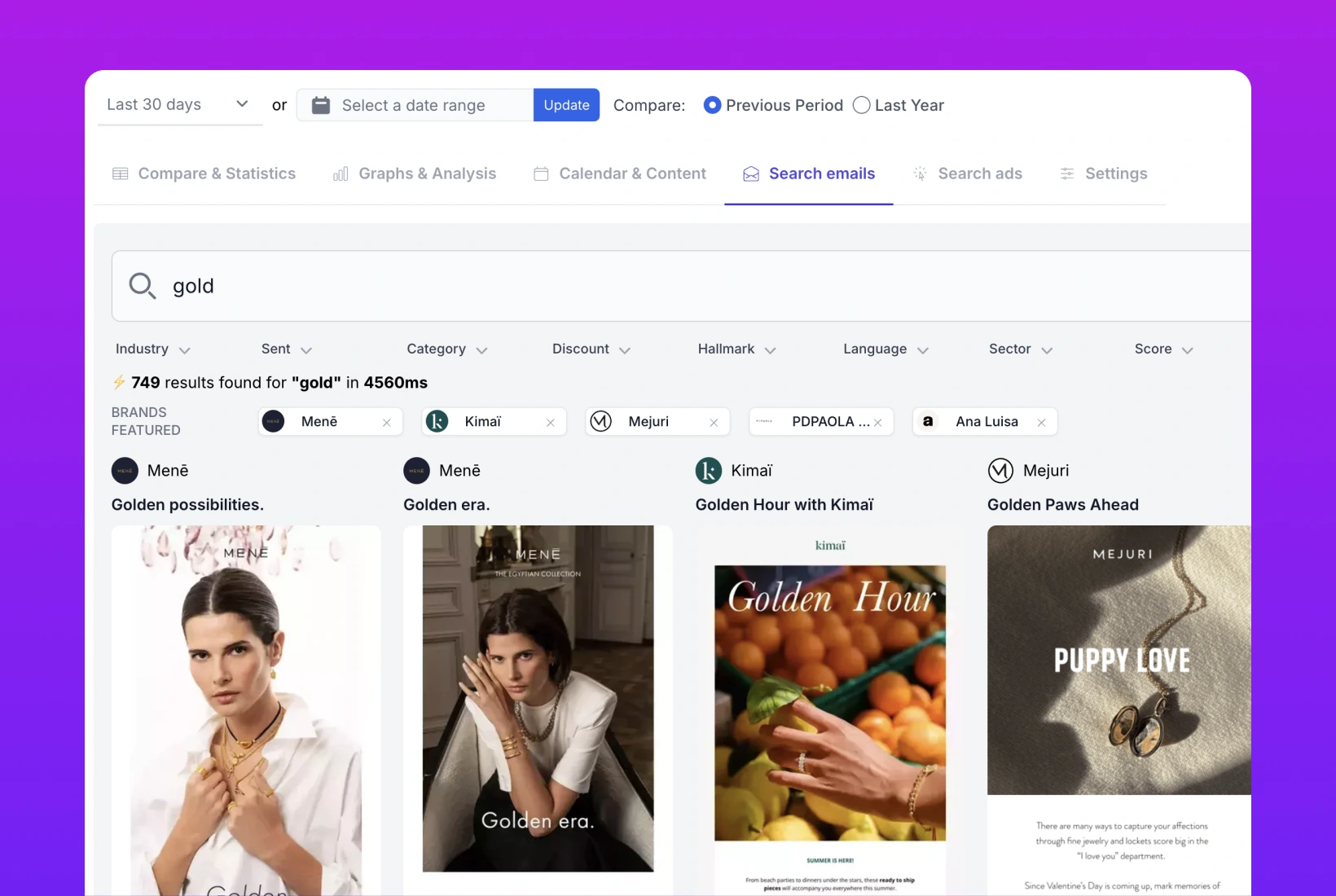
Open your Asset Library to browse examples across your saved lists. Search for a brand, an email subject, or words in the content, then filter by asset type. You can find the example even if you've forgotten which list you put it in.
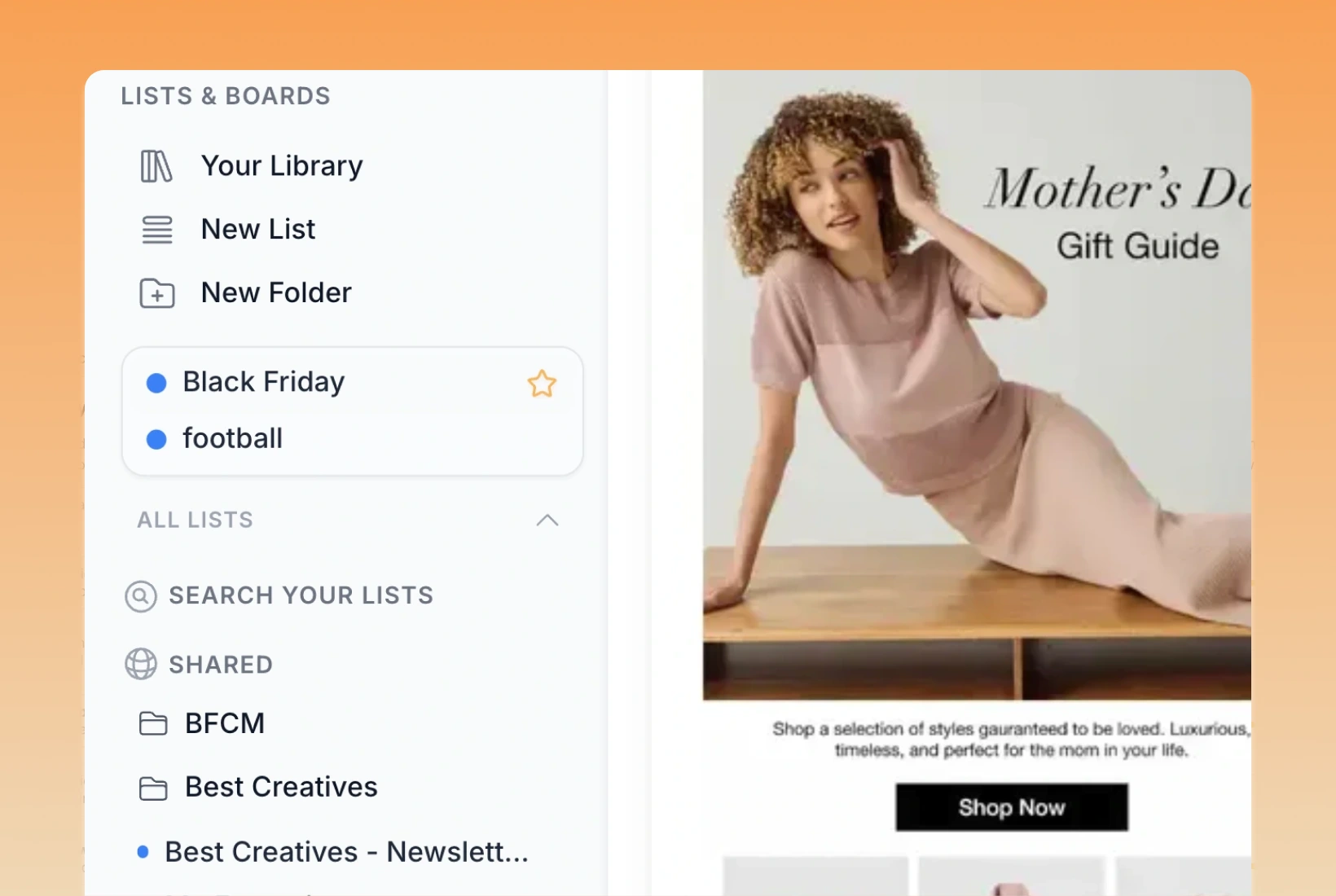
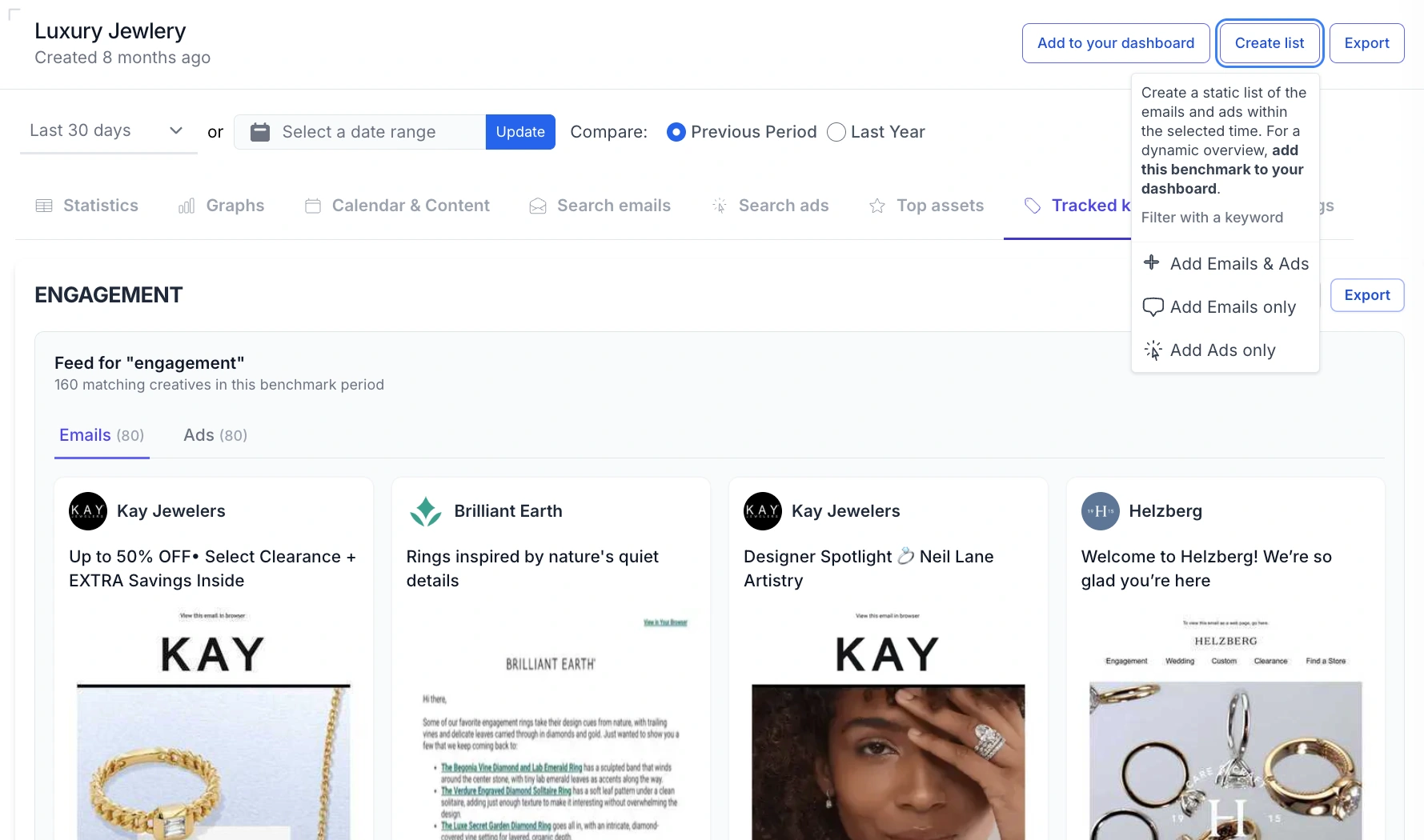
Yes. Create lists for a client's campaigns, product launches, or offers, then group those lists into a folder. Panoramata's Asset Library gives you a way to revisit the collection when that client's next brief comes around.
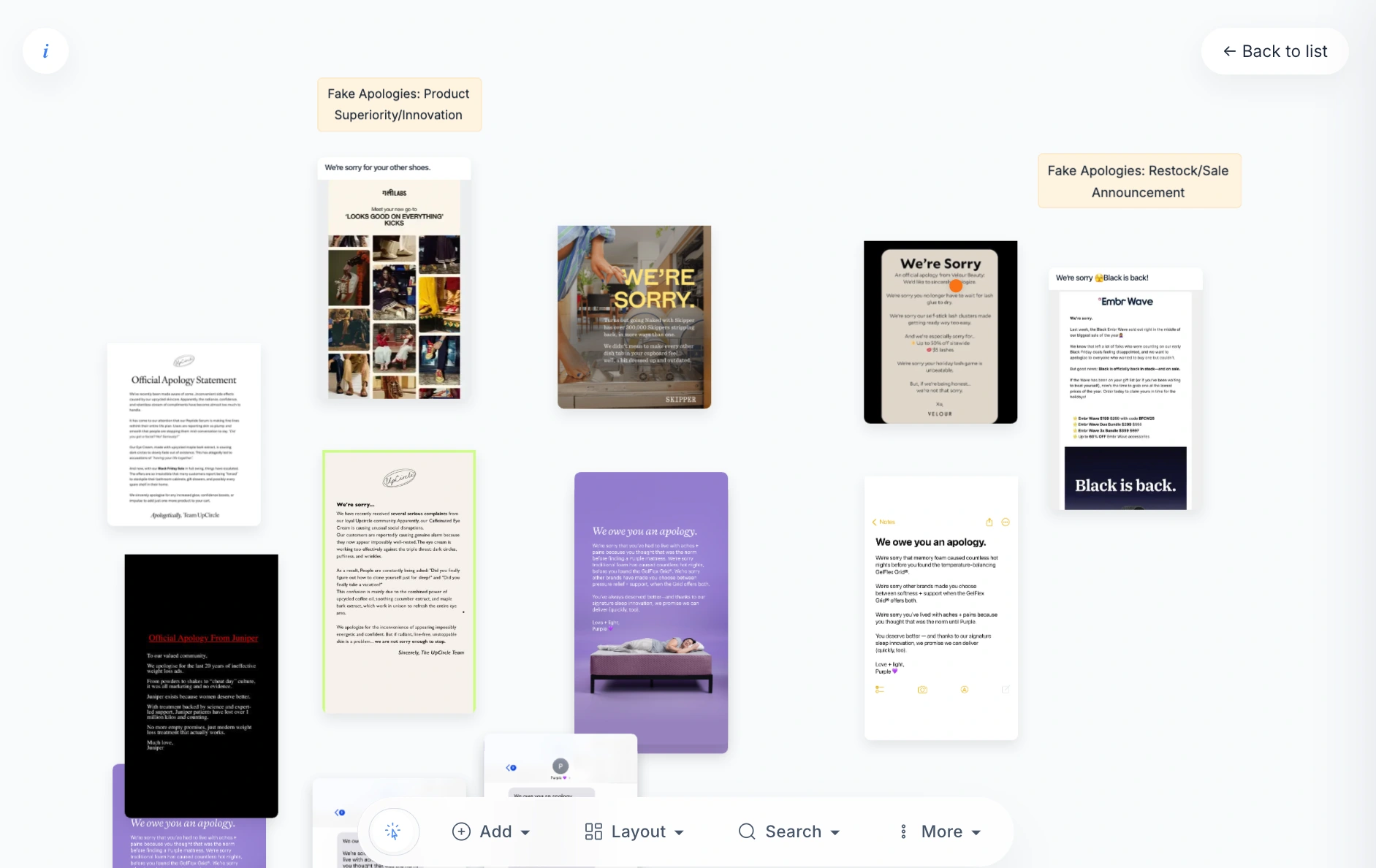
The Asset Library helps you browse and find examples across your saved lists. A Canvas Board gives you a visual space to arrange a list's assets and add notes. Use the library to find the reference, then the canvas to explain what you like about it.
Remind yourself to come back later via email.


