

You can detect new competitor landing pages from the Landings tab of a brand page.
At the top of the tab, the Landing Pages Overview summarizes the landing pages and website changes Panoramata is tracking for that brand. Use the New landings filter to see the pages Panoramata recently detected.
For broader context on what Panoramata can track on landing pages, read: What types of landing pages can I track?
Example: on the Onnit brand page, Panoramata shows 32 total landing pages tracked.
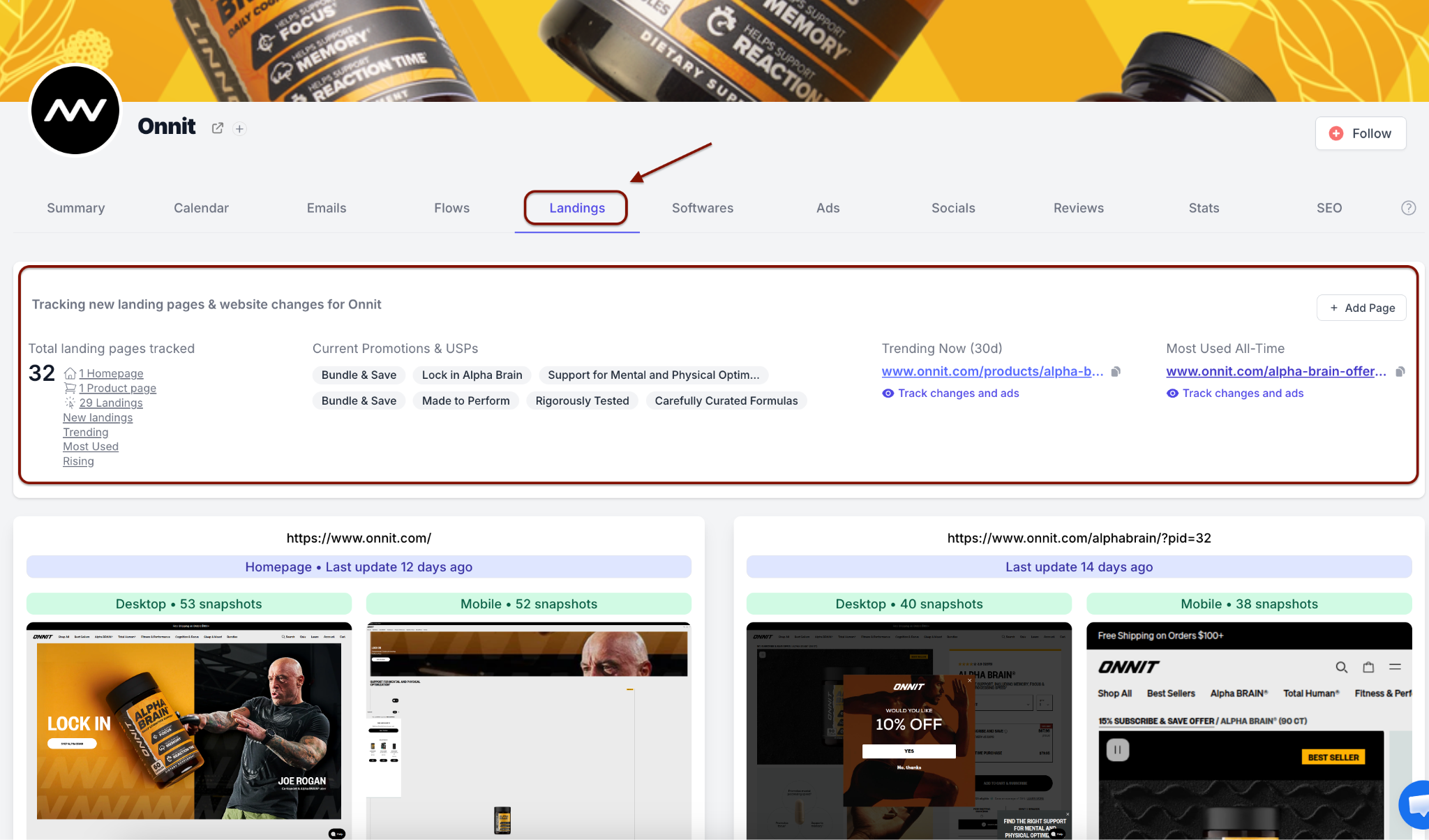
The Landings tab gives you a quick overview of tracked landing pages and recent website changes for the selected brand.
In the Onnit example, clicking New landings shows two new pages: one product page last updated 1 day ago and one ad landing page last updated 8 days ago.
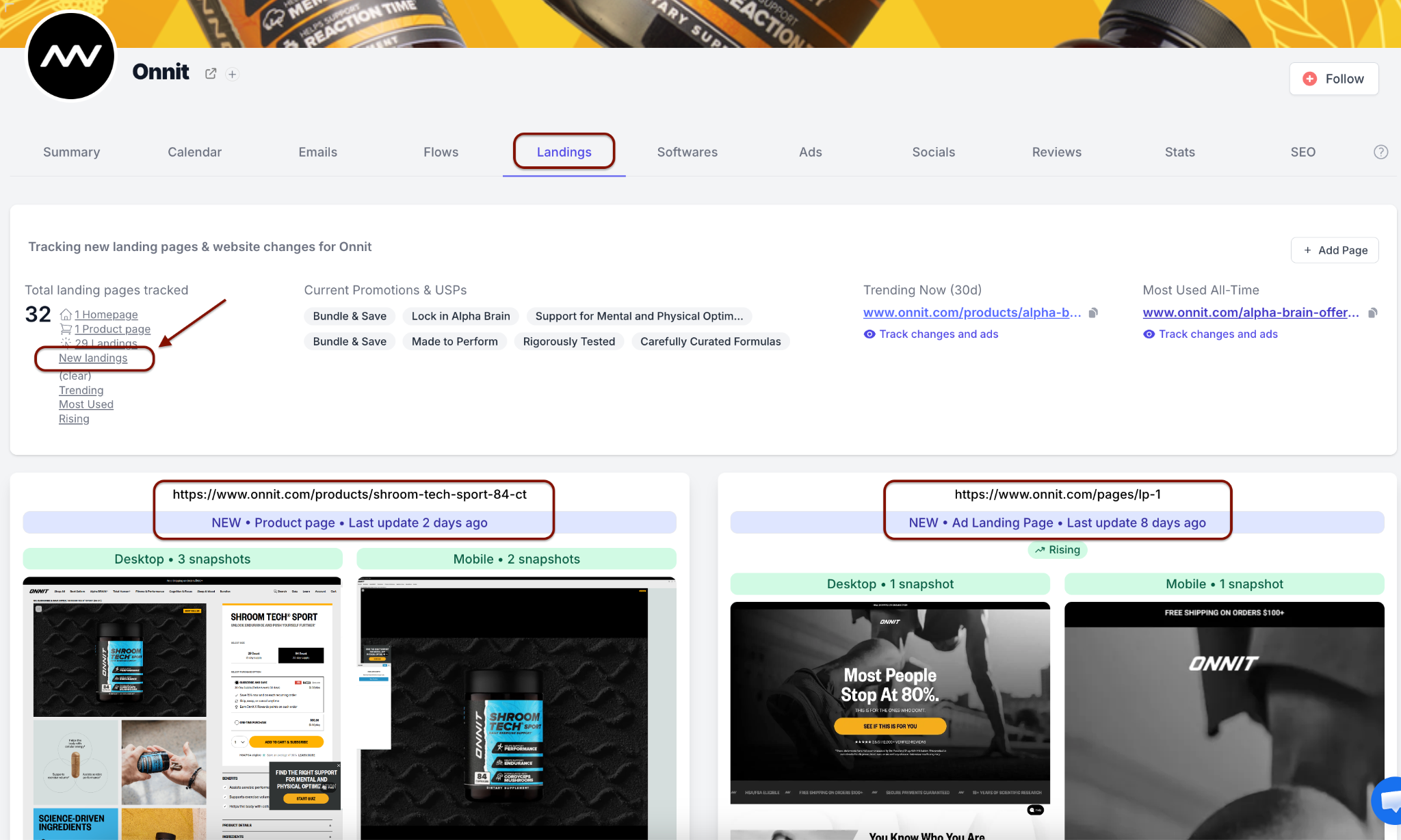
The New landings view isolates recently detected pages, so you can review fresh competitor pages without scanning every tracked URL.
Once you find the new pages, open the desktop or mobile snapshots to inspect the page creative, offer, copy, layout, and any website changes Panoramata has captured.
This helps you spot new product launches, ad-specific landing pages, offer tests, and fresh positioning changes from the competitor you are tracking.
If you want to continue exploring other competitor assets after checking new landing pages, read: How do I access content for inspiration?


1-minute signup, no credit card required
with our experts


