

Use benchmarks groups to organize companies into separate groups by country or language. You can create as many benchmarks as your subscription allows.
For example, to track Health & Wellness companies in the United States and the United Kingdom separately, create two benchmarks: Health & Wellness - US and Health & Wellness - UK.
1. Create one benchmark for each country or language you want to track. For the complete setup process, read: How to use benchmark reports?
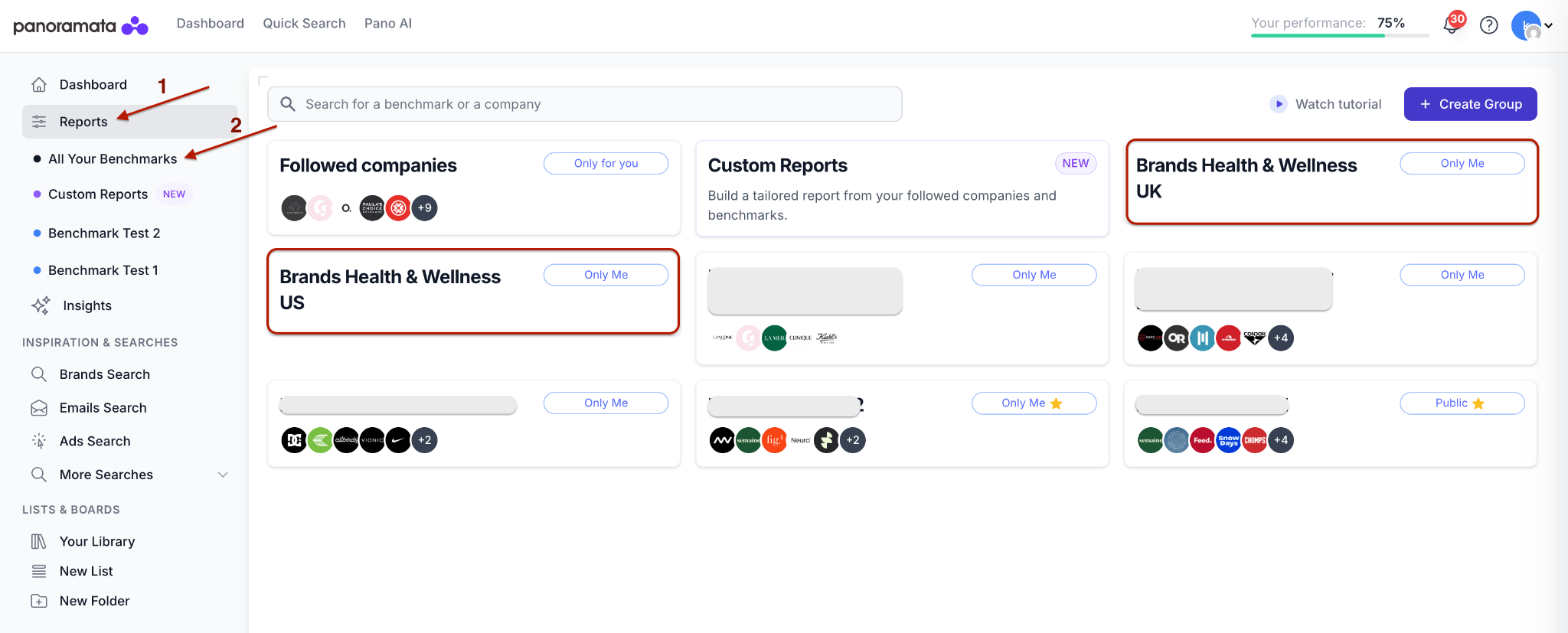
2. Open the benchmark you want to complete. To add companies, follow the steps in: How do I add a competitor to a benchmark report or dashboard?
3. Open the benchmark Settings and use filters to narrow the results. For the Health & Wellness - US benchmark, select Health & Wellness under Industry and US under Country.
4. Click Add to benchmark next to each company you want to include in Health & Wellness - US.
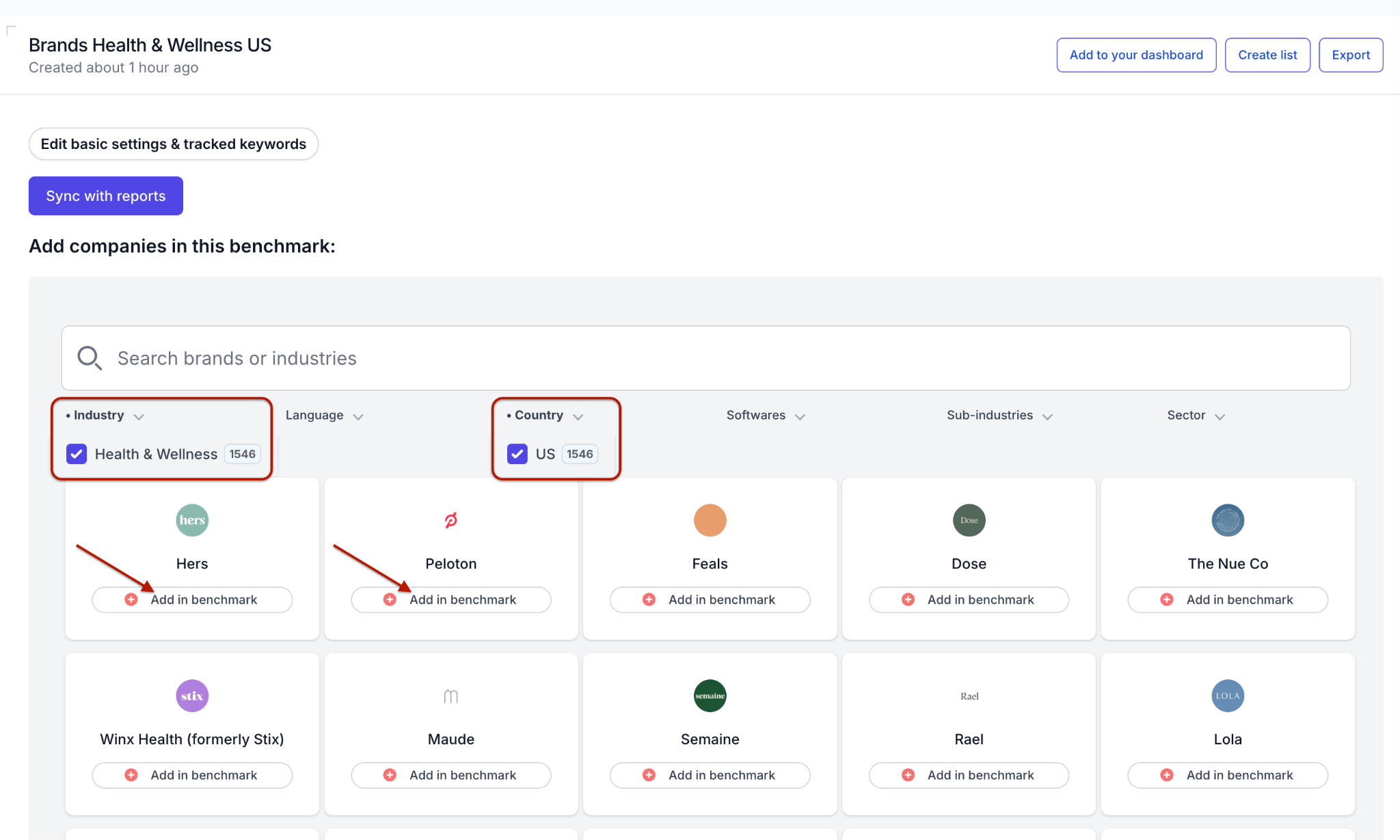
To build other groups, use the Country, Language, Industry, or Subindustry filters. You can combine filters when needed.
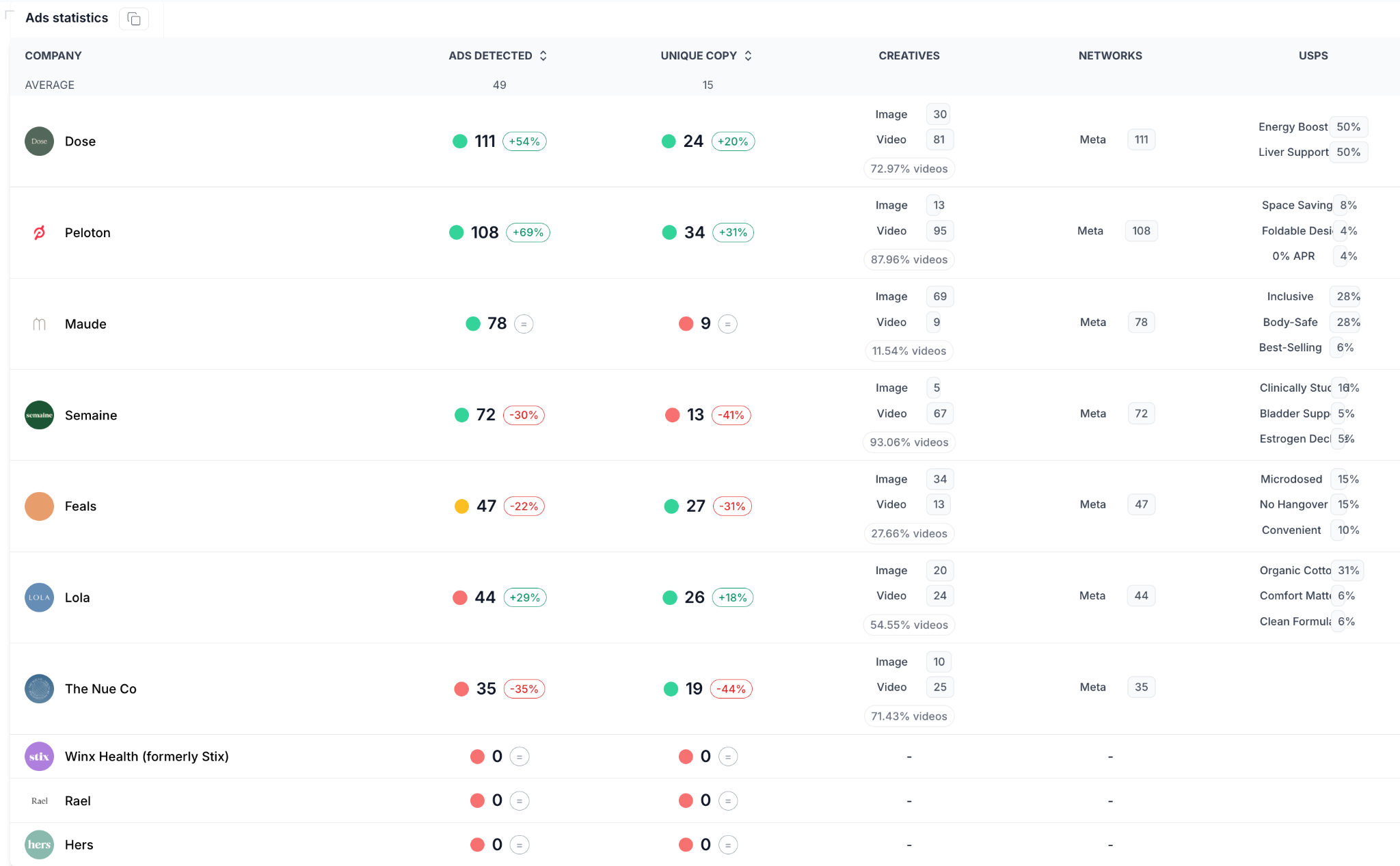
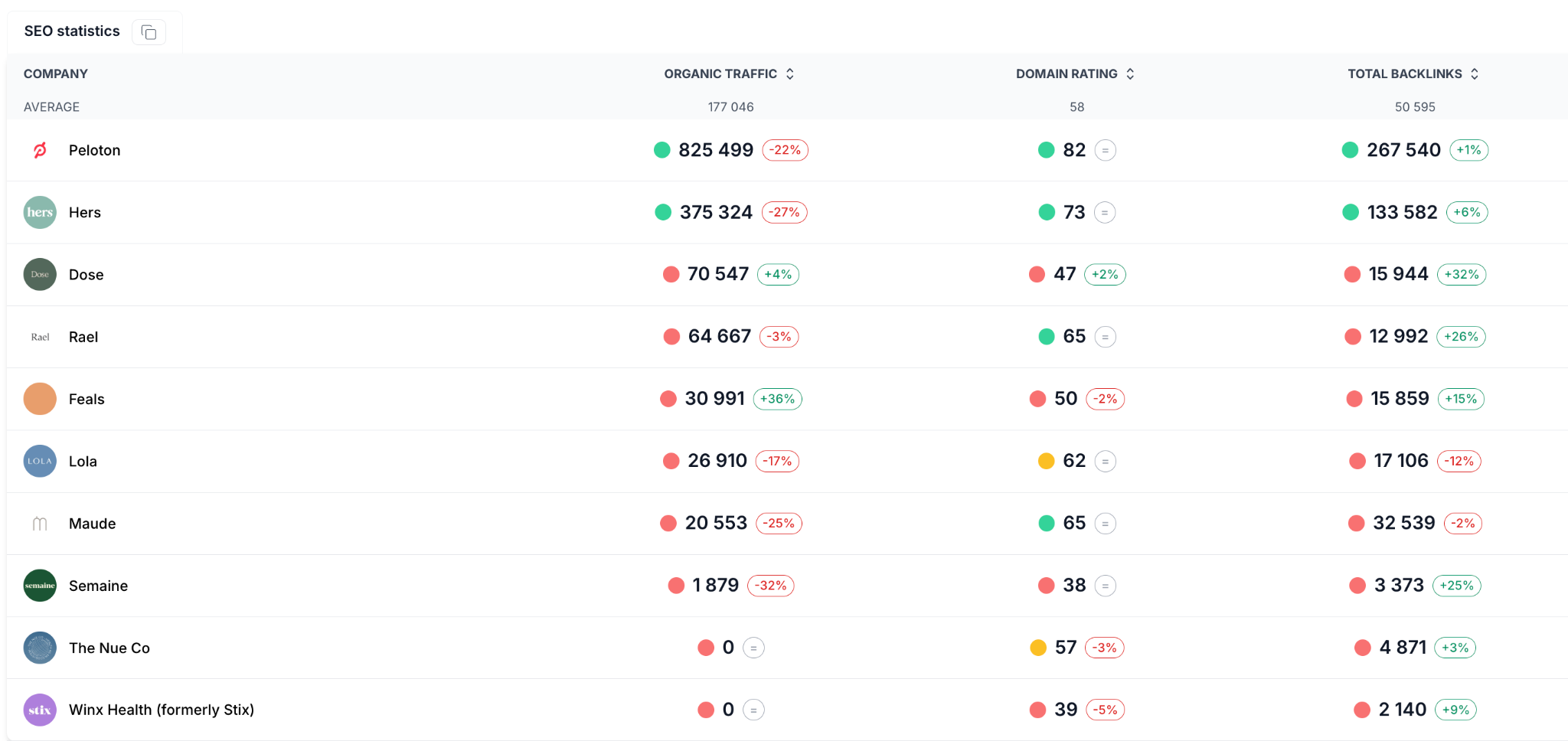
In this example, the first 10 companies from the filtered results were added to the benchmark.
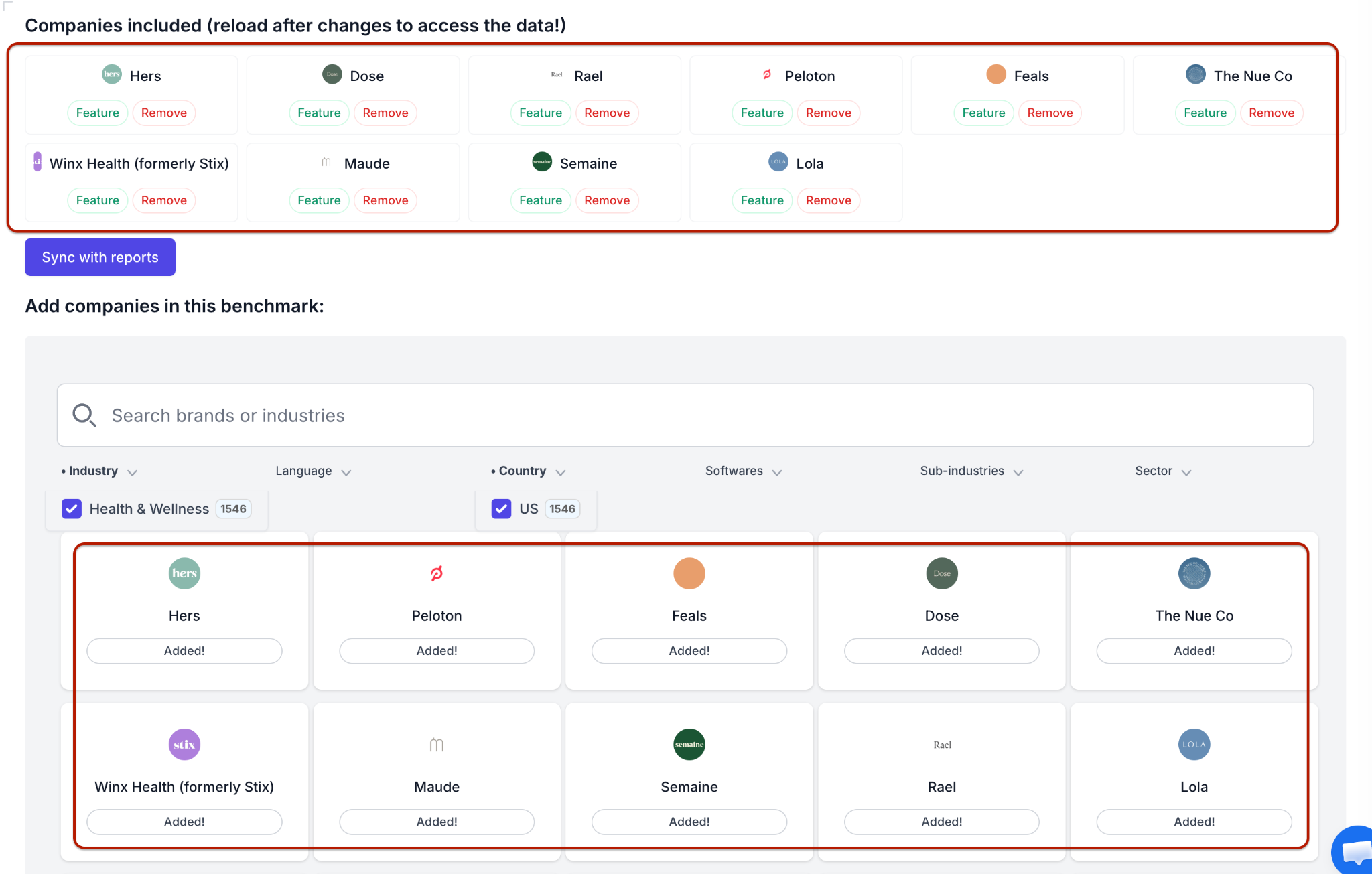
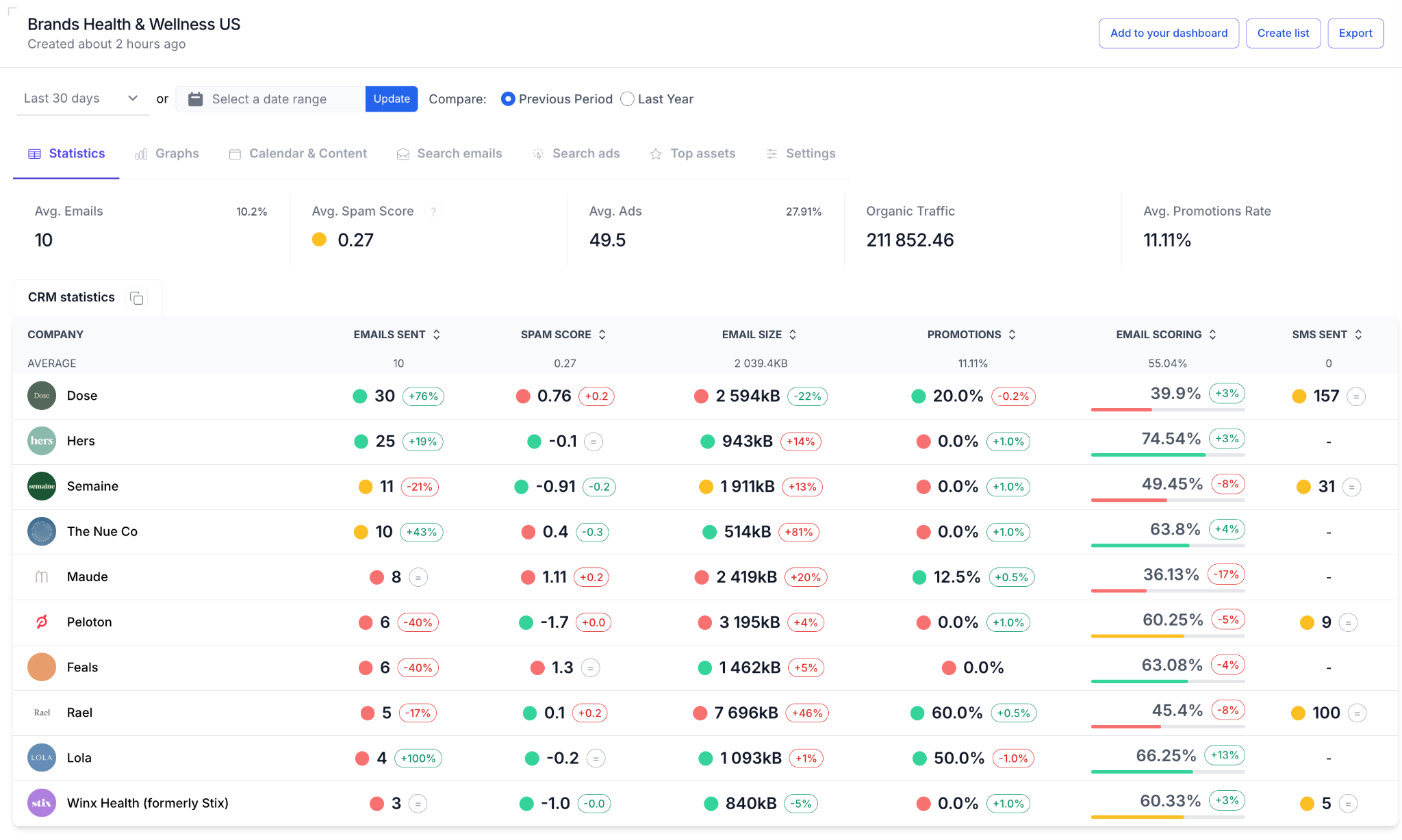
After reloading the page, the benchmark report displays data for those companies.


1-minute signup, no credit card required
with our experts


