

Yes, you can.
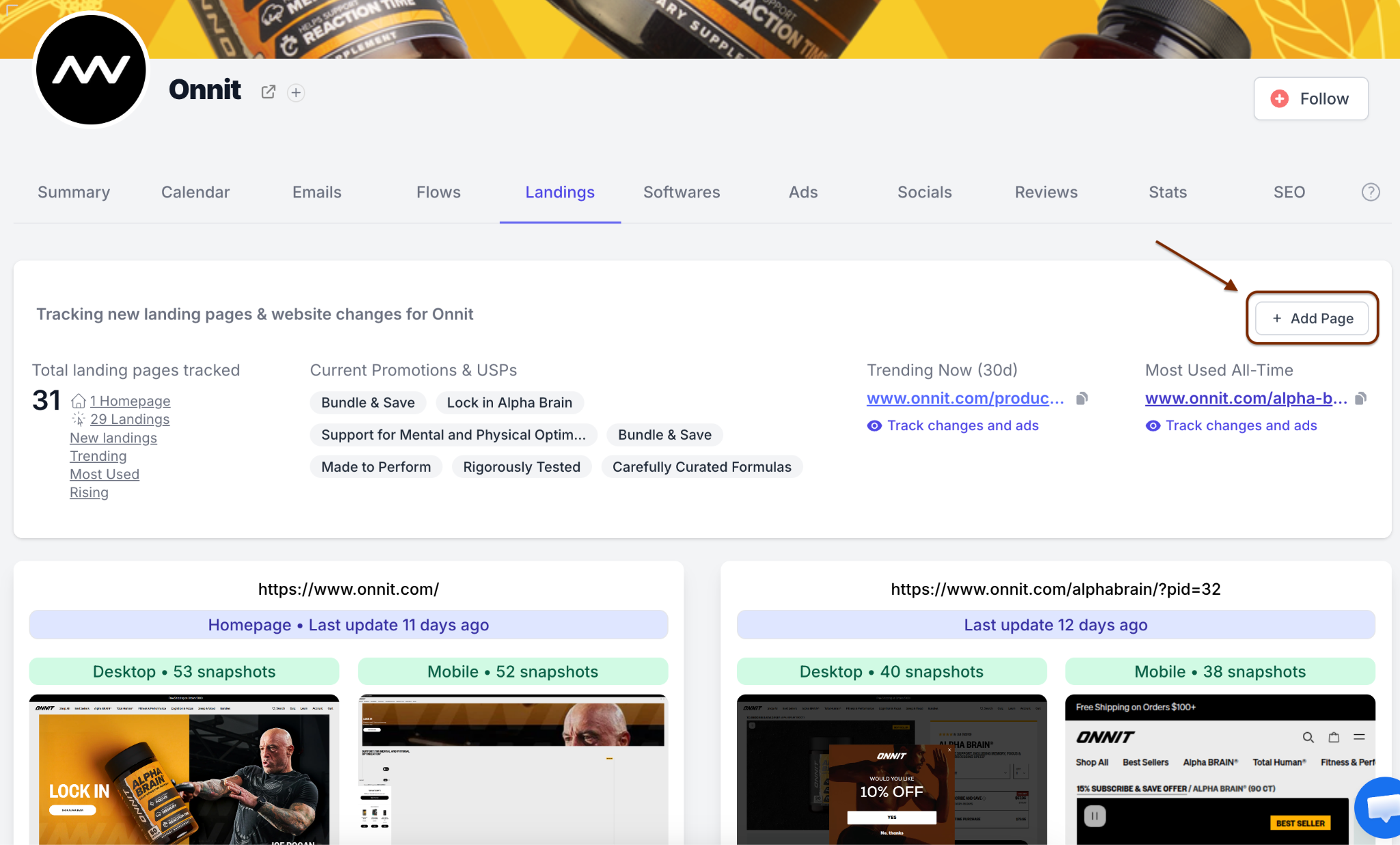
If Panoramata is not already tracking a specific landing page for one of your competitors, you can add it manually from the Landings tab.
To access the pages already tracked by Panoramata, open the competitor’s brand page and go to the Landings tab.
In this example, we’ll use the brand Onnit.
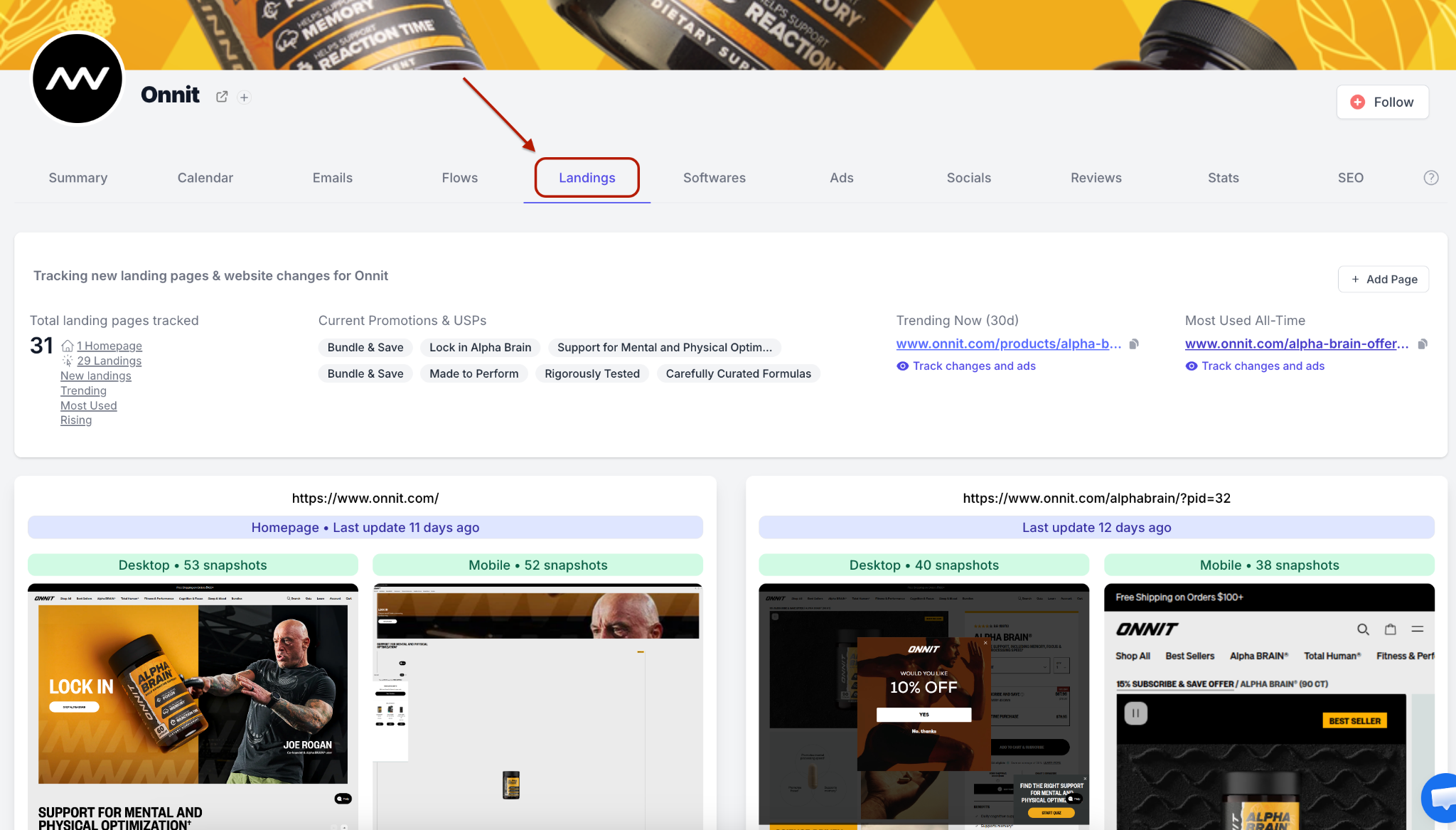
If you want to learn more about the types of pages Panoramata can track and the insights you can get from them, read: What types of landing pages can I track?
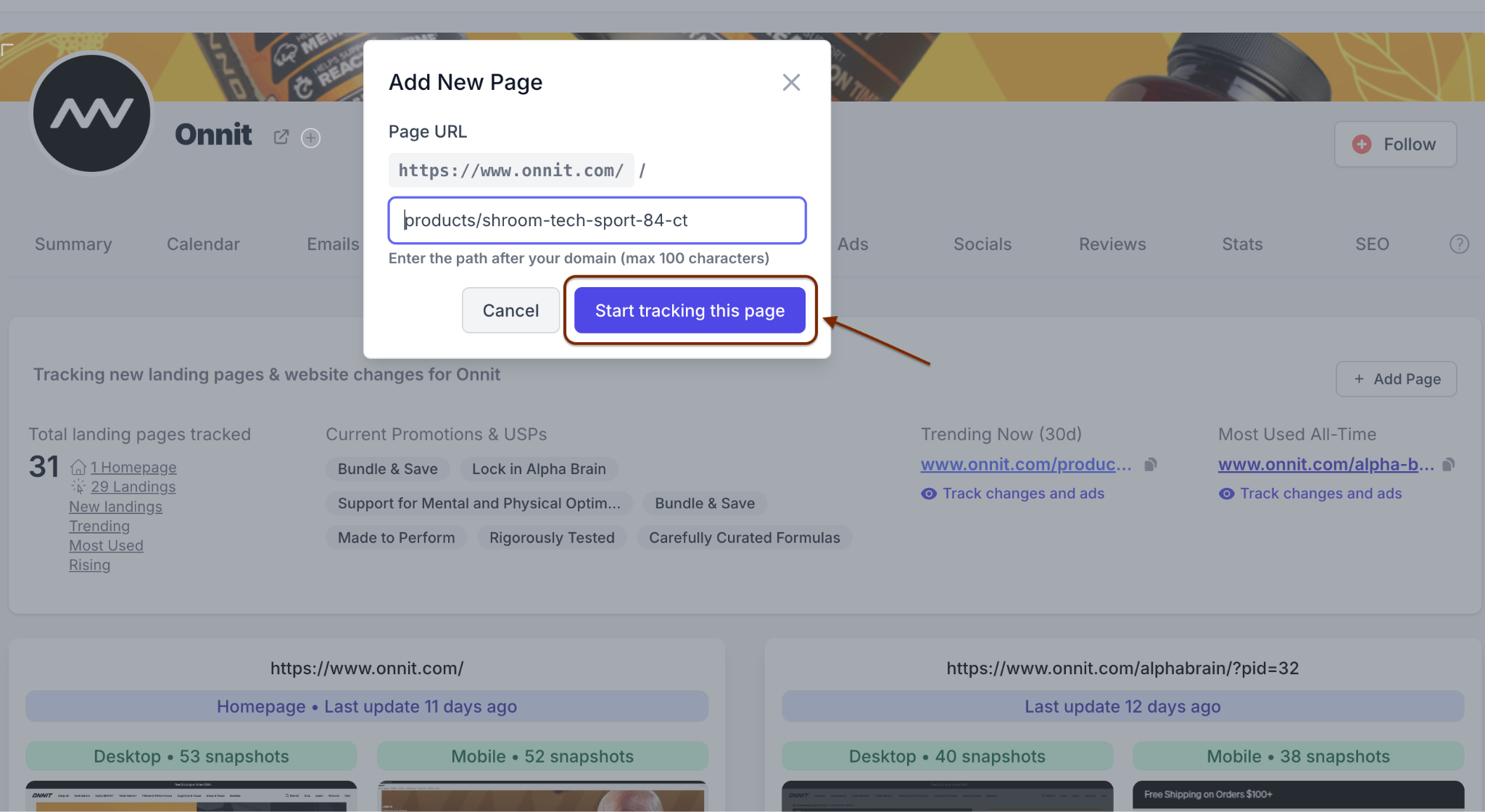
To add a landing page manually:
Once the page is added, it will appear in the tracked pages list with a screenshot of the current version of the page.
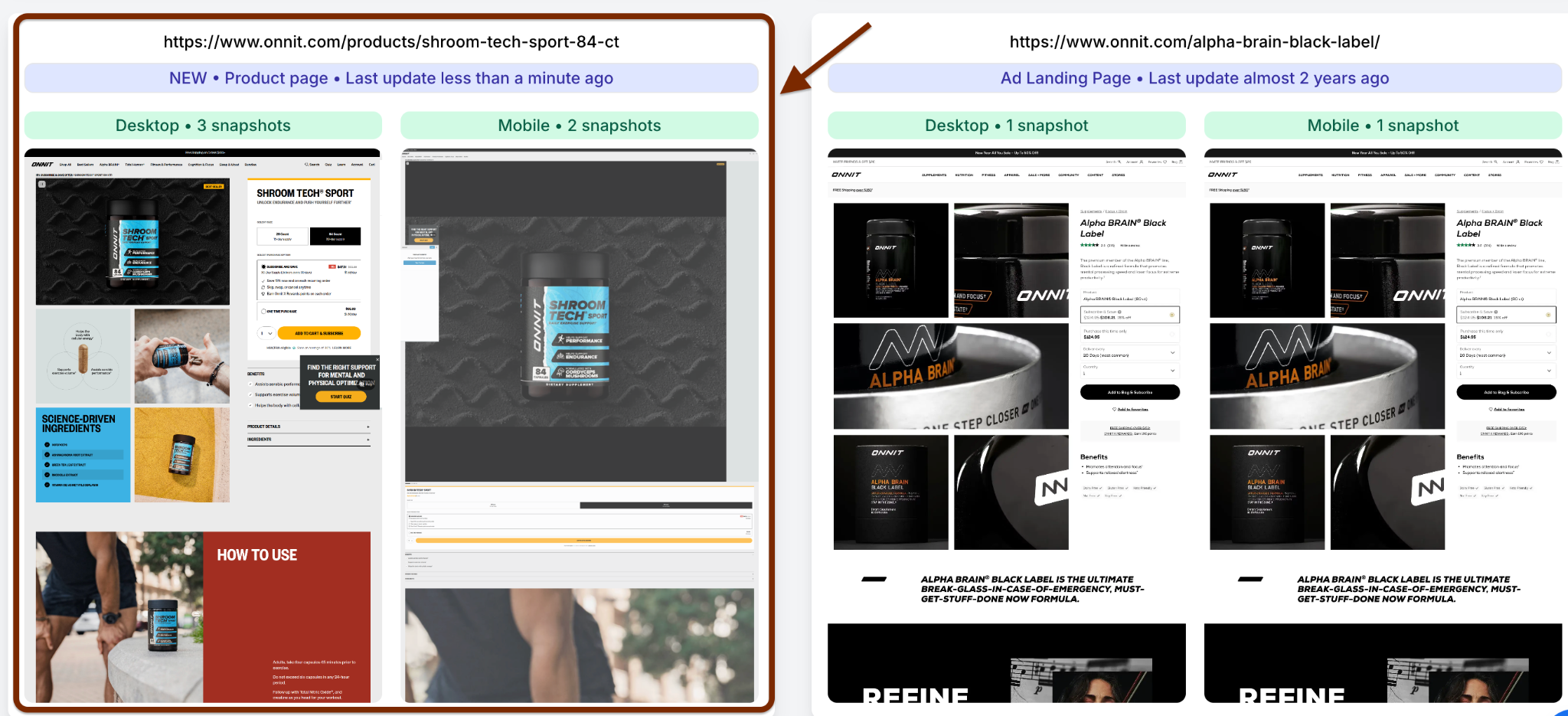
From there, Panoramata starts monitoring the page over time, so you can compare future changes across desktop and mobile snapshots.


1-minute signup, no credit card required
with our experts


