

Yes. In Panoramata, you can track funnels.
In this article, “funnels” refers to competitor landing pages and the ads associated with them. You can review the page a competitor is sending traffic to, see related ads when they are detected, and follow changes over time.
Use this when you want to review funnels from one specific competitor.




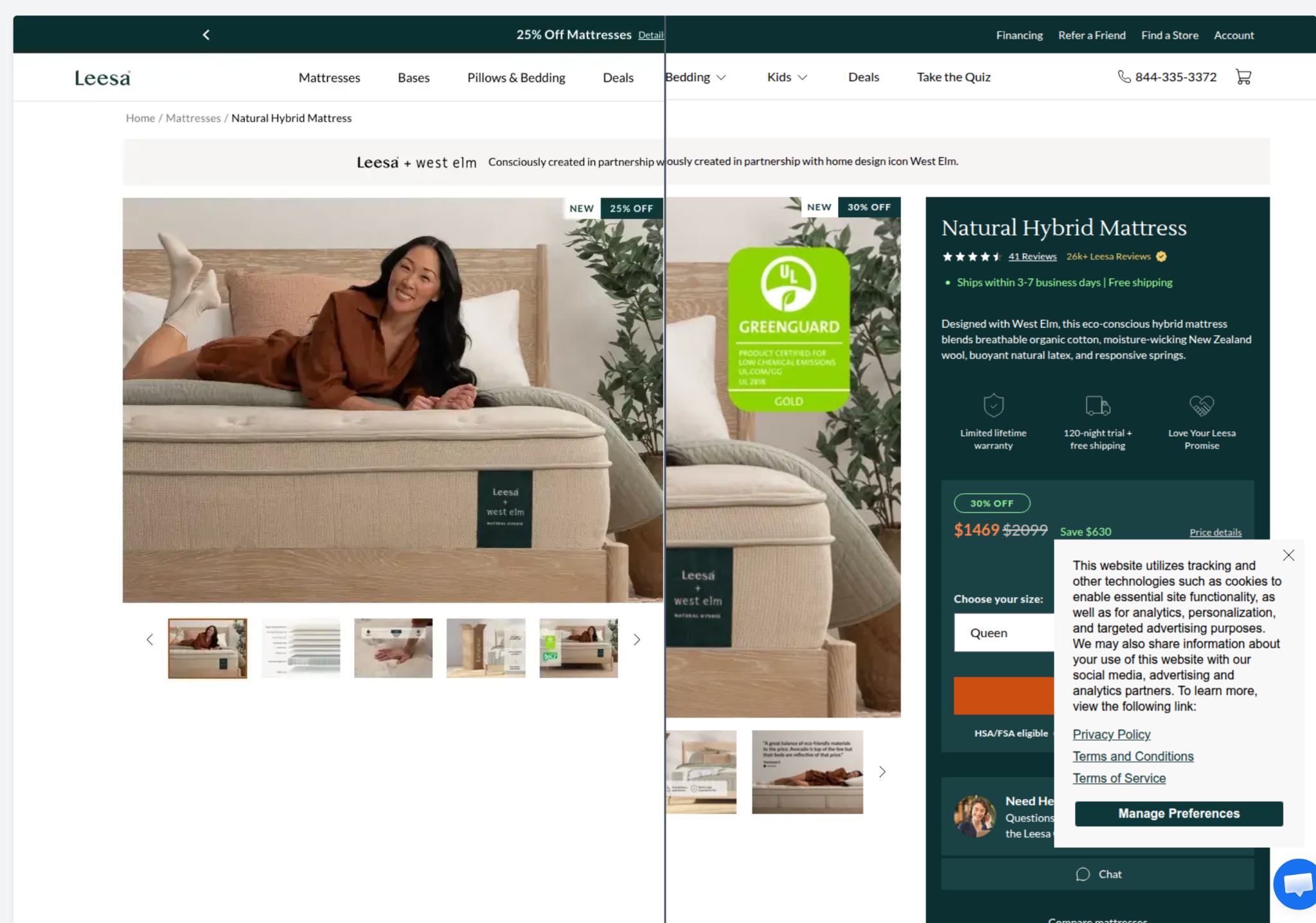
At the bottom of the landing page view, when associated ads are detected for that page, Panoramata shows:
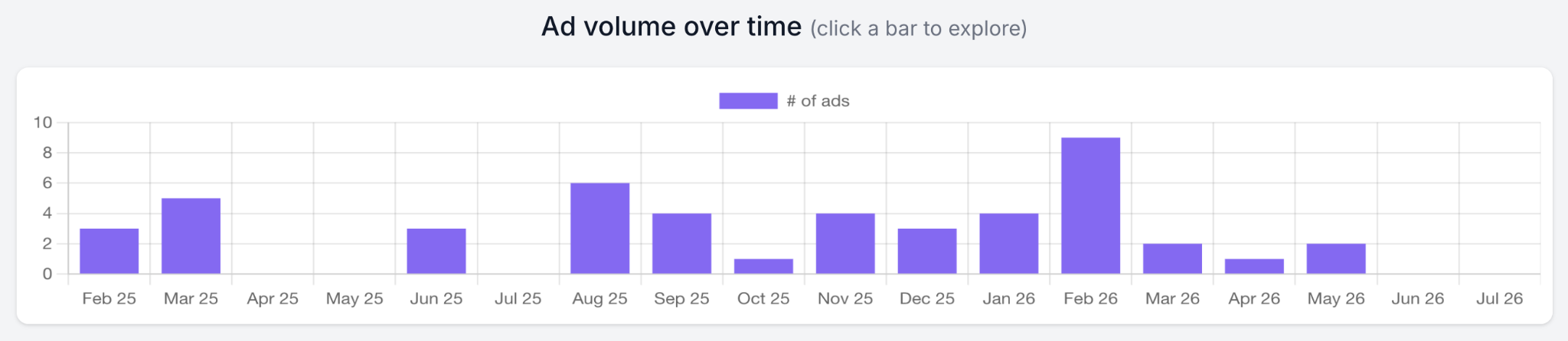

To see ads detected on a specific date, click the corresponding bar in the ad volume graph. The matching ads will appear at the top of the ads section.
To jump directly to the two related ads sections, click Top Related Ads at the top of the landing page view.

To understand what Panoramata can track on landing pages, read: What types of landing pages can I track?
You can also use Landings Search from the left-hand menu when you want to search landing pages across multiple brands instead of starting from one competitor.
This is useful when you want to find funnels by keyword, industry, category, sector, language, or within a specific group of brands.

For each funnel, you can review:
If you want to search ads separately, read: How do I search for ads inspiration?


1-minute signup, no credit card required
with our experts


