

Yes. Panoramata can send a weekly summary by email, and you can set up extra reports or alerts from the Notification Center.
Panoramata sends a weekly summary every Monday.
The summary helps your team keep track of recent competitor activity without opening the platform every day.
If you need to follow more brands first, read: How do I track more companies? Is there a limit?
To create a report or alert:
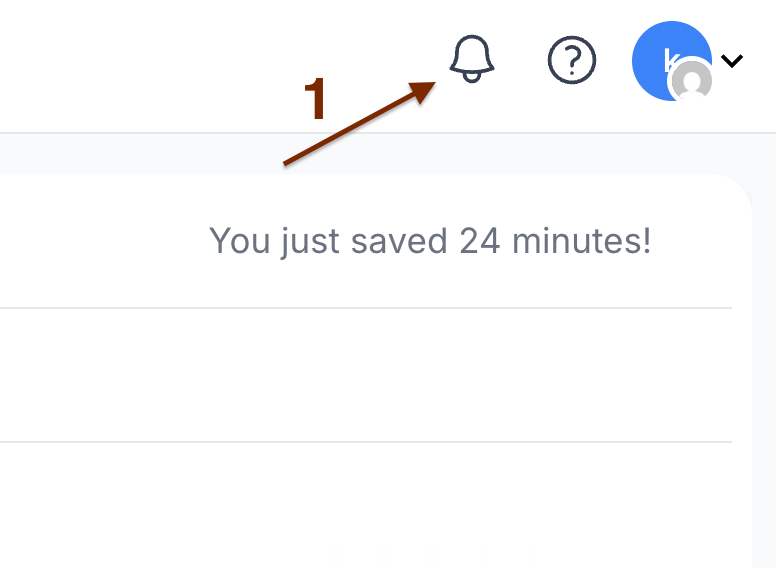
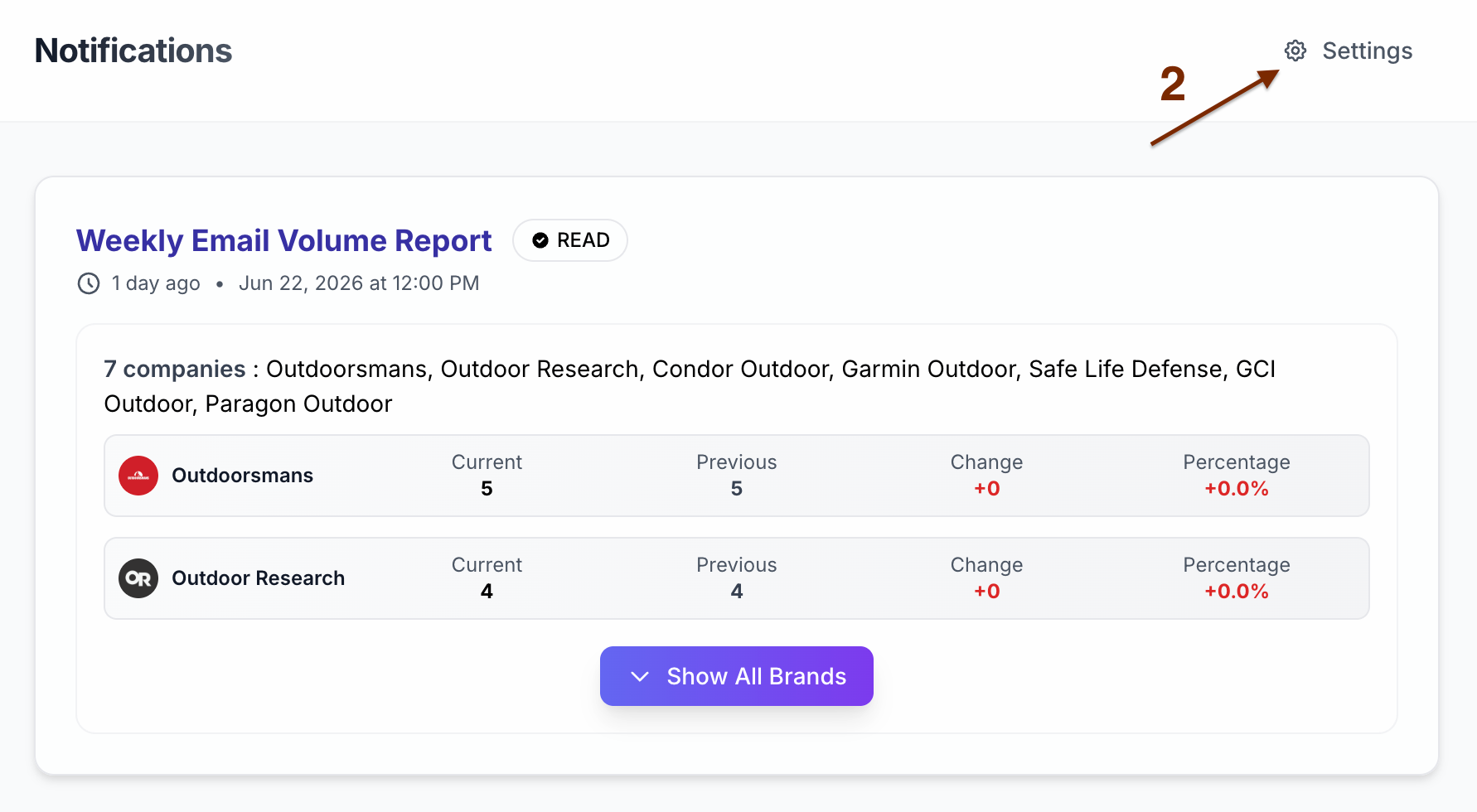
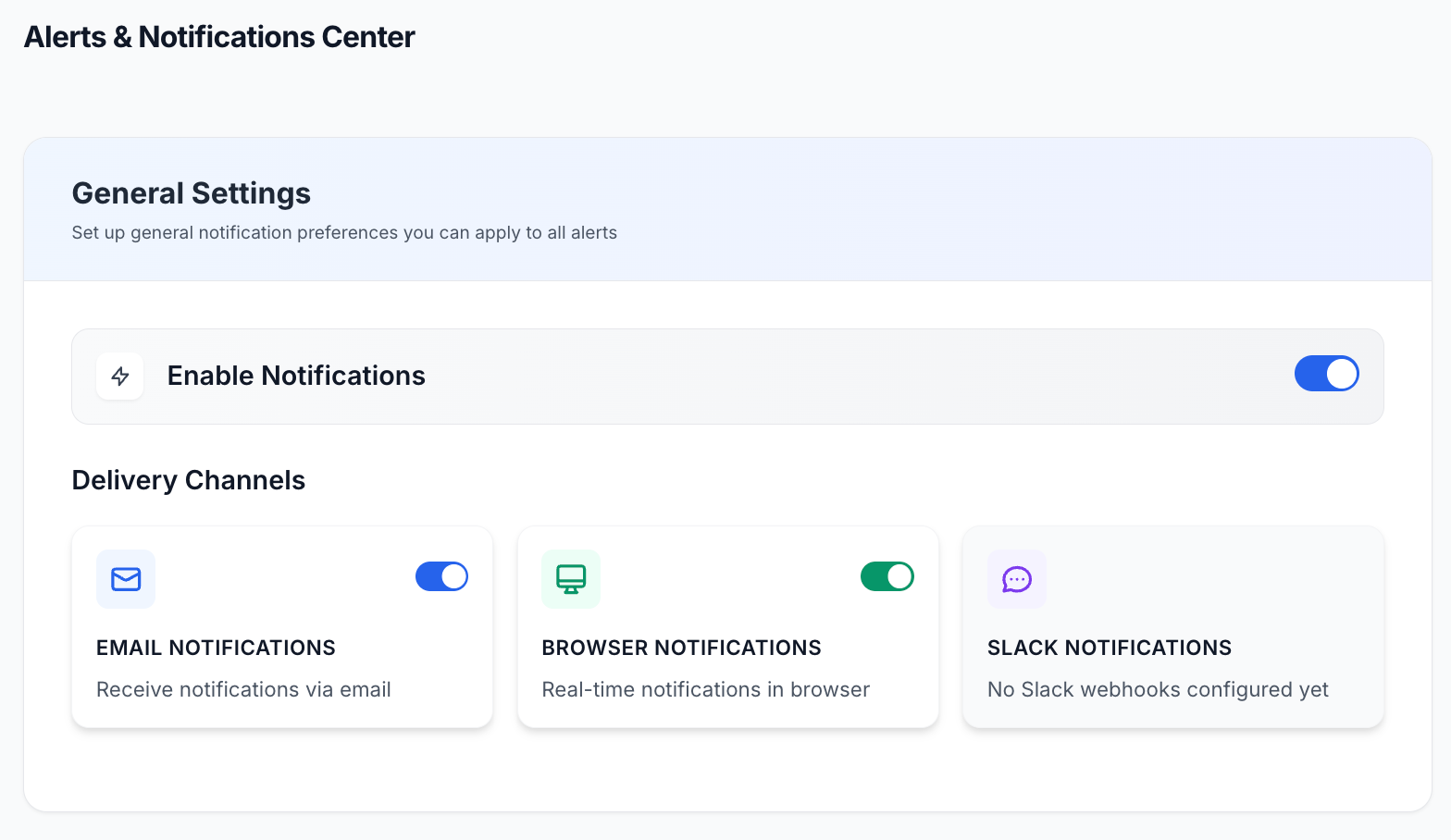
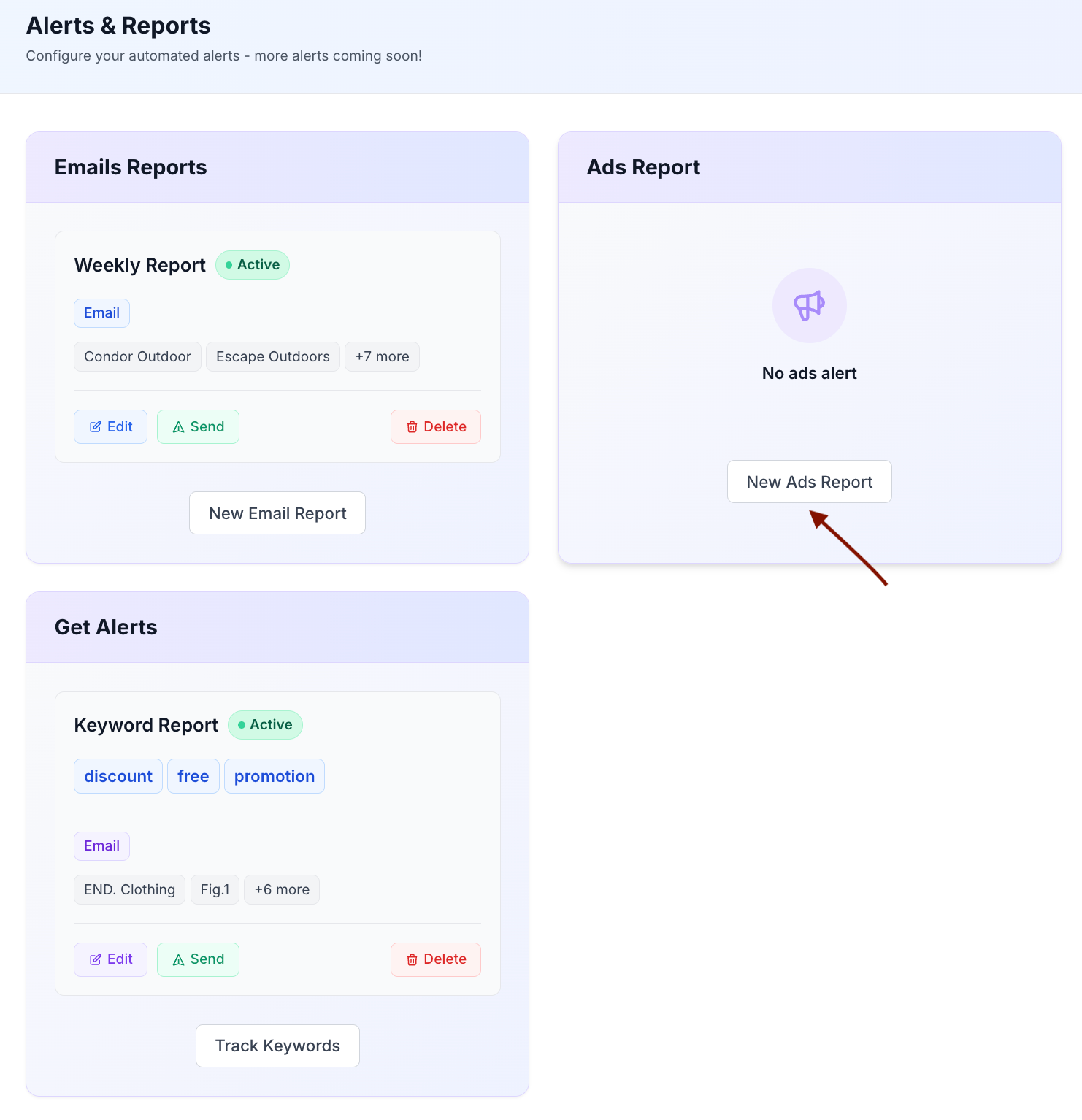
In the screenshot above, an Email Report and a Keywords Tracking report are already created. You can create multiple email reports, ads reports, or keyword tracking reports.
For example, to create an ad report, click New Ads Report.
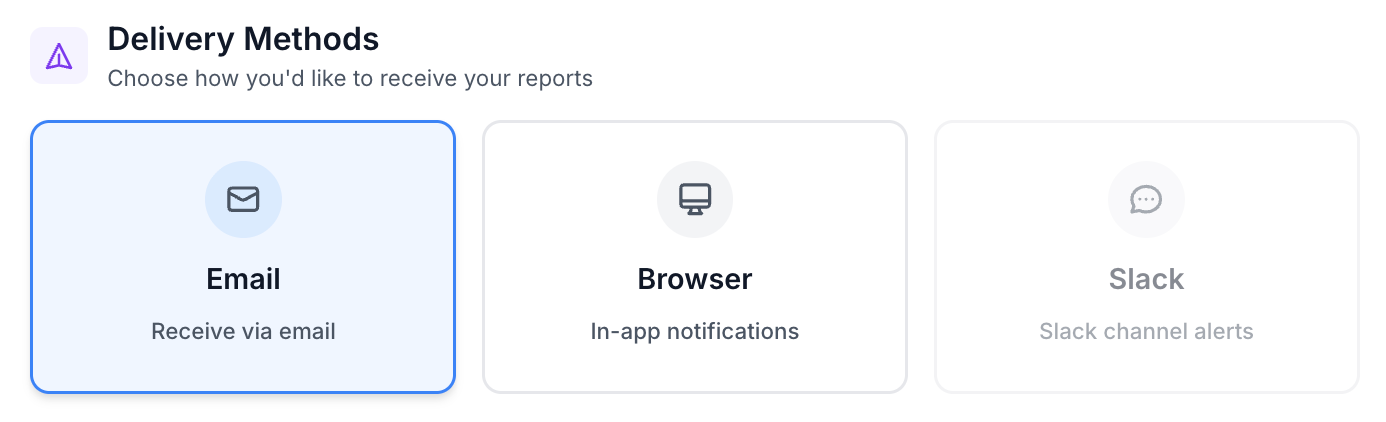
The remaining settings let you choose when the report is sent, how you receive it, and which brands it covers.
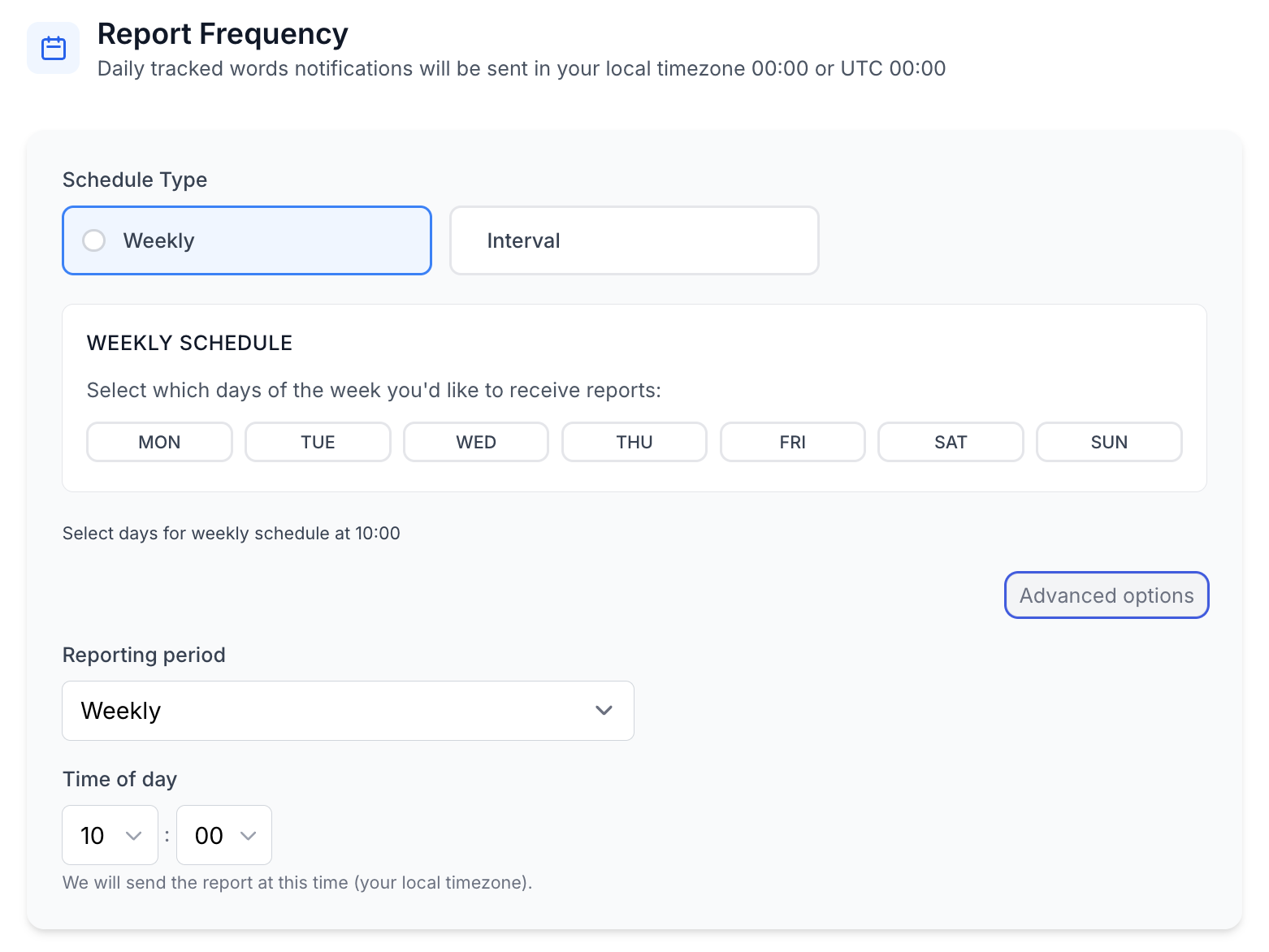
You can choose a weekly, bi-weekly, or monthly frequency. You can also define a custom interval from 1 to 30 days with the Interval option.
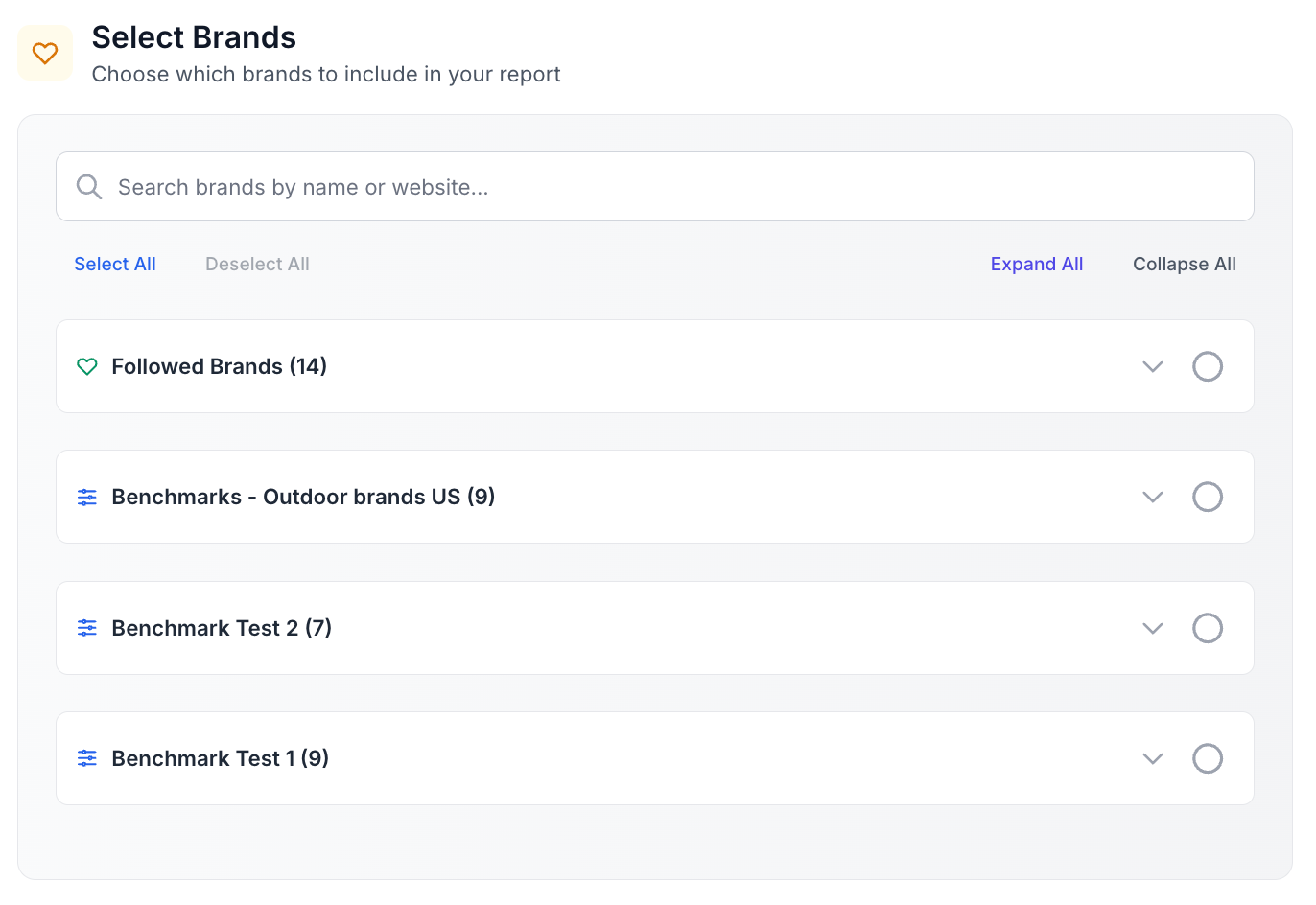
Use the search field to find brands, or select brands from your followed brands and benchmarks. You can include all brands or choose only specific brands.
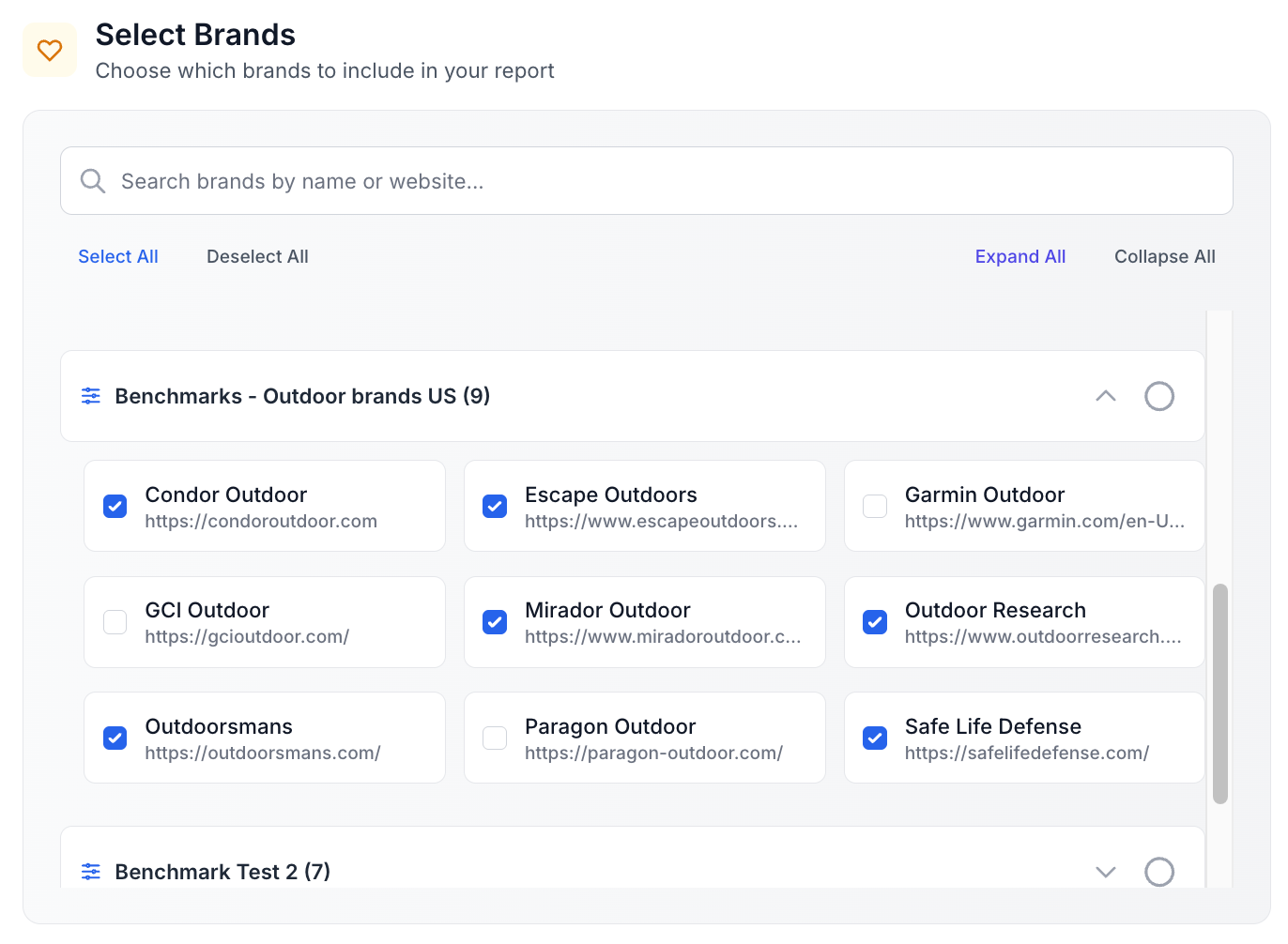
The report includes two main sections:
Reports are sent to the email address connected to the Panoramata user account.
If another team member needs to receive the emails, they need access to the same Panoramata account. Once they join the account, they can receive these reports as well.
Receiving automated reports is useful for regular monitoring. If your team wants to explore more visual examples and campaign details, review dashboards, Insights, emails, ads, or landing pages directly in the platform.


1-minute signup, no credit card required
with our experts


